In HCL Leap 9.3.11 a new Swagger UI has been introduced.
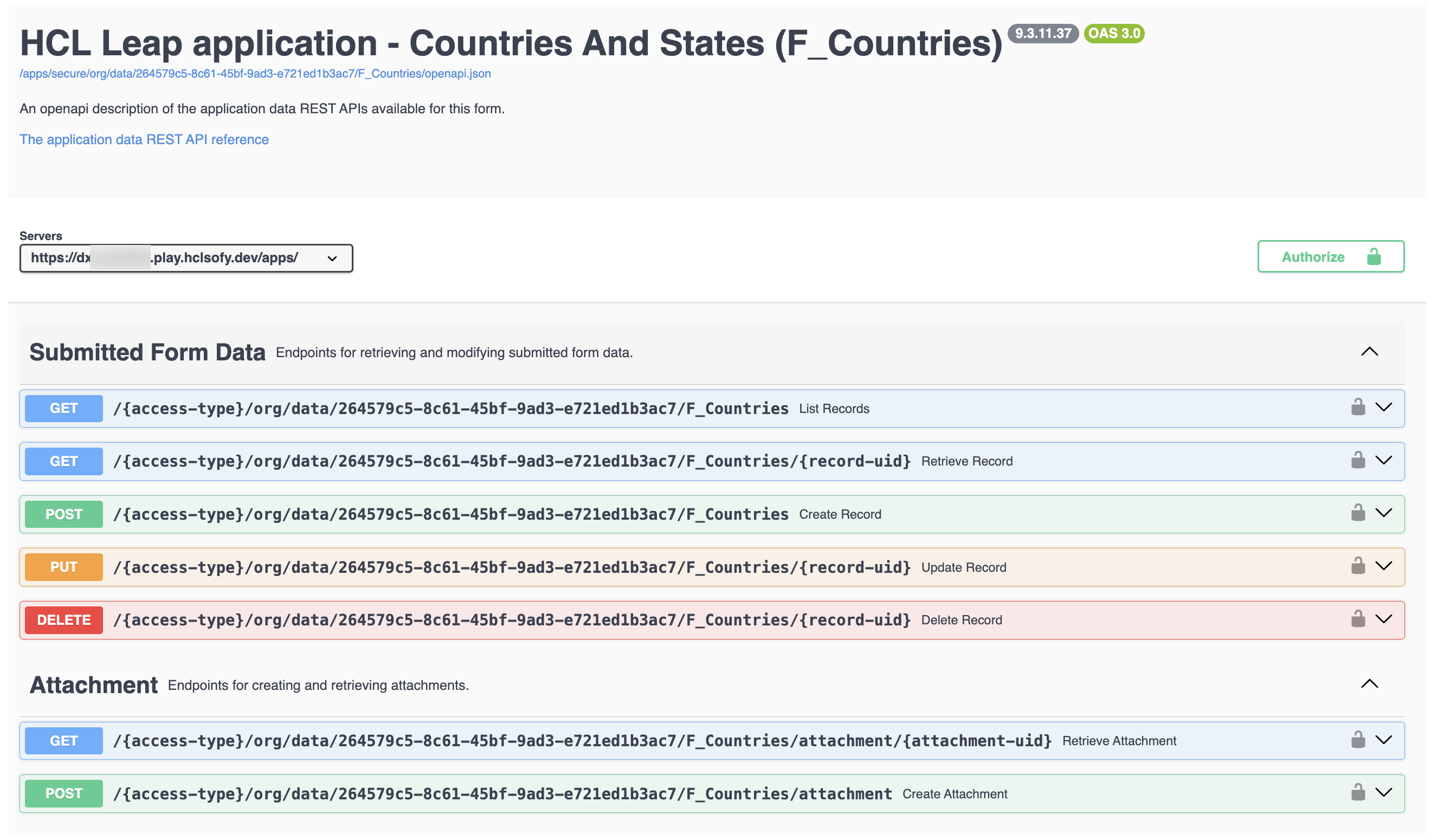
So how can you access it?
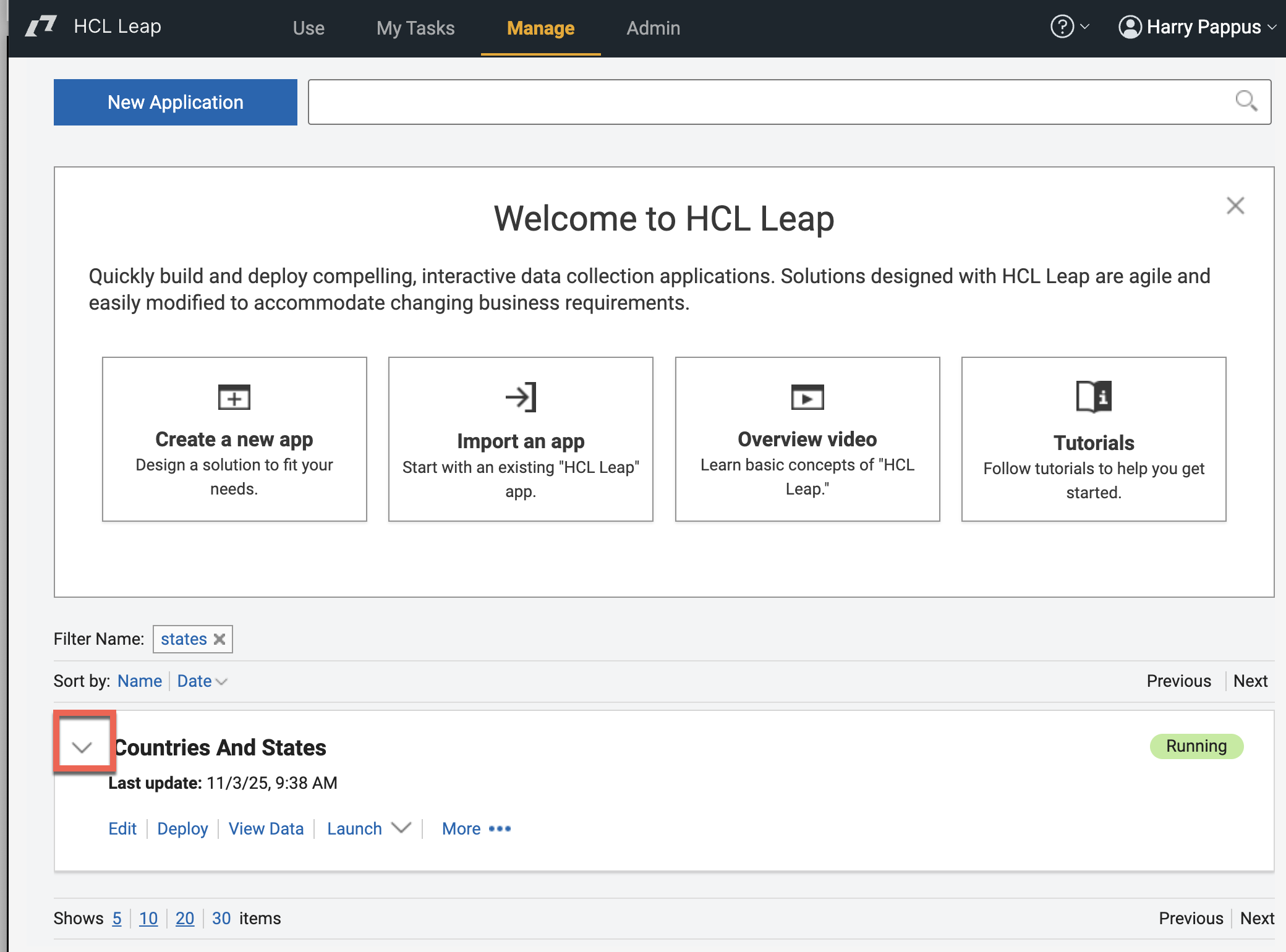
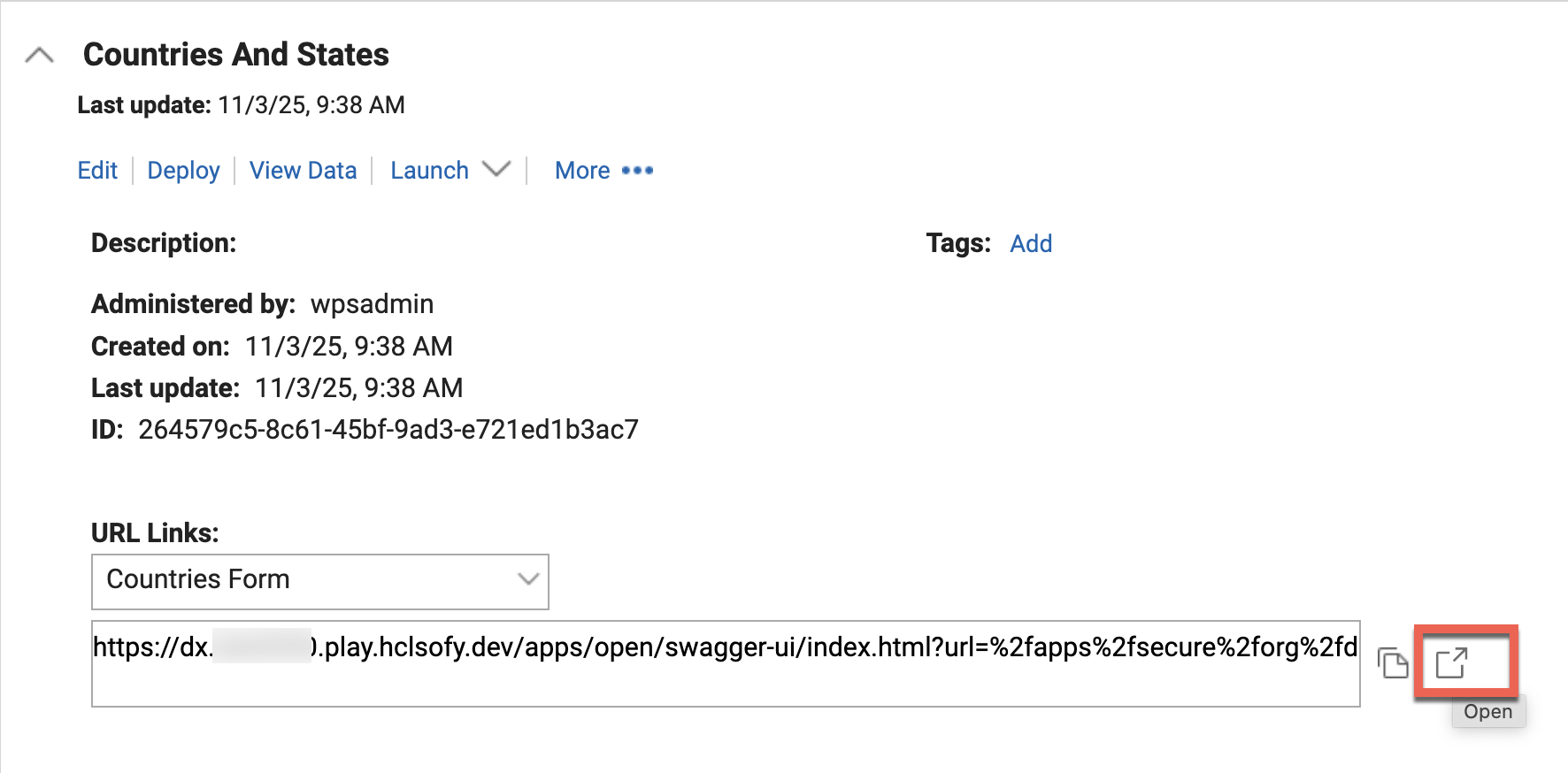
Expand any of your applications
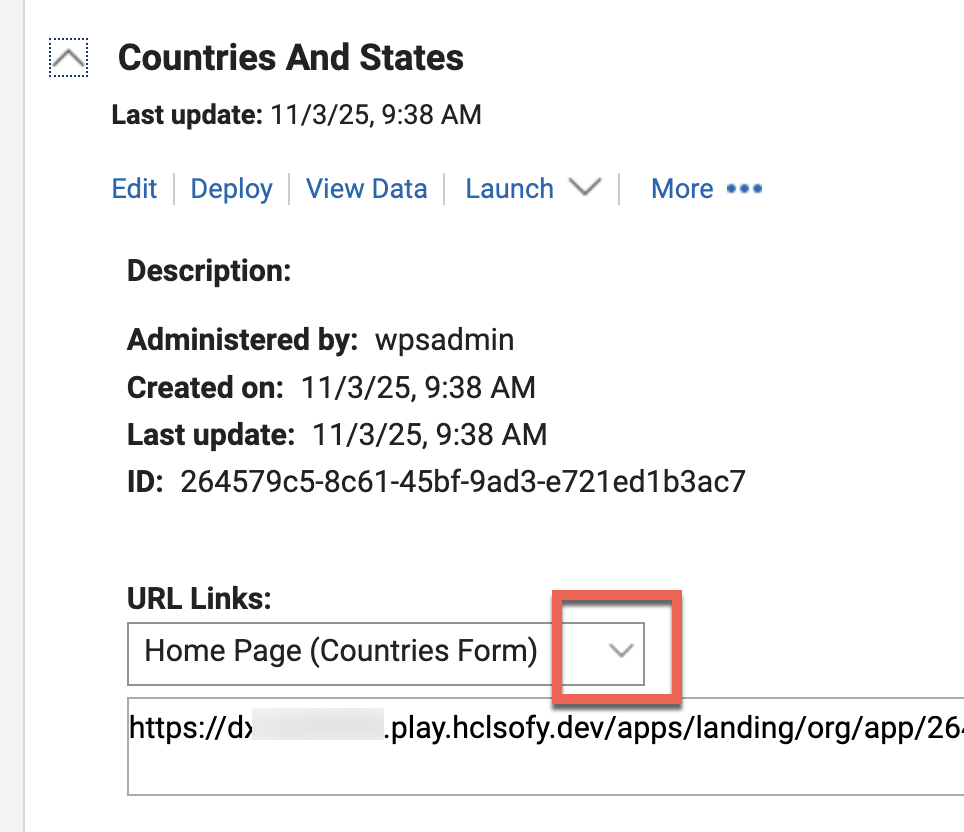
And open the URL Links
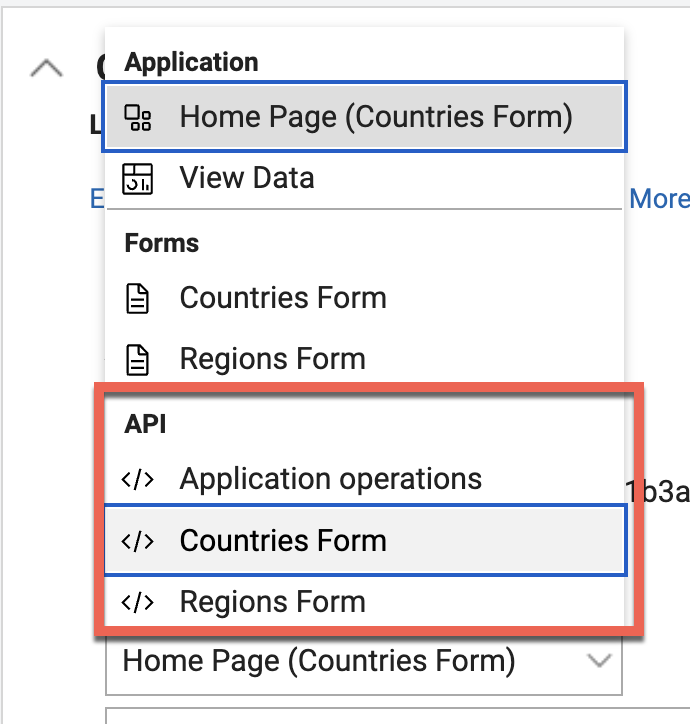
And you see the API entries for each form. Select any, e.g. Countries Form.
And open that URL:
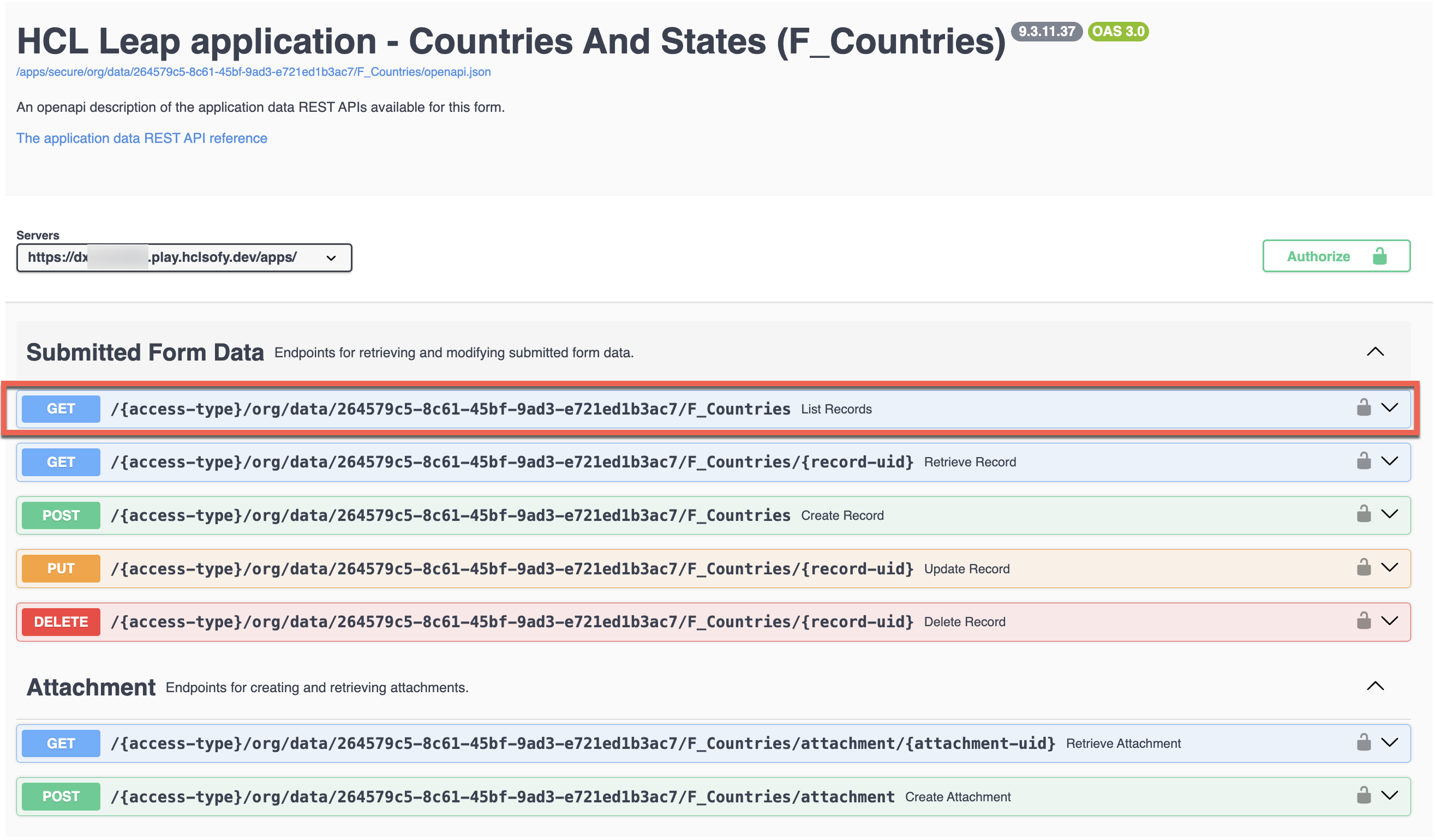
And then you can try any of them on your application. For example, get all countries.
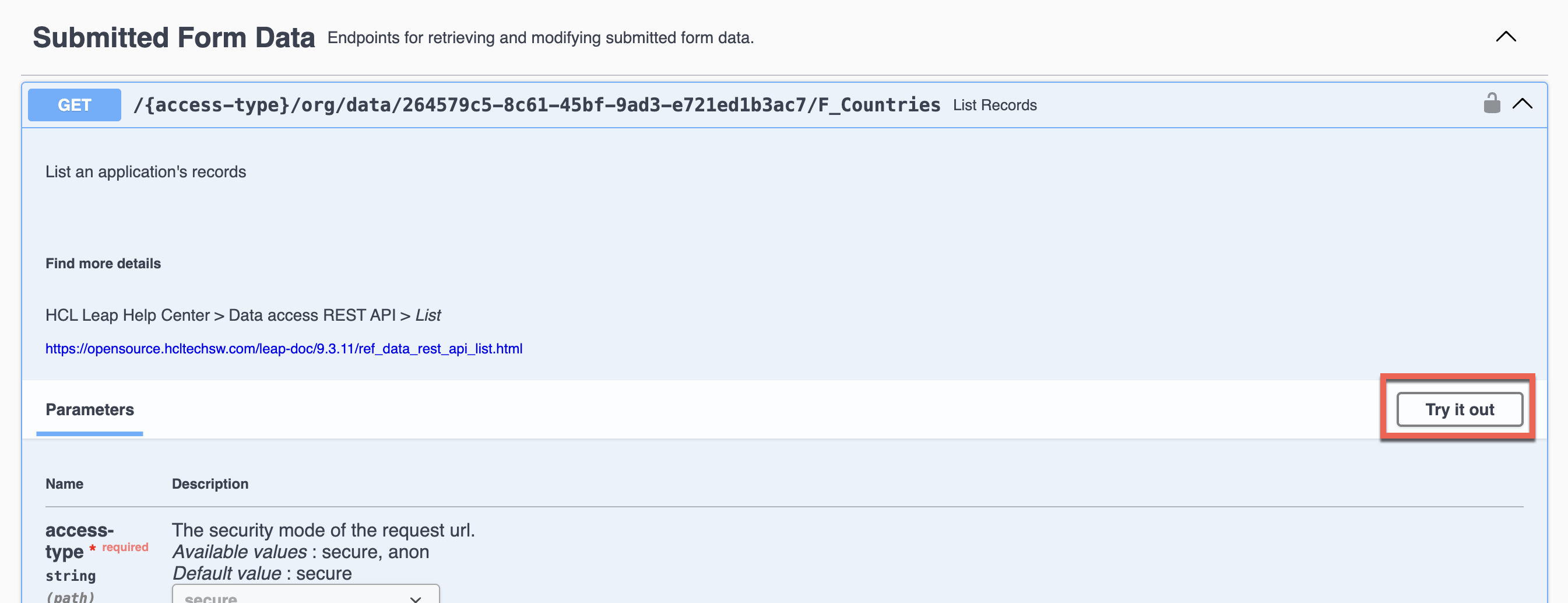
Then select Try it out
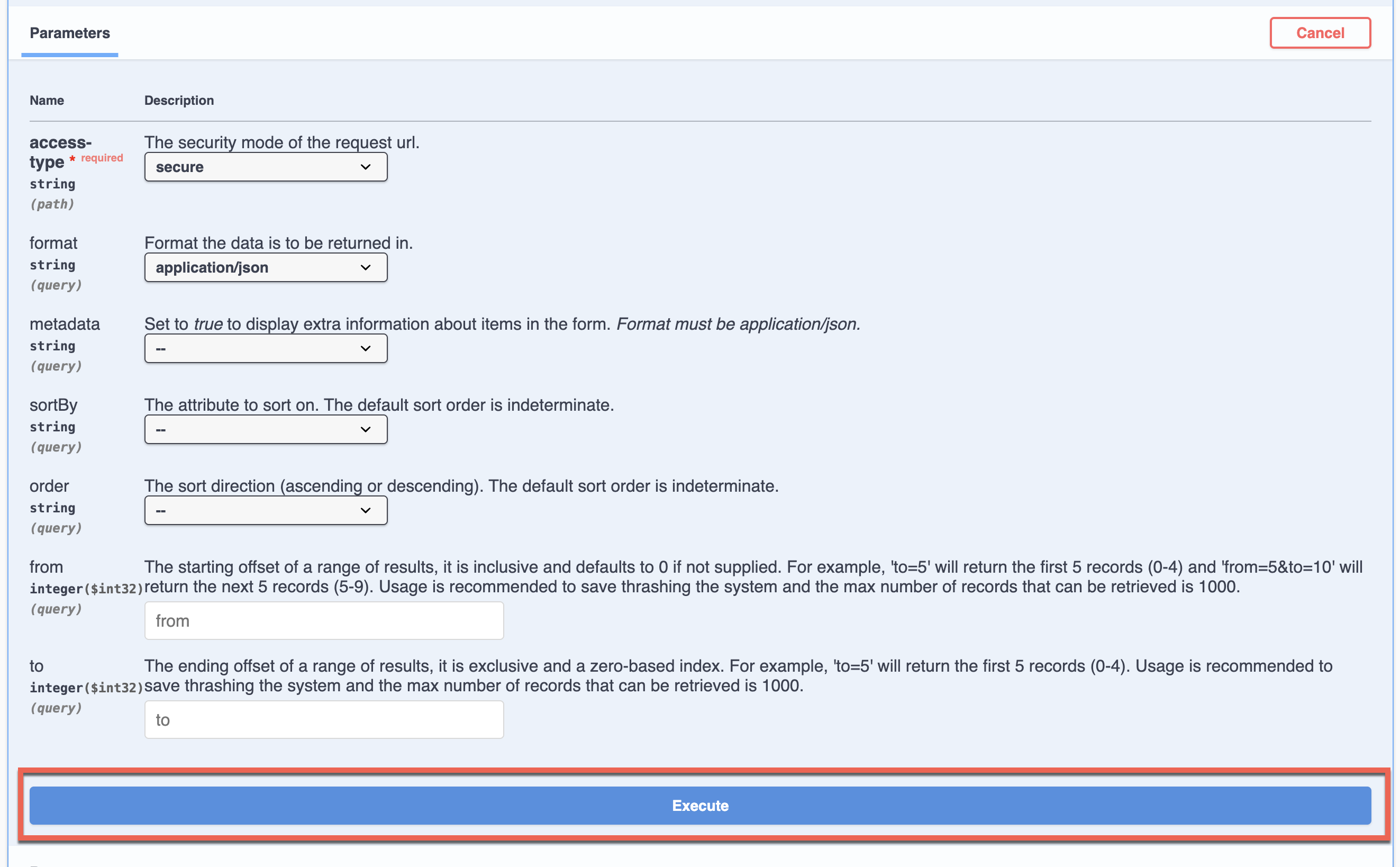
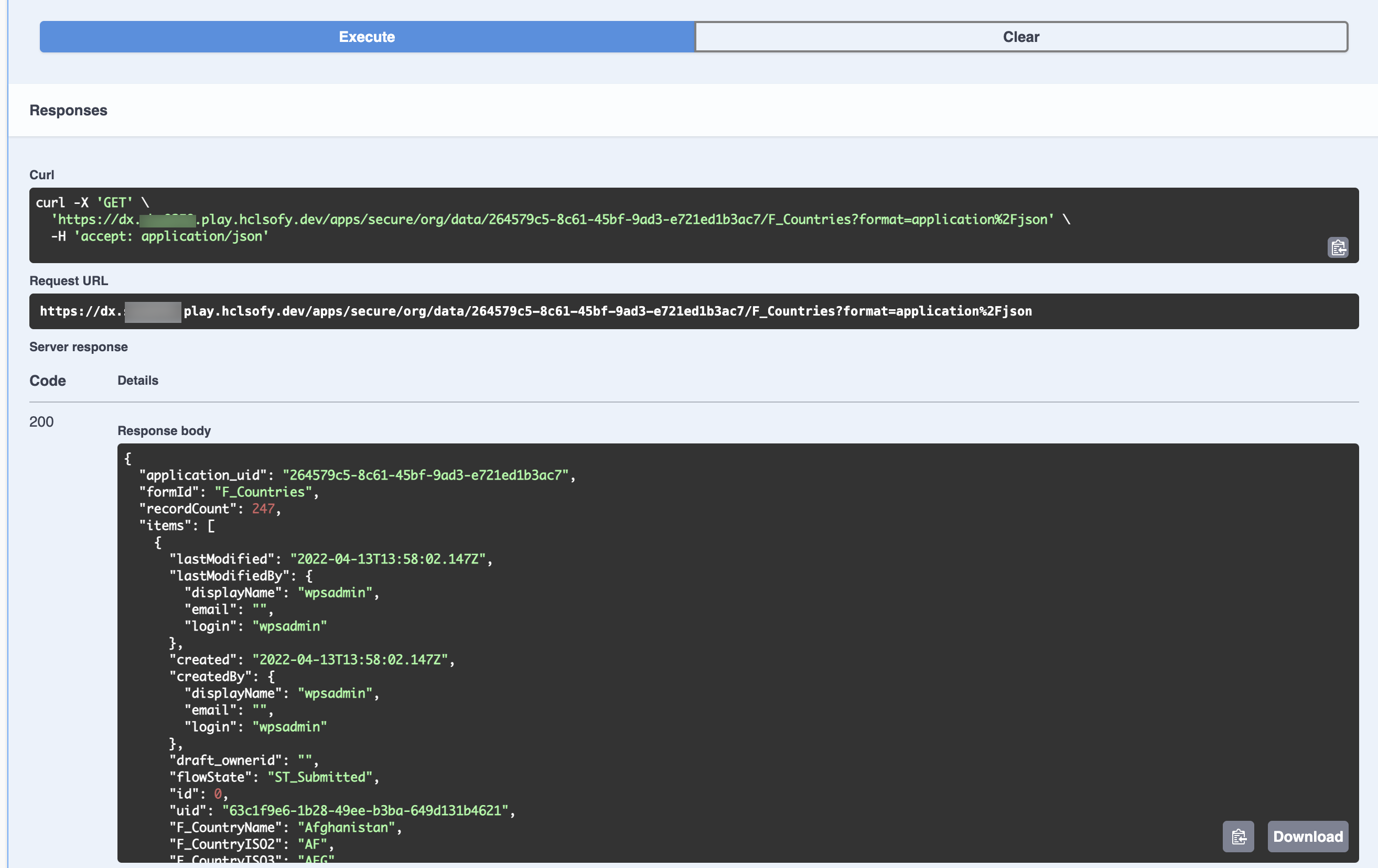
Set any parameters and click Execute.
And you get the JSON response.
More details are in the Help Center: https://opensource.hcltechsw.com/leap-doc/9.3.11/ref_swagger_ui.html.