Thank you for the suggested solutions. But this will not help solve the problem itself.
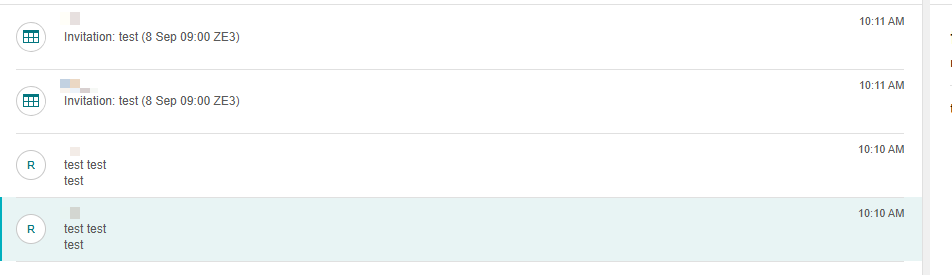
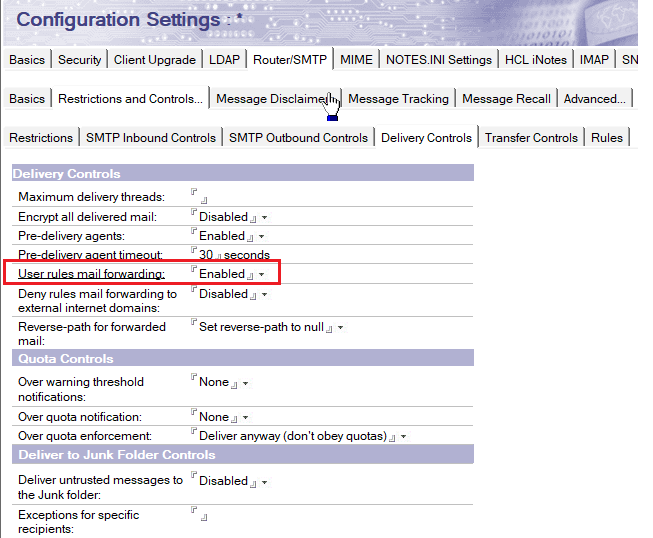
This is a problem that users were able to do because they had such an opportunity. The system does not give any warnings and we are trying to find a way to prohibit such rules for users
The Domino Router simply checks the mail file rules and executes the enabled formulas while delivering messages.
Unfortunately, there is no feature that allows the Router to verify whether the sender and recipient are the same and then skip running the formulas, nor is there an option to restrict which users can create such rules. If needed, you may consider submitting an enhancement request in the Domino Ideas Portal.
As a workaround, if end users notice that both the sender and recipient are sending copies of messages to each other due to their rules, they should add exclusion conditions. This ensures that the Router only executes the formulas when the sender is not the same as the recipient.
Example:
Harry Lick sets:
When: All documents
And Sender does not contain James Brown
Then Send full copy to James Brown