Finding the right technical documentation can sometimes feel like searching for a needle in a haystack. To streamline this process, HCL has introduced HCL Doc IQ, a next-generation AI chatbot designed to make interacting with HCL Digital Experience (DX) documentation as simple as having a conversation.
What is HCL Doc IQ?
HCL Doc IQ is a natural language AI assistant integrated directly into the HCL DX Help Center. Instead of manually sifting through hundreds of pages or trial-and-error keyword searches, users can now ask complex questions in plain English. The chatbot analyzes the entire documentation library and Knowledge Base (KB) to provide contextual, summarized answers instantly.
Key Capabilities
- Natural Language Processing: Ask questions like “How do I configure Digital Asset Management?” rather than searching for isolated keywords.
- Context-Aware Responses: Doc IQ doesn’t just point you to a page; it synthesizes an answer based on relevant documentation topics.
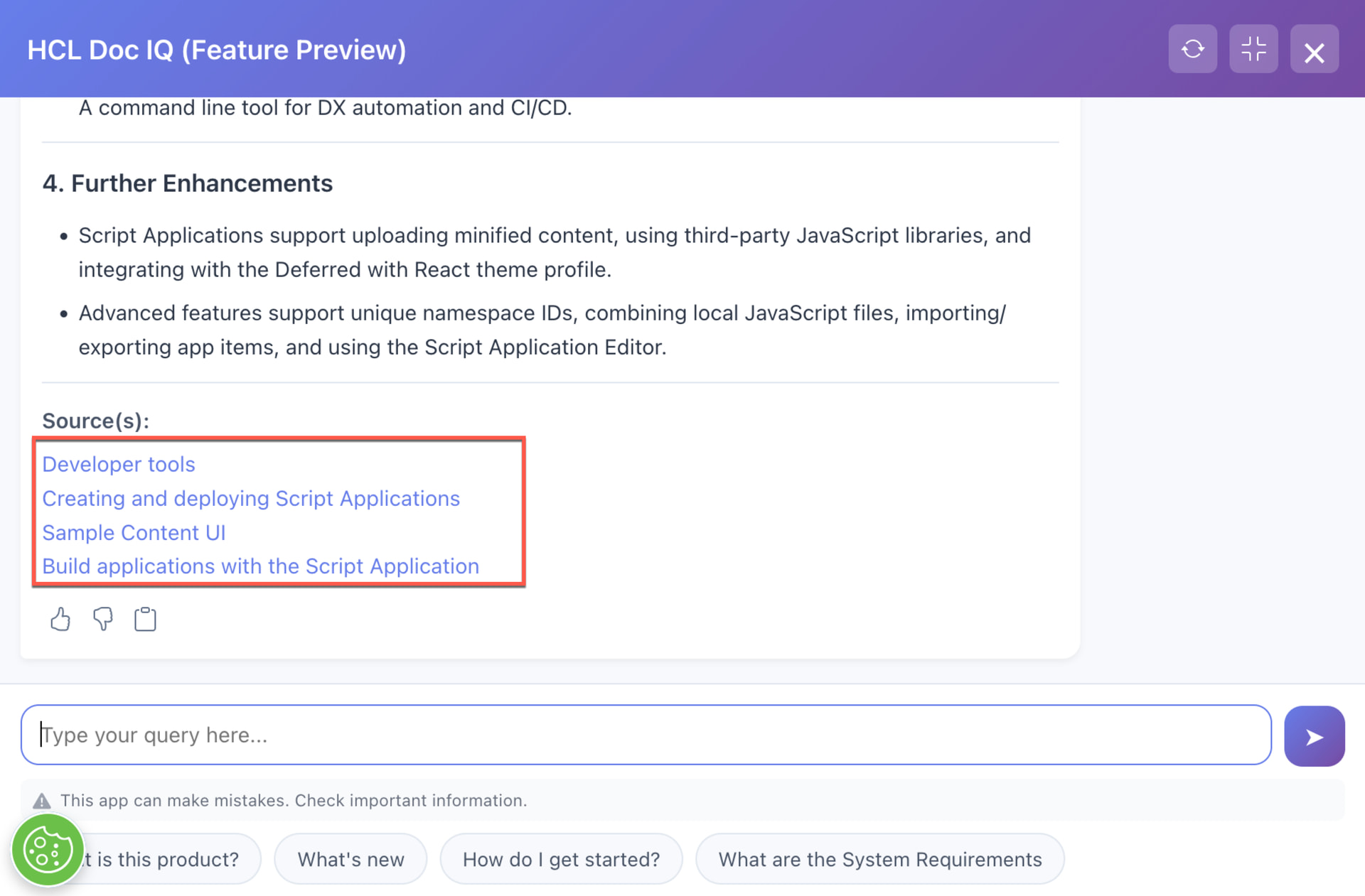
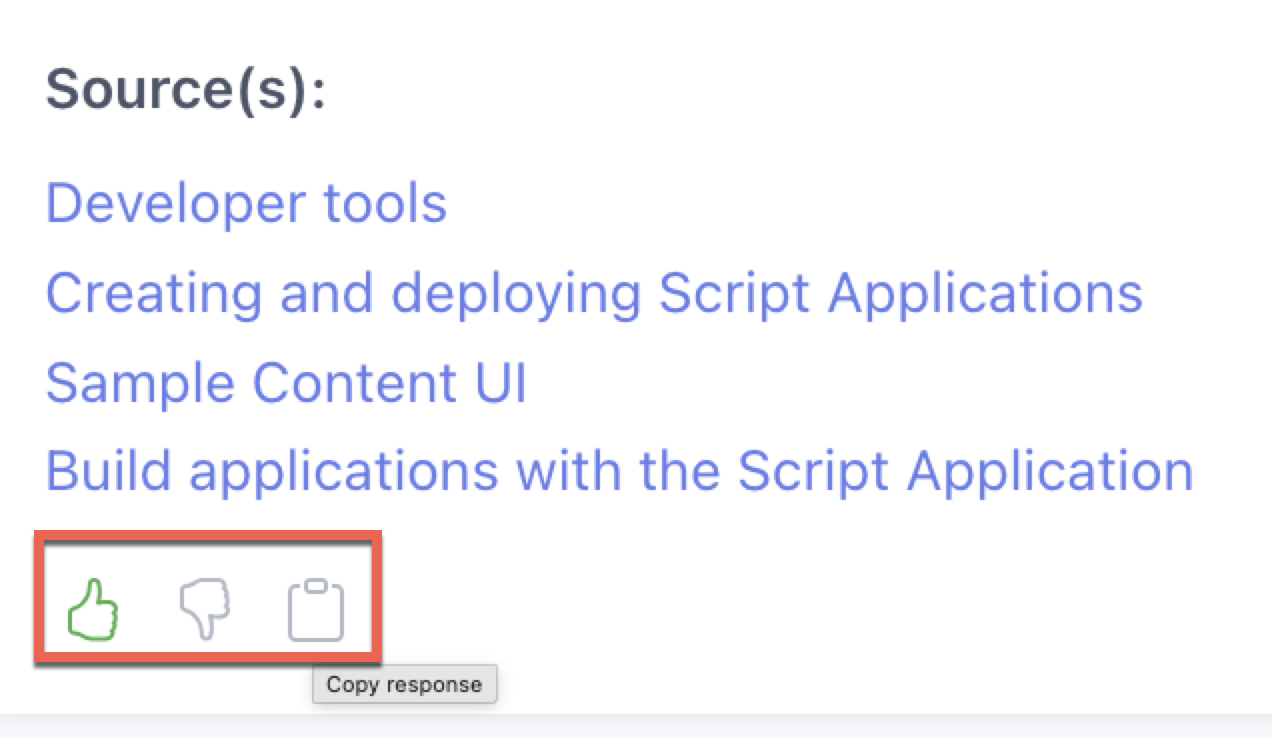
- Integrated Navigation: Every response includes direct links to the source documentation, allowing you to dive deeper into the full technical details.
- Guided Assistance: The tool is specifically tuned to help users locate step-by-step procedures, configuration guides, and conceptual overviews.
How to Use It
Using Doc IQ is straightforward:
-
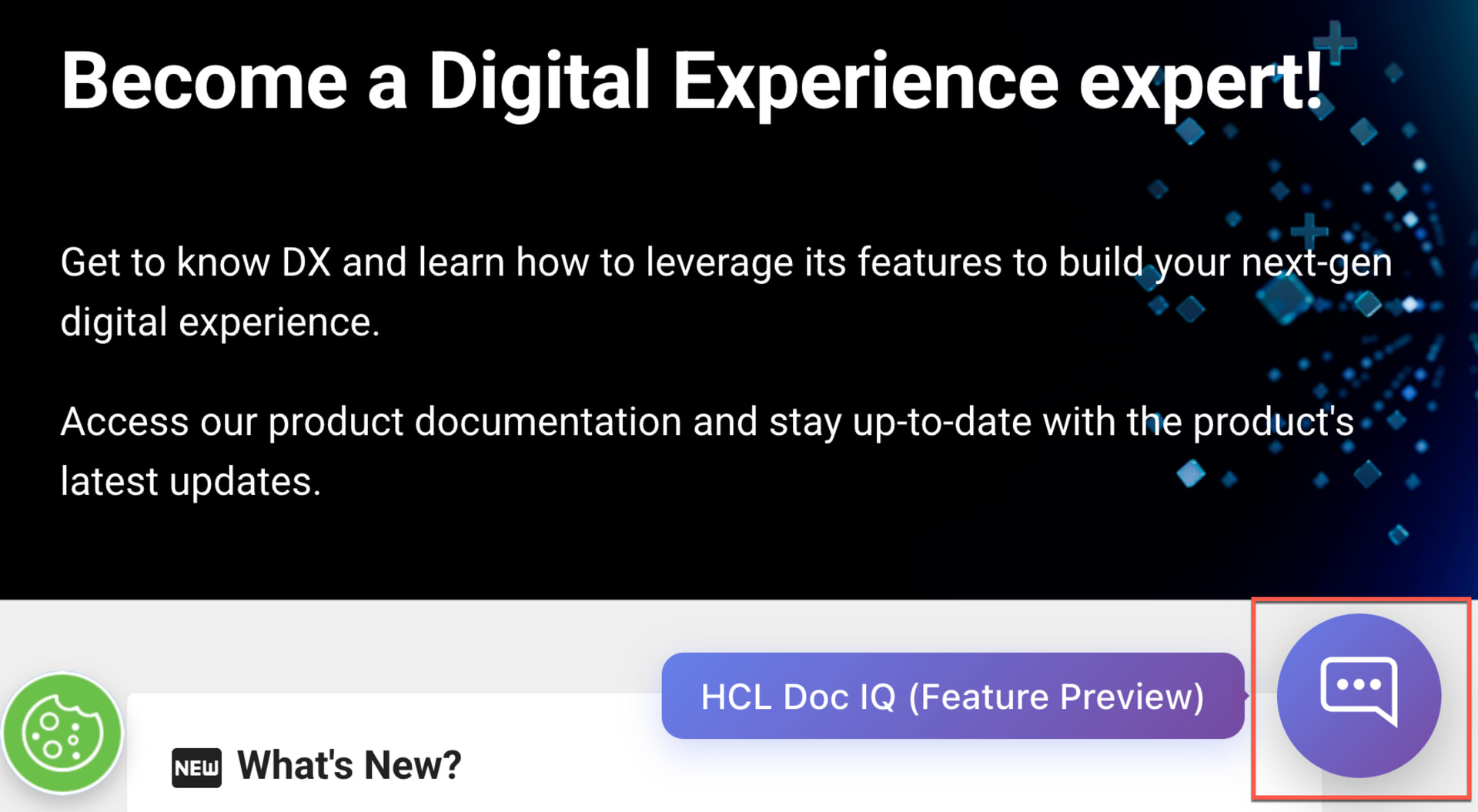
Locate the Chatbot: Open the interface found on any HCL DX Help Center page.
-
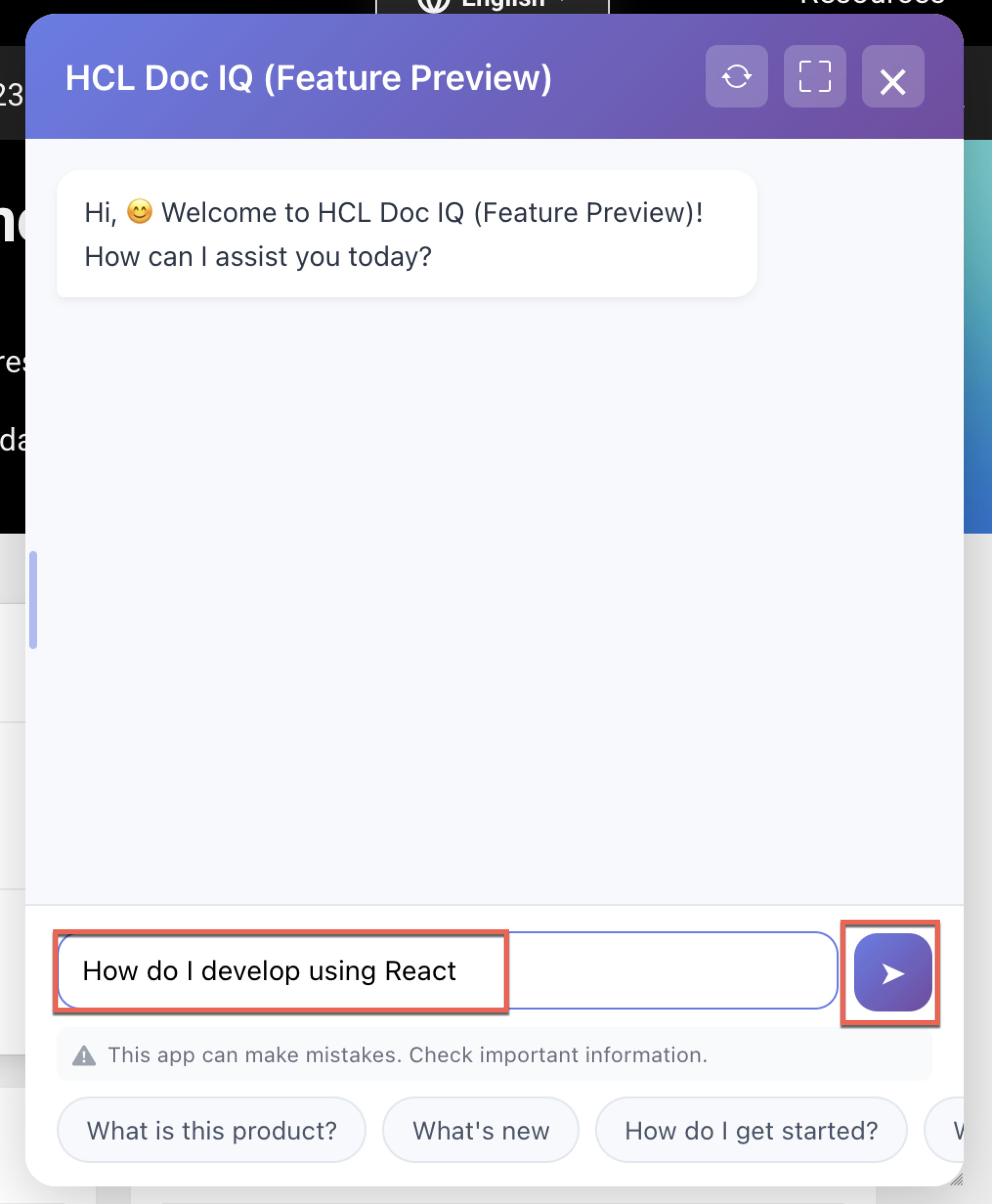
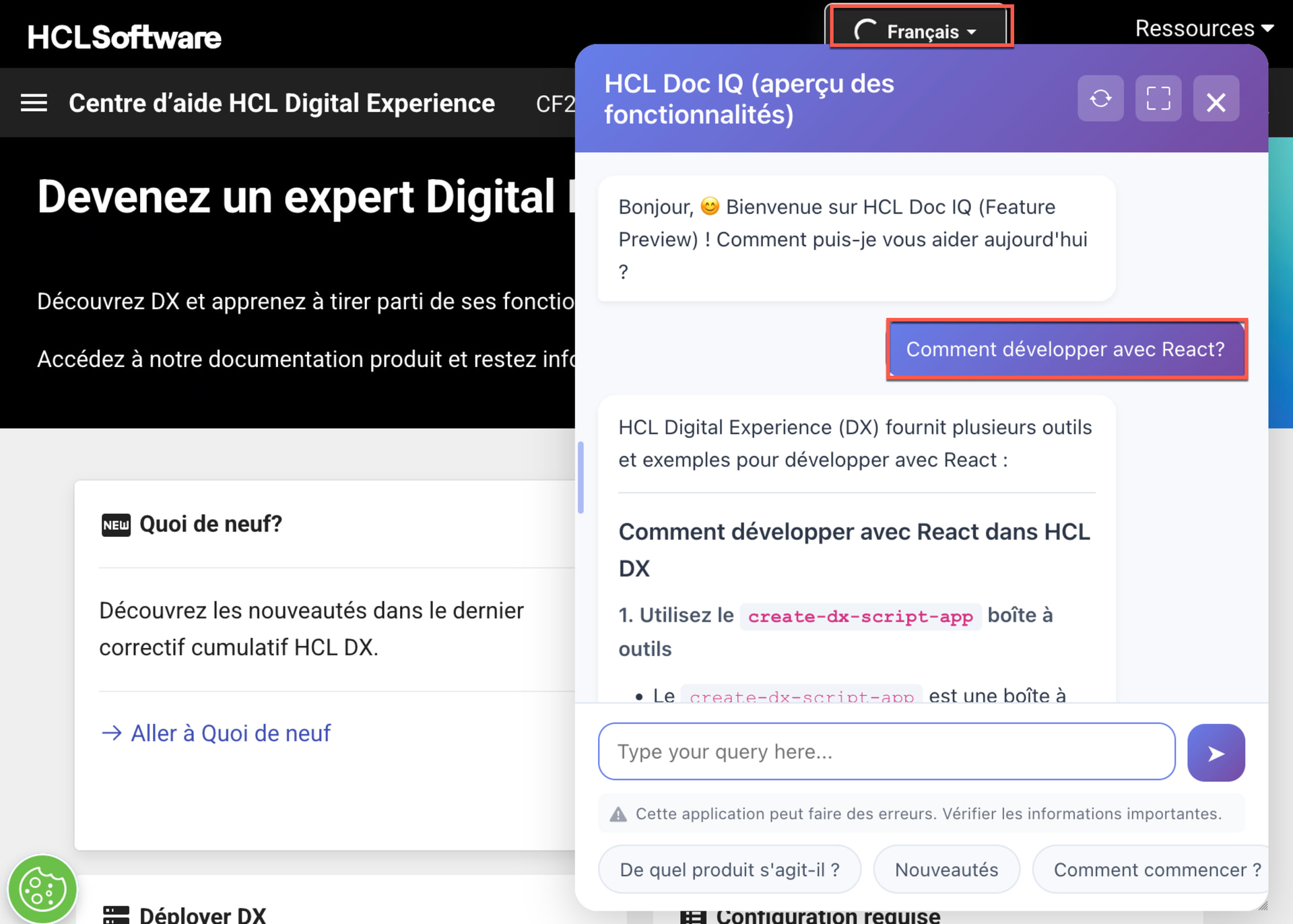
Ask Your Question: Type your query in plain language (e.g., “How do I develop using React”).
-
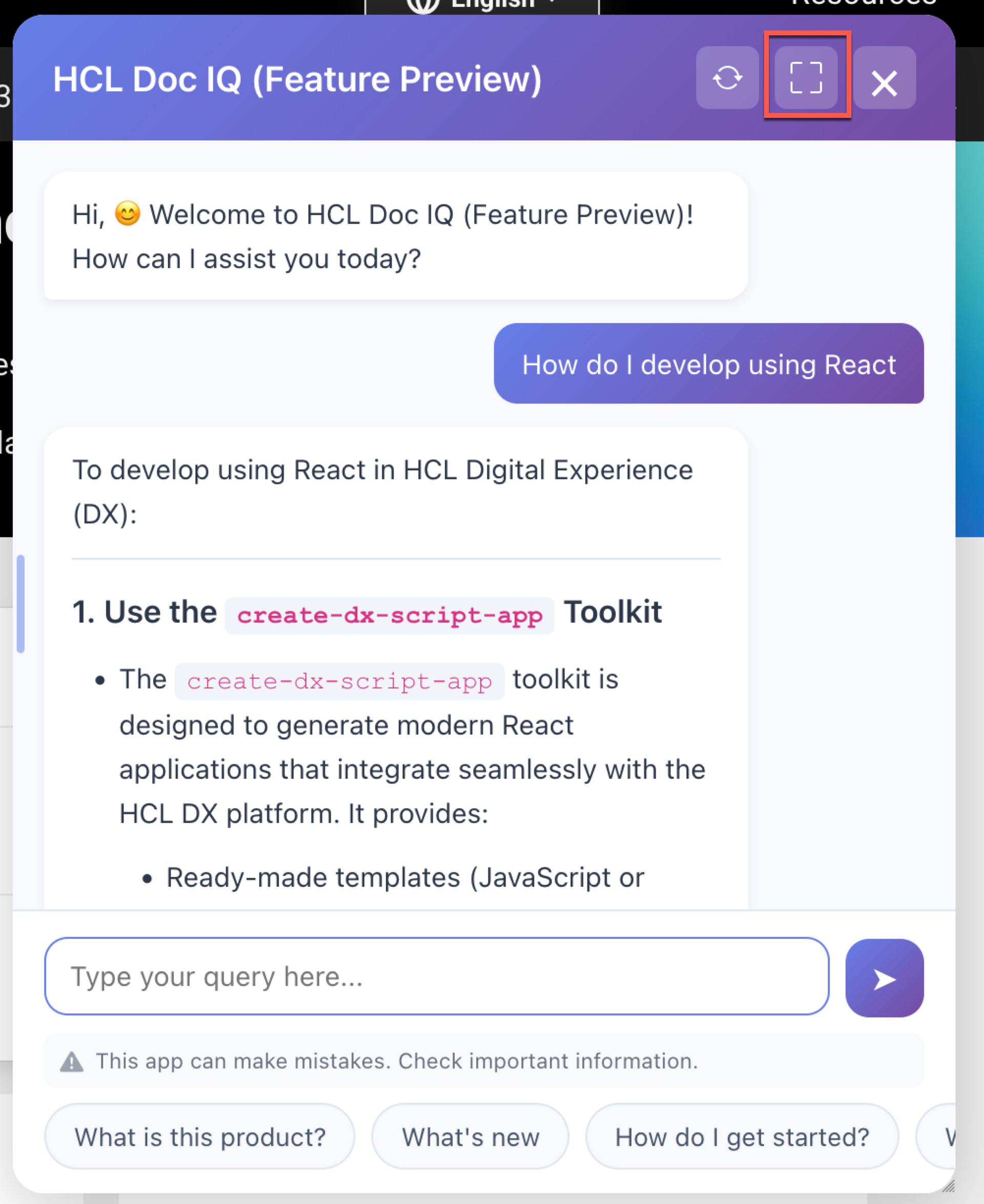
Review and Refine: Read the concise summary provided.
-
Maximize Click on any of the included documentation links for the full technical breakdown.
-
Provide Feedback: Use the “thumbs up” or “thumbs down” icons to help HCL refine the AI’s accuracy and identify gaps in the documentation.
-
In Your Language Switch to your favorite language and type your query.
Summary
HCL Doc IQ transforms the HCL Digital Experience documentation from a static library into an interactive resource. By leveraging AI to understand user intent, it significantly reduces the time required to find configuration steps, understand product features, and discover related content.
For more details and to try the preview, visit the official documentation: