At HCL Software, continuously improving how our customers and partners interact with our solutions is at the core of what we do. Documentation shouldn’t just tell you how something works—it should show you.
We are excited to introduce a suite of powerful updates to the HCL DX Help Center, designed to speed up onboarding, streamline technical discovery, and eliminate language barriers for global teams.
1. Interactive “See It in Action” Click-Through Demos
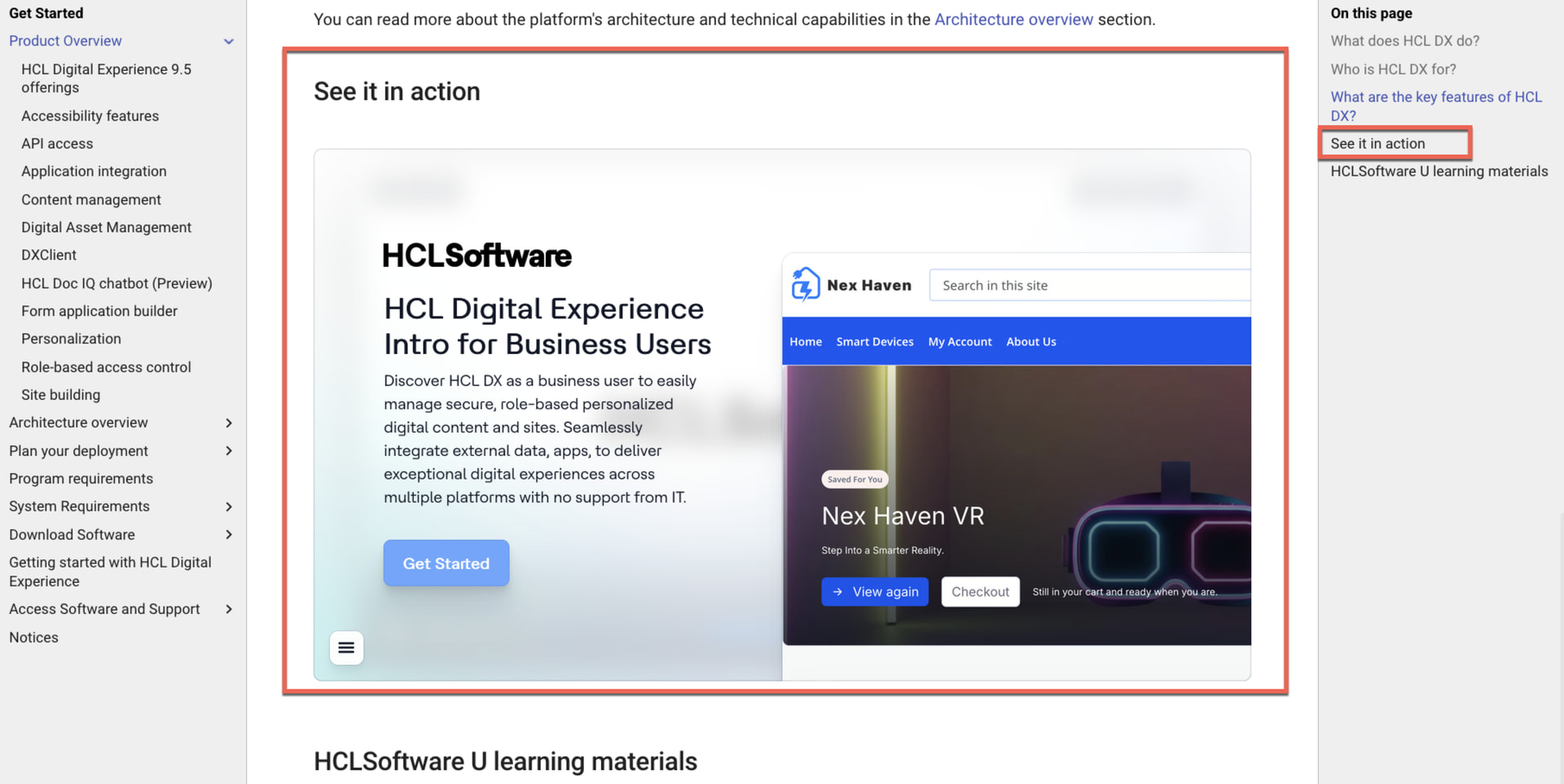
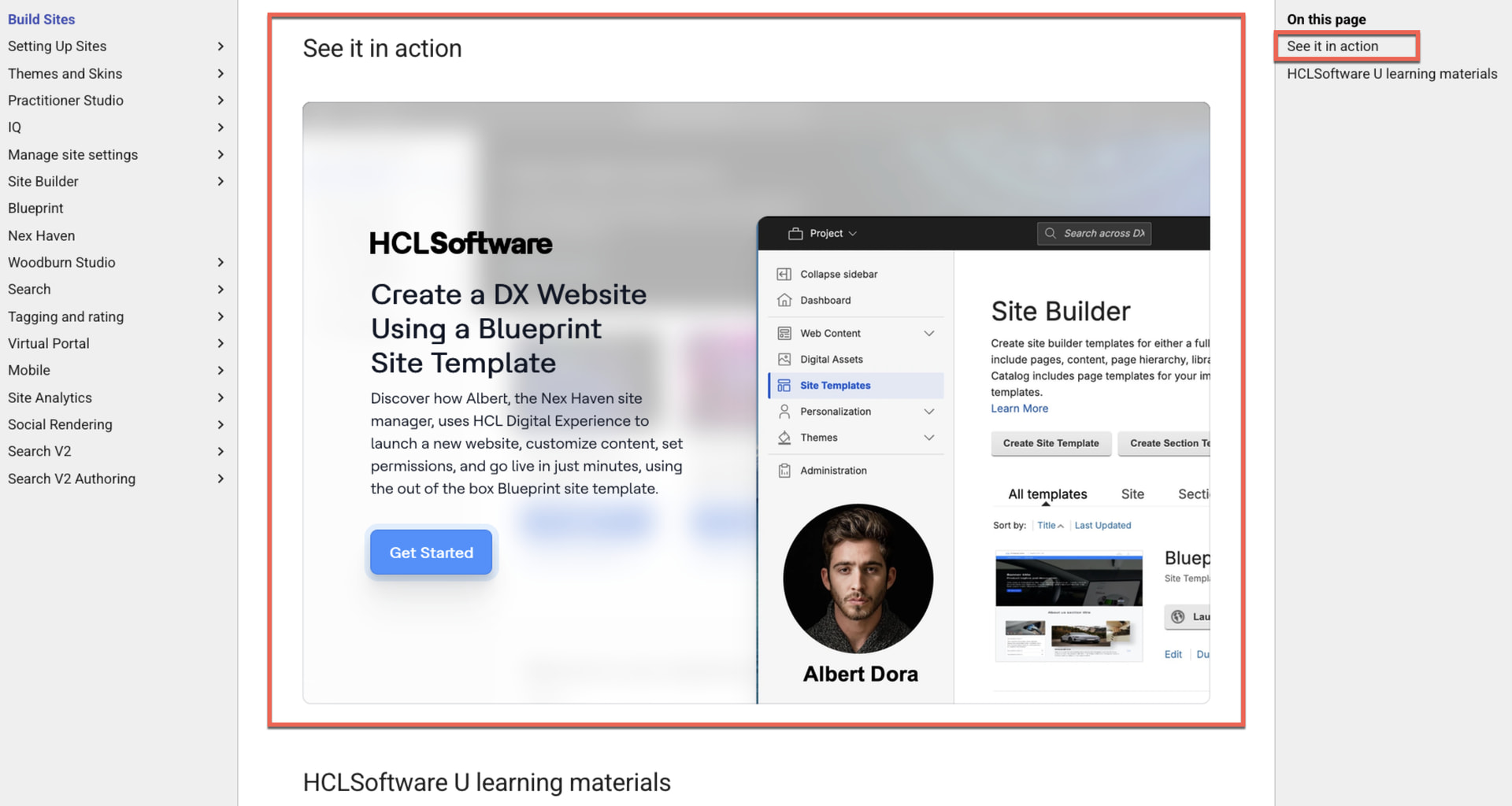
Reading step-by-step guides is essential, but seeing real platform behavior in real time changes the game. We’ve embedded interactive click-through demos directly into key technical topics.
These hands-on walk-throughs let you step through key features at your own pace—allowing you to visually verify configurations, interface layouts, and workflows before touching your own environment.
Try out some of our latest interactive demos:
-
 Product Overview: Get a quick, high-level walk-through of the core DX platform capabilities in the HCL Digital Experience Overview - See It in Action Demo and Getting Started with DX Compose - See It in Action Demo.
-
 Site Building: Experience how site building workflows operate step-by-step in the Build Sites See It in Action Demo.
2. Instant Answers with HCL Doc IQ
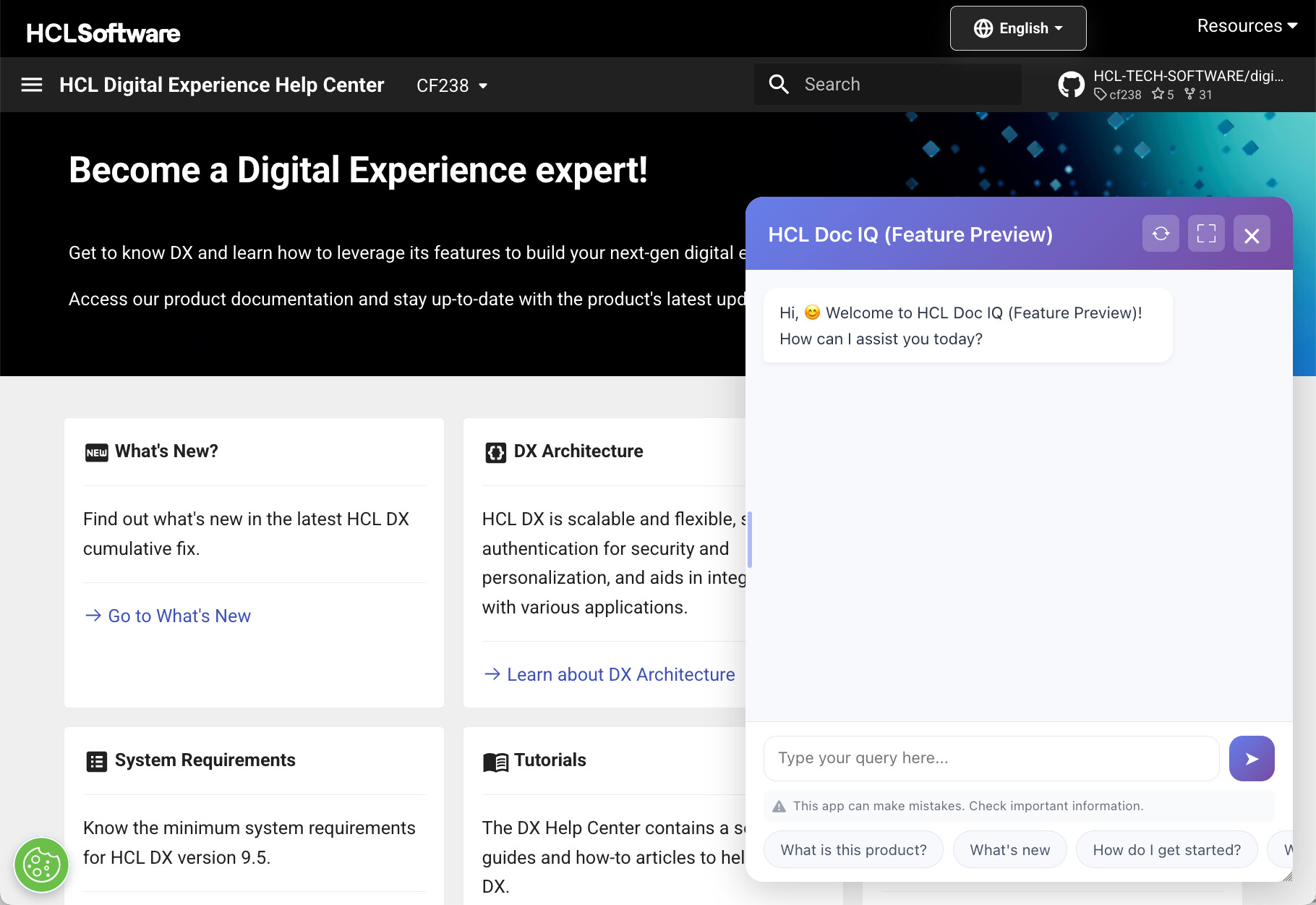
Finding the exact configuration guide or API parameter shouldn’t mean scrolling through endless documentation pages. With HCL Doc IQ, our intelligent assistant embedded directly into the Help Center, you can query complex DX topics in plain language.
-
Contextual Search: Ask natural questions like “How do I configure content targeting?” or “What are the deployment steps for CF238?”
-
Direct Insights: Receive concise summaries grounded directly in official documentation, complete with links to deep-dive resources.
See details in [ Navigate HCL Digital Experience Smarter with HCL Doc IQ](Navigate HCL Digital Experience Smarter with HCL Doc IQ).
3. Seamless Translation Options for Global Teams
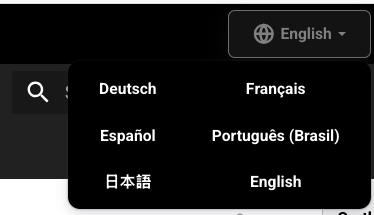
HCL DX powers digital experiences across the globe, and your teams deserve documentation in the language they work best in. The Help Center now features integrated translation capabilities, allowing partners and customers worldwide to:
-
Instantly translate full documentation pages into your preferred language.
-
Enable international team members to onboard faster without waiting for localized docs.
-
Maintain consistency across global development and administrative teams.
Details in Bonjour & Hallo! HCL Digital Experience Help Center Speaks Your Language and HCL Digital Experience Help Center now supports Brazilian Portuguese, Japanese and Spanish!.
Empower Your Team Today
Whether you are a developer building custom components, a site administrator orchestrating digital assets, or a partner delivering solutions to clients, the upgraded DX Help Center is built to save you time.
 Explore the HCL Digital Experience Help Center Today and try out the new “See It in Action” demos on your next topic search!