Hi Vishal, it sounds like you're making some progress in your configuration, good to see. Hopefully this follow-up will also be helpful.
To log a support ticket, from this page you can navigate to the "Customer Support" link at the top of the page:
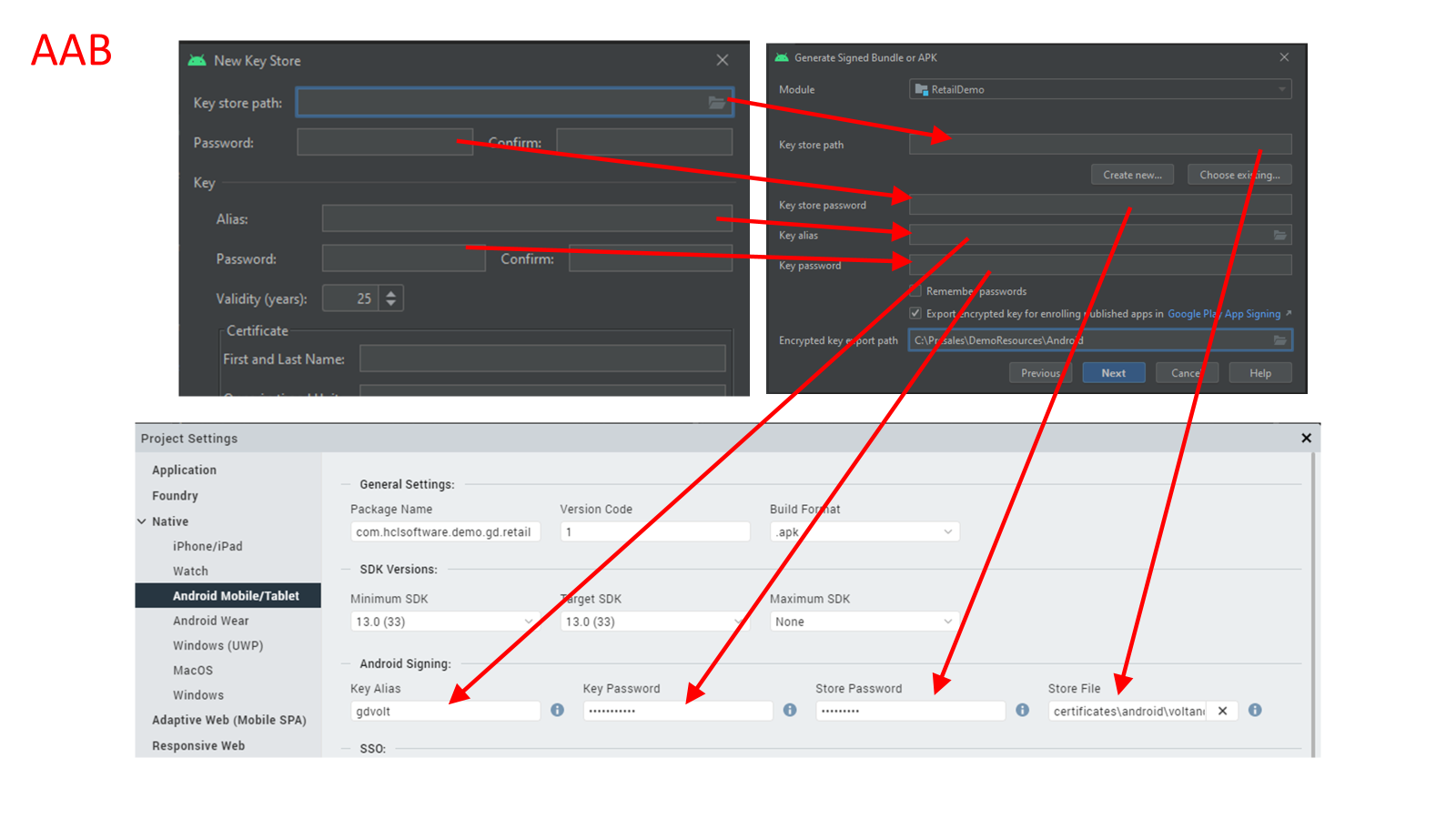
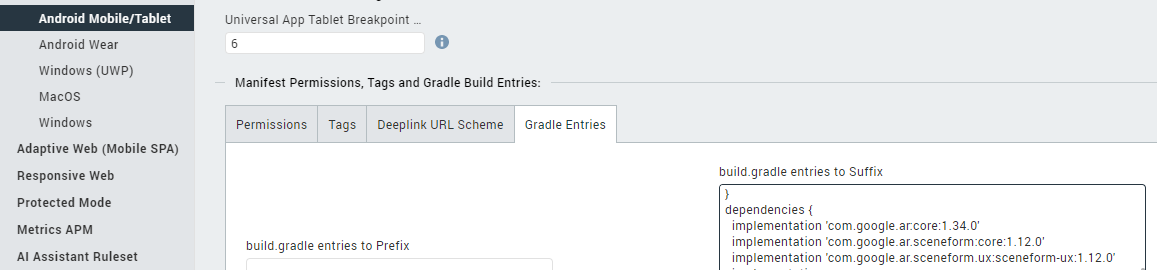
For building an APK vs. AAB, you can set this in the Iris Project Settings under Native -> Android Mobile/Tablet -> Build Format
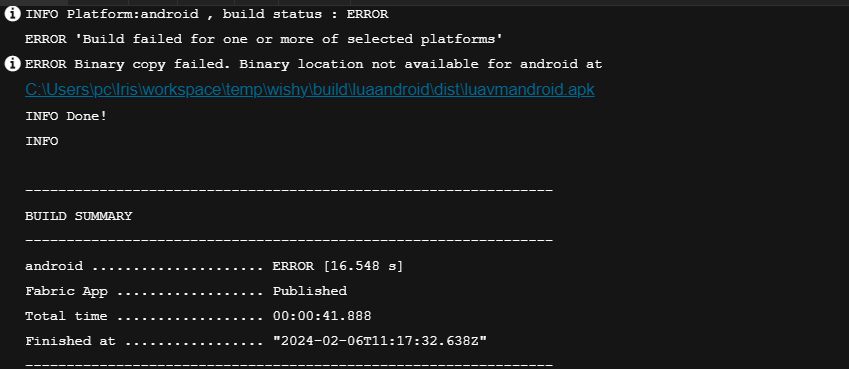
I would also suggest focusing on building locally for now vs. using the cloud build service. You said you provided the logs, but those were from the cloud build service vs. the local desktop Iris logs. The local desktop Iris log is stored in Windows in the C:\Users\[username]\Iris\irisdata\logs folder as iris.log and is rolled over every 5MB (you'll see the other files in this folder as well). This can help you in your troubleshooting.
For configuring the prerequisites for Android, we have that documented here, though it sounds like you have done everything required so far:
https://opensource.hcltechsw.com/volt-mx-docs/95/docs/documentation/Iris/iris_user_guide/Content/Platform_SDKs.html
https://opensource.hcltechsw.com/volt-mx-docs/95/docs/documentation/Iris/iris_user_guide/Content/SUG_Android.html
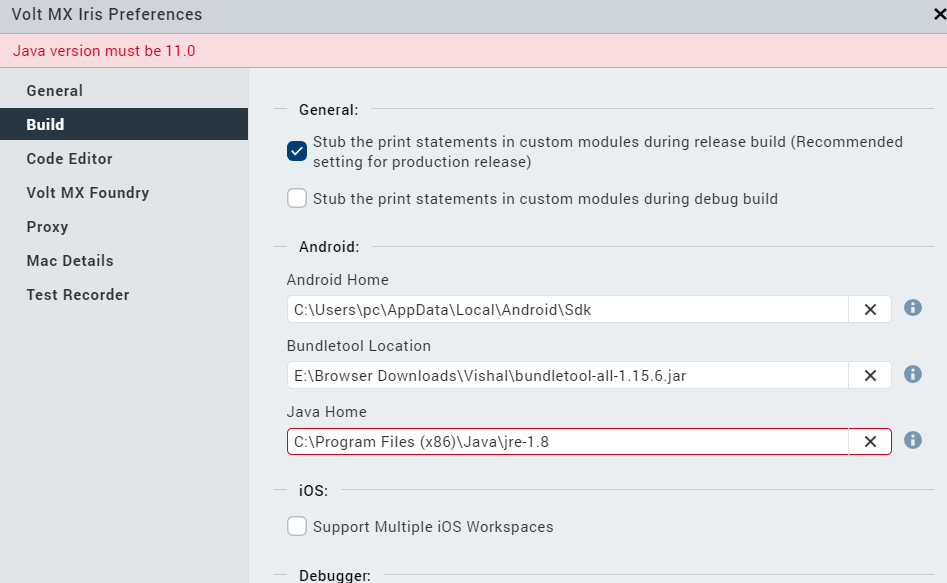
https://opensource.hcltechsw.com/volt-mx-docs/95/docs/documentation/Iris/iris_user_guide/Content/SUG_Android.html#configure-volt-mx-iris-to-build-for-the-android-platform
Also I think there may be some misunderstanding around our option "Publish to App Store" - to be clear, this does not publish to the Google Play Store or the Apple App Store. This publishes to an internal enterprise app store (EAS) managed in Volt Foundry. Whenever you select the "Build and Publish Native" option, Iris will use the cloud build service to generate the AAB/APK file and then publish it to the Enterprise App Store in Foundry. Whenever you select the "Build Native Local" then Iris will use the local SDK tooling (Android Studio/Xcode) to generate the application binary. You can also publish this to the Enterprise App Store during this step if you desire by selecting "Publish to my App Store" for the Post Build Action.
For more information on the EAS feature, please see our documentation here:
https://opensource.hcltechsw.com/volt-mx-docs/95/docs/documentation/Foundry/voltmx_foundry_user_guide/Content/EnterpriseAppStore.html
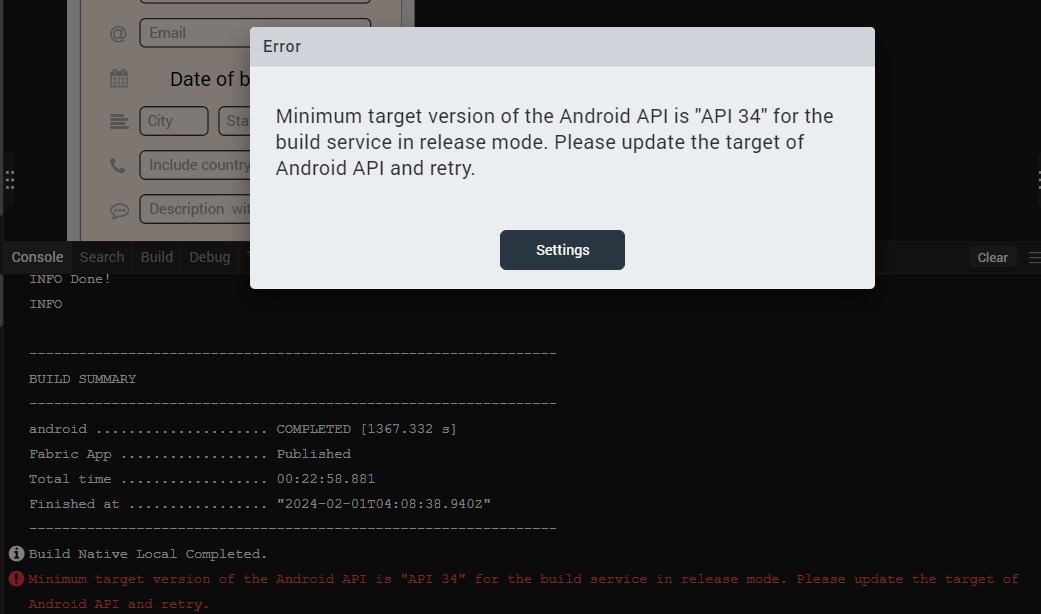
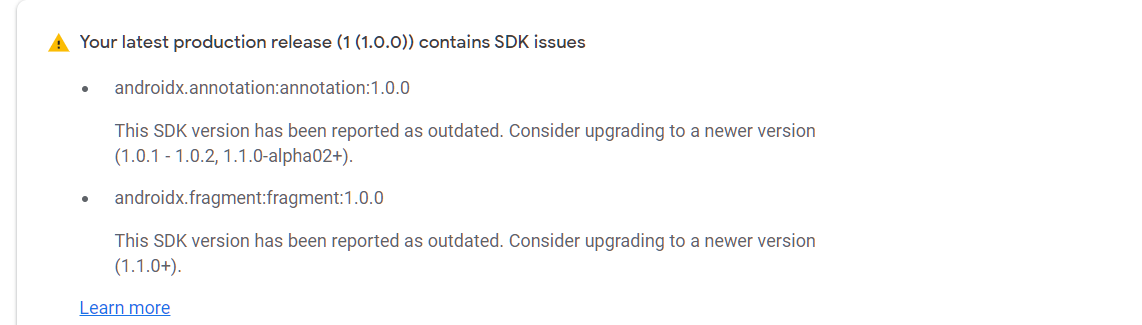
Your screencap above regarding the minimum target version is being enforced by the cloud build service for a Release version of the app. This is because we have our cloud build tools configured to enforce this. For a Debug version this is not enforced. With a local build you have more flexibility in the minimum OS configuration. If you do intend to put this on the Google Play Store, please refer to Google's guidelines regarding minimum OS here:
https://support.google.com/googleplay/android-developer/answer/11926878?hl=en#:~:text=New%20apps%20must%20target%20Android,your%20app's%20target%20API%20level.
Regarding the different build configurations (Debug, Test, Release, Protected), the key differences are explained here:
https://opensource.hcltechsw.com/volt-mx-docs/95/docs/documentation/Iris/iris_user_guide/Content/Cloud_Build_in_VoltMX_Iris.html#build-and-publish-a-native-app
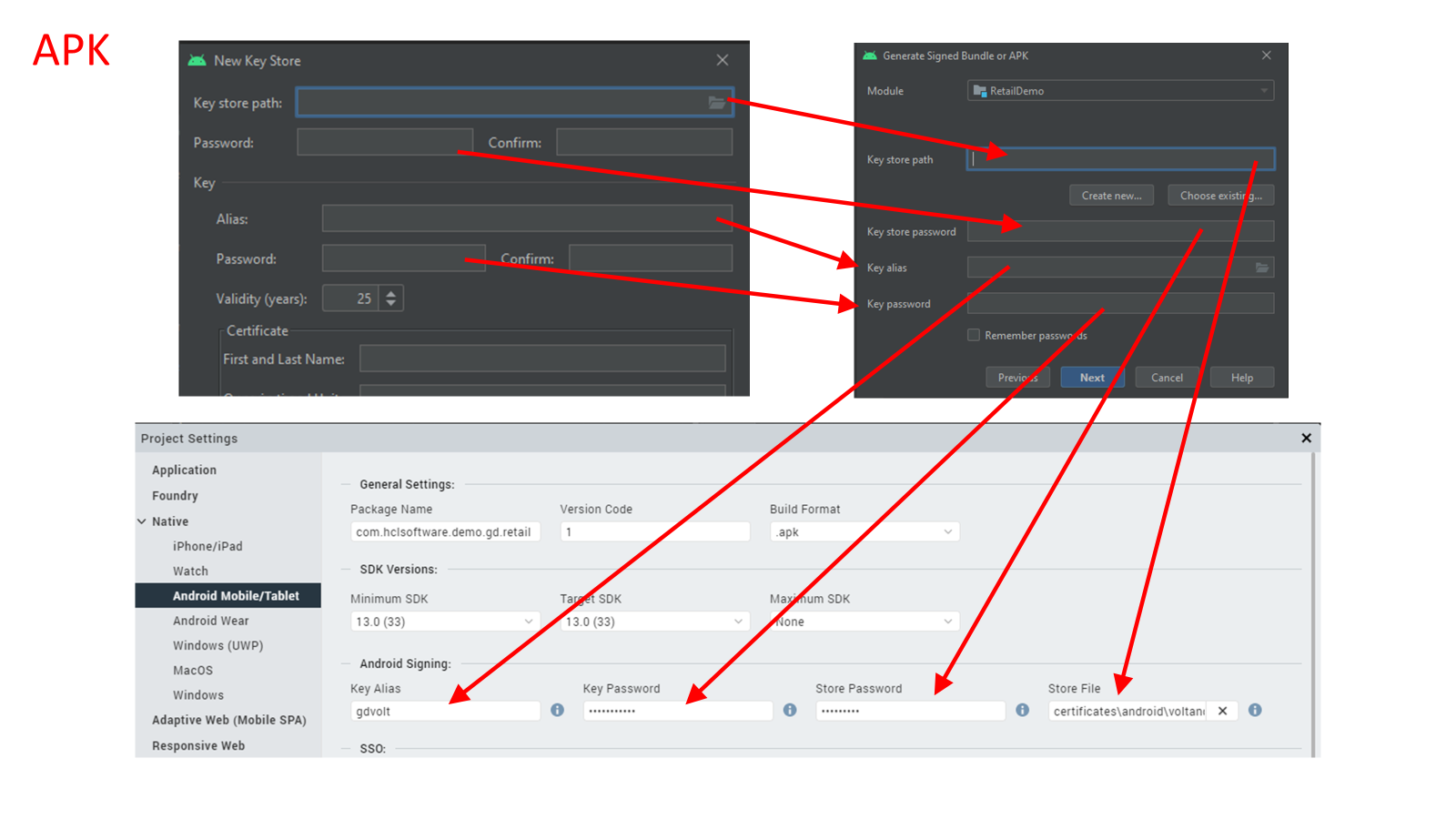
Now, let's get back to the build. When you select Debug, the binary will be signed but with an auto-generated debug.keystore created by the Android SDK. This debug keystore and the other supporting files are typically stored in Windows in the C:\Users\[username]\.android folder and are managed by the Android SDK and tools. When you build in Release mode, this will require a user-generated keystore containing the other information you have been working with, created using keytool or Android Studio. To answer your question about the Android Studio wizard screen to generate the keystore, there is a slight difference in the layout of the second form for AAB vs. APK as illustrated above, but you are correct the key four fields required by Iris are not different between the two.
When you select Protected mode, Iris bundles in some additional protections (e.g. jailbreak/root detection and others) into the binary generation and it requires some additional keys and requires interaction with our security team. This specific configuration is explained here:
https://opensource.hcltechsw.com/volt-mx-docs/95/docs/documentation/Iris/iris_user_guide/Content/ApplicationSecurity.html#protect-the-application-binaries
Keeping with just a debug build for now, I would select Build -> Build Native Local to help alleviate any issues the cloud build process may cause. To ensure your app will work on the OS version of your device or emulator, you will need to set the Minimum SDK and Target SDK versions accordingly in the Iris Project Settings just below the Build Format setting.
Try a local debug build first. If this succeeds, then I would move to a local release build. Once you have that working, then you may want to do a protected build, but it is not necessary if you wish to submit the app to the Google Play Store.
We have a couple of KB articles regarding common issues you may run into when building for Android. If you see a message like "target API is out of range" or "Build Tools corrupted" please query for these in the Forum and you'll find the KB articles to help.
Hope this helps you move forward.
Cheers,
Gunndarr