Some external emails I receive contain German Umlaut characters. HCL Notes 12 does not display the umlauts correctly. Instead I see, for example, "Mit freundlichen Gr��en" instead of "Mit freundlichen Grüßen" and "�ffnungszeiten k�nnen �ber" instead of "Öffnungszeiten können über".
I have tried changing the Import-Export Character set in the Notes Client settings but this has not helped. What can I do so that German Umlaut characters are correctly displayed in Emails?
The problem does not occur with internal emails from people in my company, only with extermal emails.
Thanks for your reply. Unfortunately this does not help to solve the problem. With "Disable embedded Browser for MIME mail" either selected or deselected, the Umlauts are not displayed correctly.
Are those emails coming from omly one mail domain or several? I mean, it is possible, that the sender sends incorrect emails.
When you look at the source of the email, what encoding is defined?
------=_Part_70306_1162054732.1744378991294
Content-Transfer-Encoding: quoted-printable
Content-Type: text/plain; charset=utf-8
...
Die AI.ACADEMY bef=C3=A4higt F=C3=BChrungs- und Fachkr=C3=A4fte zur smarten=
 Anwendung von KI, der Entwicklung von KI-Strategien und KI getriebenen Ges=
ch=C3=A4ftsmodellen. Sie wendet sich an Unternehmen jeder Gr=C3=B6=C3=9Fe -=
 vom Mittelstand bis zum Konzern, aus jeder Industrie und Branche.
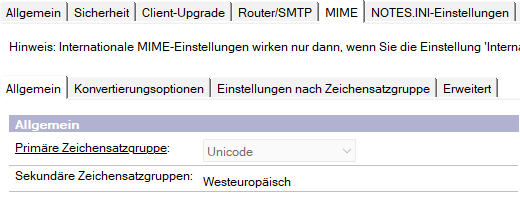
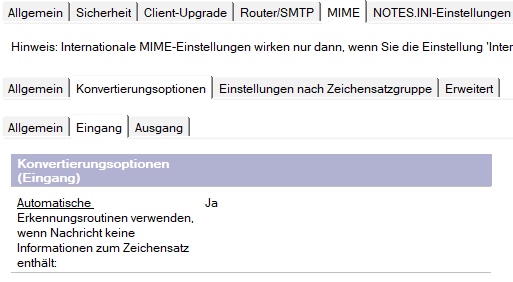
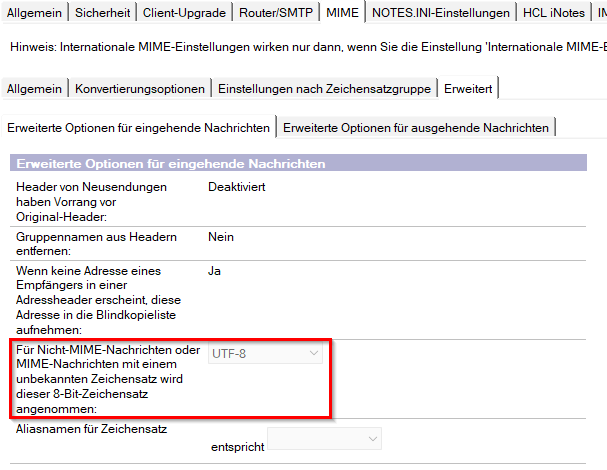
What are your MIME settings in your server configuration document?