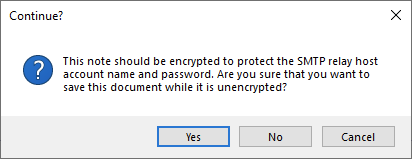
Is there someone who can help me decipher this message? I'm lost on what they would want me to do here. I've never read anything on encrypting your server configuration document. Did I miss something?
The pop up message means when you have SMTP authentication credential entered in the configuration document for the relay host it will be shown to every user who opens the configuration document and it may be a security concern. Hence, it is prompting to encrypt the information with the administrator ID so that it can't be seen to other users except the administrator.
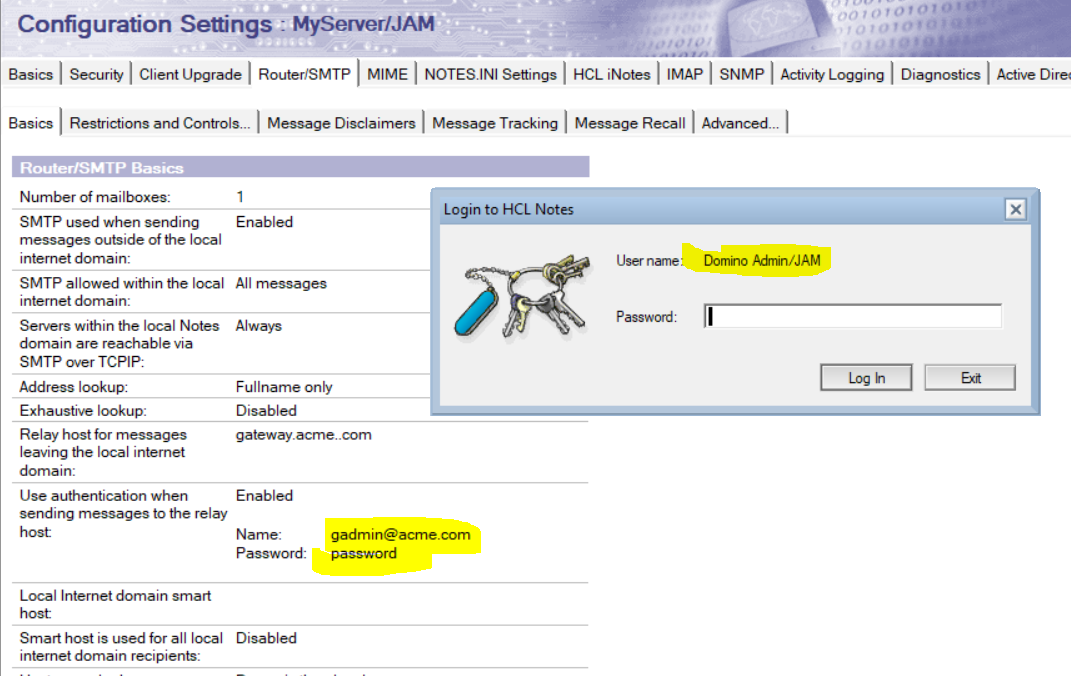
Example as shown below.
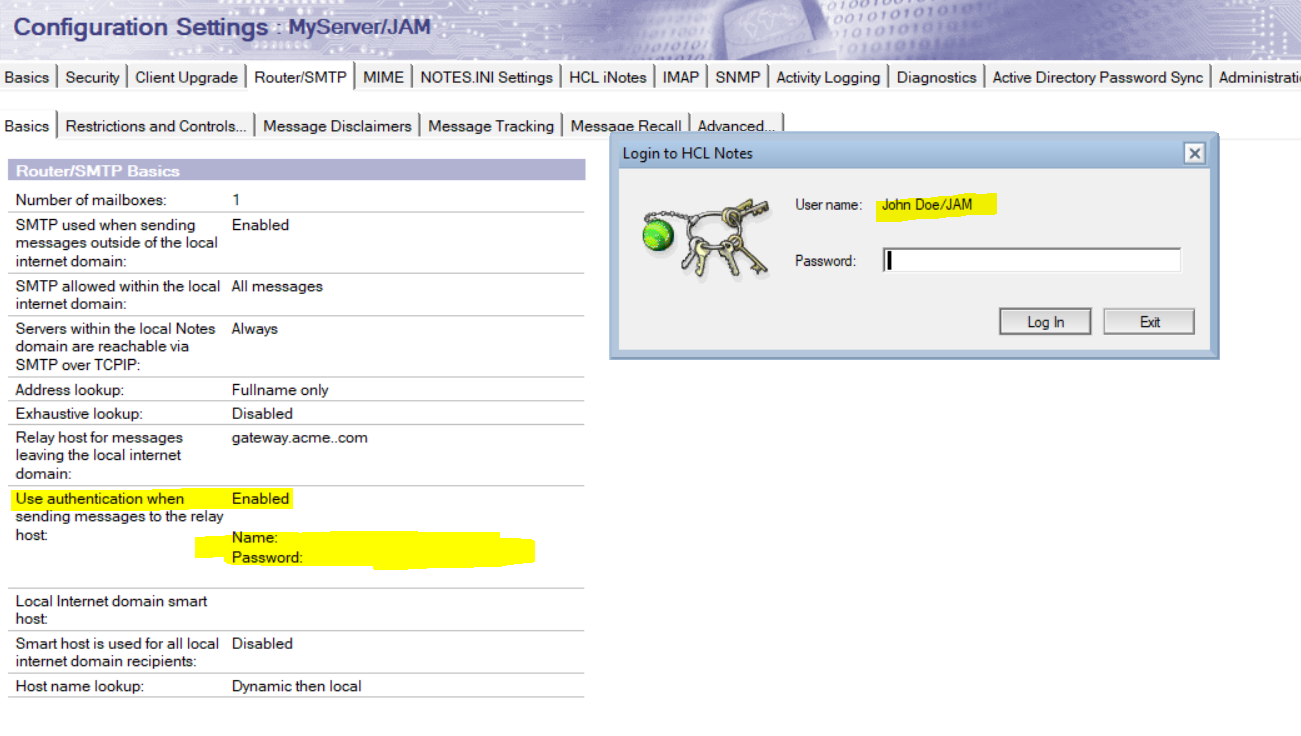
1. Configuration document without secret keys encryption.
Administrator ID opening the configuration document shows the authentication information as below.
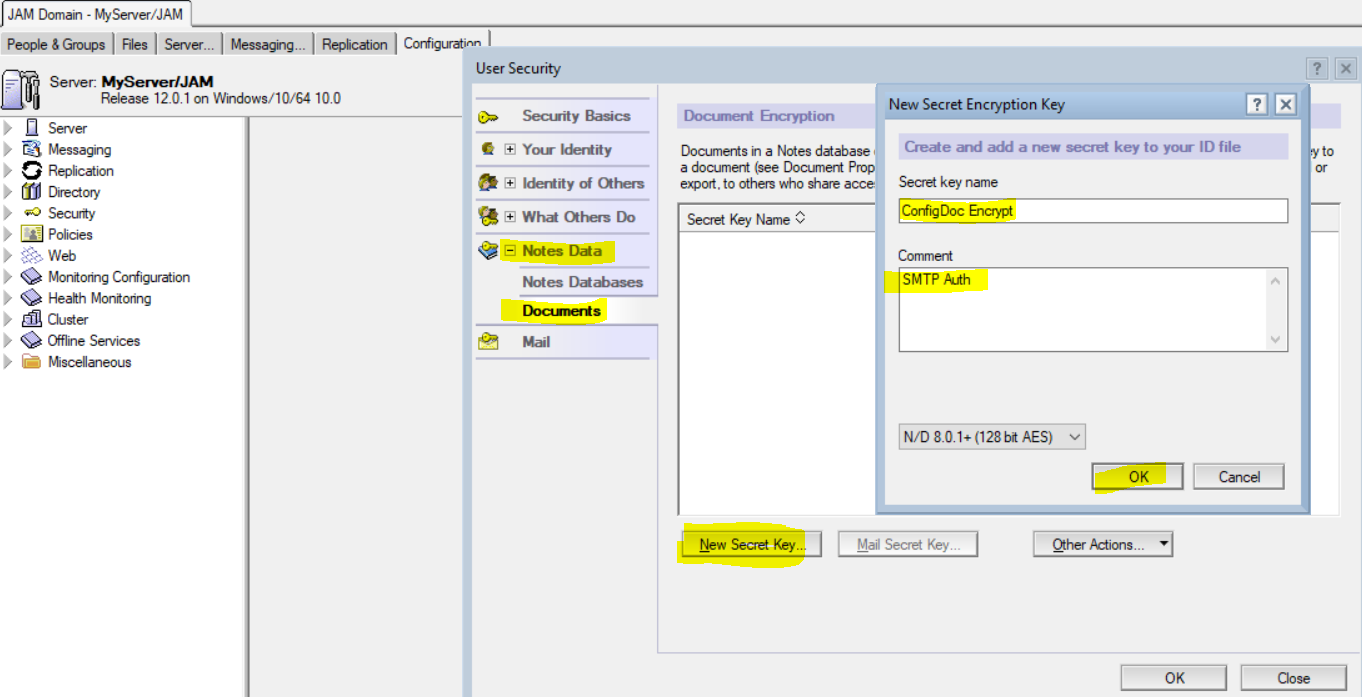
Click File > Security > User Security (Macintosh OS X users: Notes > Security > User Security).
Click Notes Data > Documents.
Click the "New Secret Key" button.
Enter a name for the secret encryption key in the "Secret key name" field in the "New Secret Encryption Key" dialog box.
Optional: Enter a note about the secret encryption key and what it is being used for in the Comment field in the "New Secret Encryption Key" dialog box.
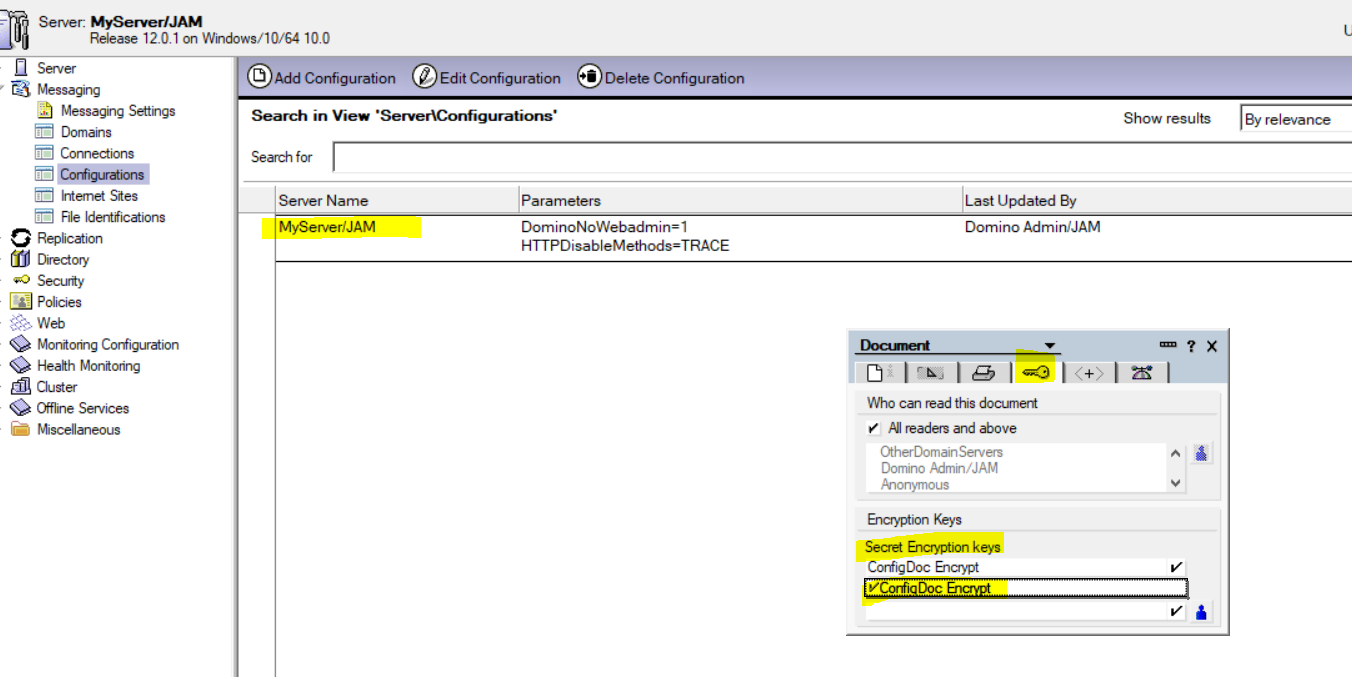
To specify a secret encryption key for the document
Open the configuration document or be in the Configuration view and select the SMTP auth enabled configuration document.
Click File > Document Properties.
Click the Security tab.
Click one or more secret encryption keys that you created. If you want the document to be readable by people who do not have the secret encryption key, list those people in the "Public Encryption key" field under "Encryption Keys."
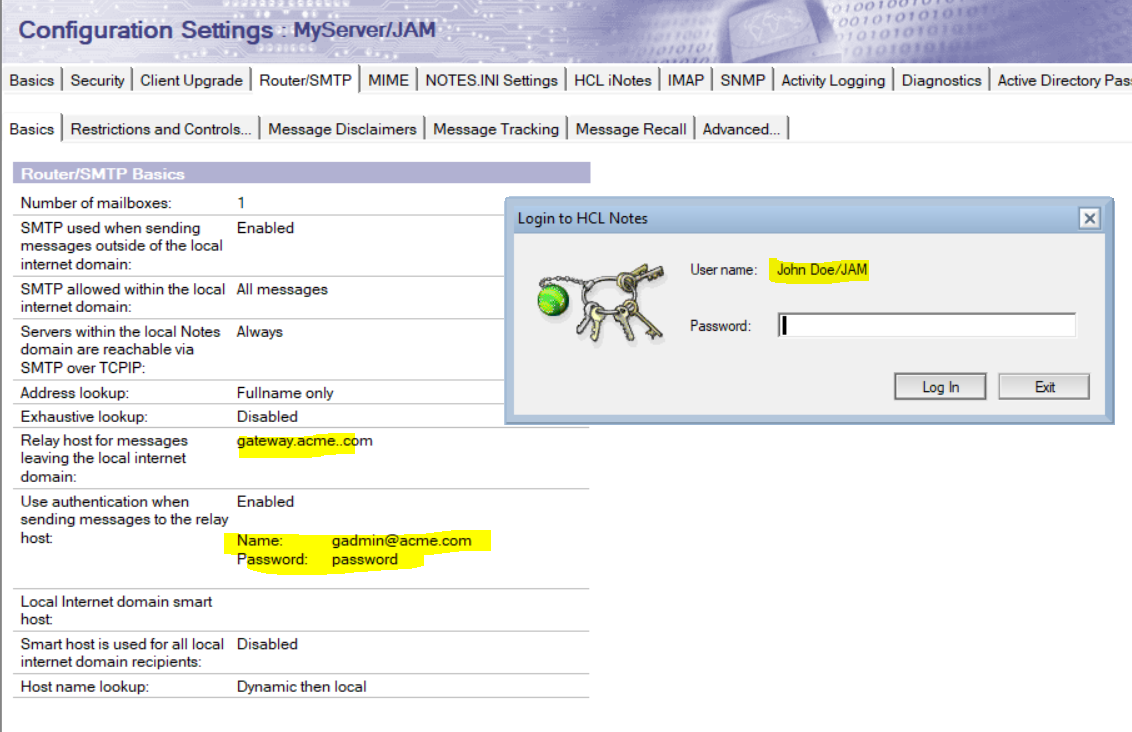
Result: Administrator will no longer see the message while saving the configuration and also normal user will not be able to see the authentication information as shown below.