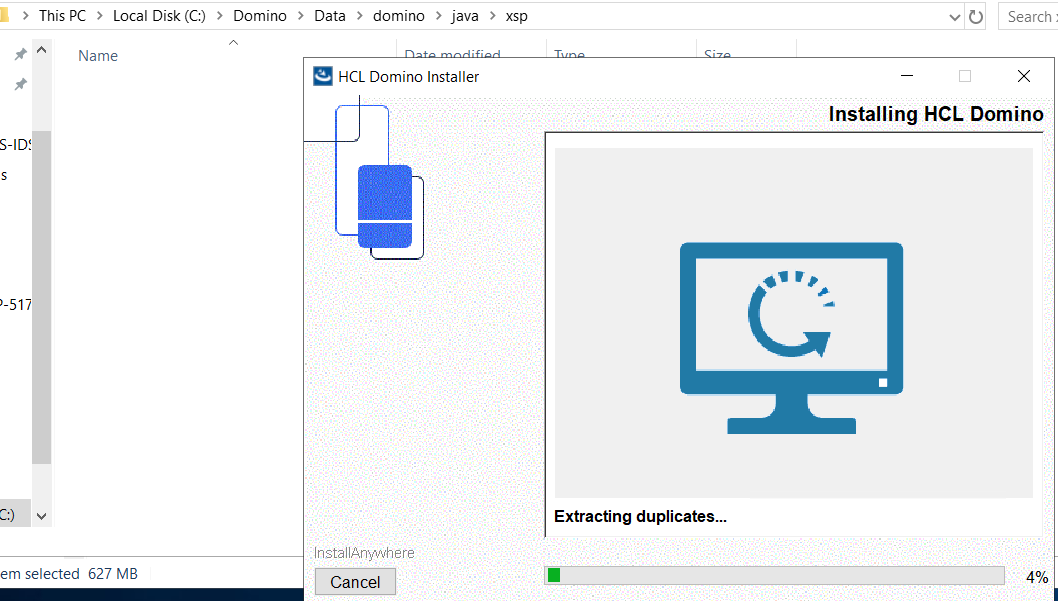
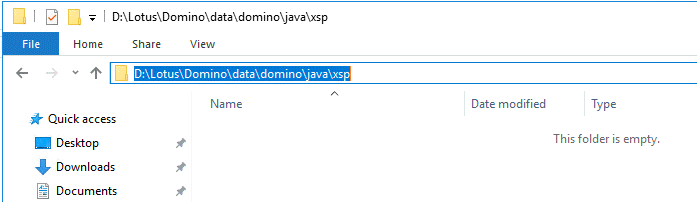
We have performed two 12.0.2 server upgrades from 10.0.1 FP5 and one 12.0.2 fresh install and in each case the Theme directory has been missing. Is this a bug or is there something else we're missing.
Thanks,
Scott.
We have performed two 12.0.2 server upgrades from 10.0.1 FP5 and one 12.0.2 fresh install and in each case the Theme directory has been missing. Is this a bug or is there something else we're missing.
Thanks,
Scott.
Hi Scott,
As per your update, you are able to reproduce the issue while upgrading as well as during fresh installation.
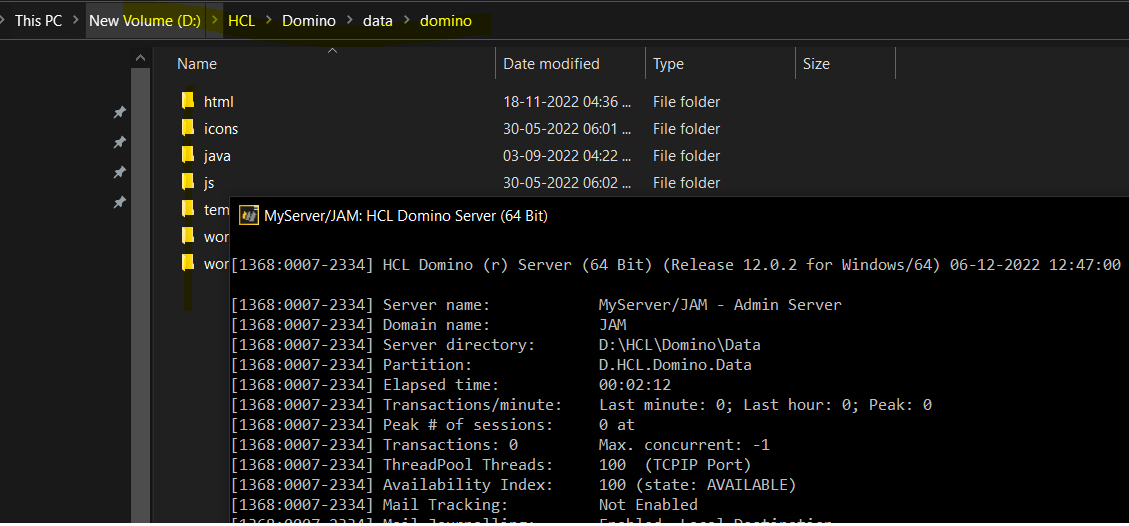
I tried to reproduce the same with manual upgrade from 11.0.1 to 12.0.2.
The "Theme" folder was initially present when Domino Server version was 11.0.1.
After upgrading to 12.0.2 as well, I can see that "Theme" folder is present.
I uninstall Domino Server and then perform fresh installation again using 12.0.2 installer.
After installation, I can still see the "theme" folder in my environment.
Unfortunately, not able to reproduce the issue.
How was this upgrade or fresh install performed in your environment?
Regards,
Amit Sharma
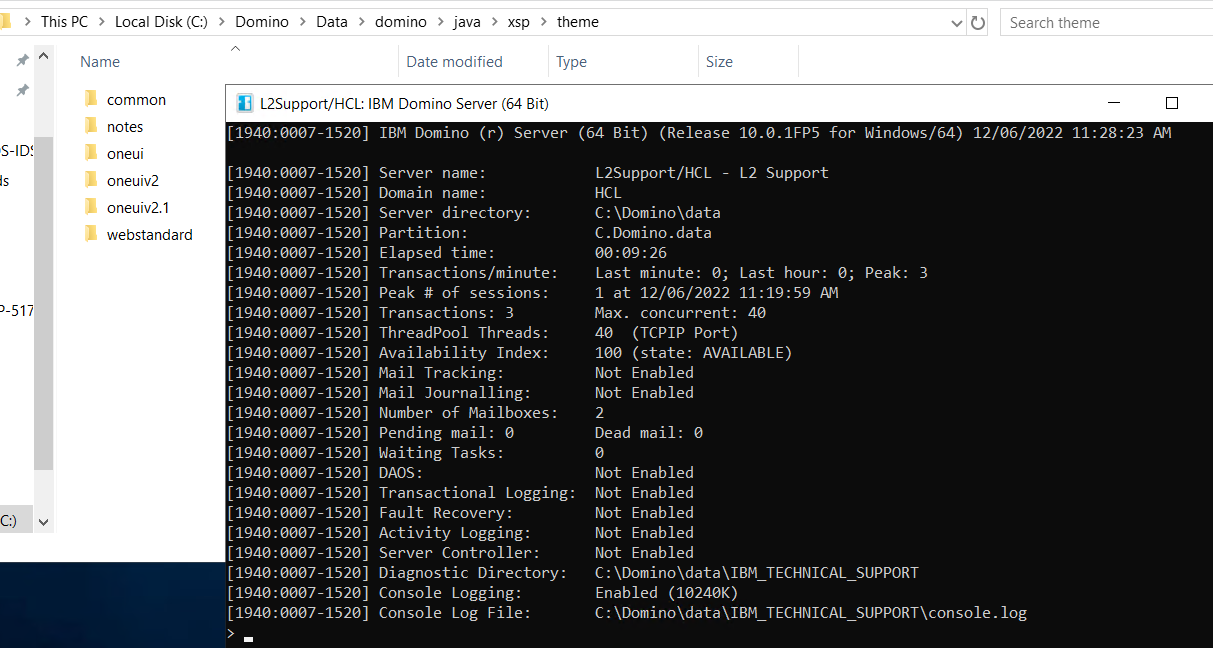
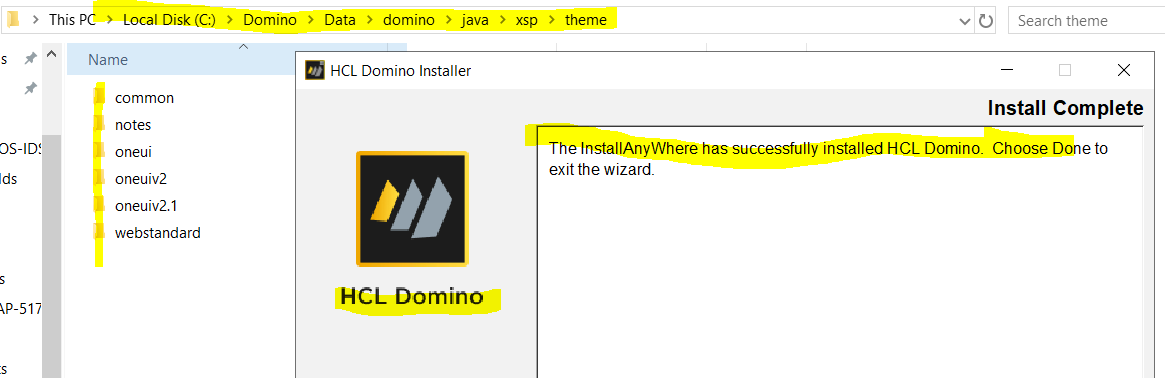
Scott, can't reproduce the issue either with upgrade of server from Domino 10.0.1FP5 to Domino 12.0.2 OR installing Domino 12.0.2 on new machine.
After upgrade to 12.0.2.
New installation
So this doesn't looks to me a bug in 12.0.2. May be you can check the installer to be extracted on a different folder than the default temp folder and see if that helps.
Thank you.
Regards
Shrikant J
Hi, Yes it has happened on all three of the servers we are starting our 12.0.2 migration on. The first two were upgrades and the third was a Domino Server uninstall (10.0.1 FP5), then a fresh 12.0.2 install. As that server was from the early Lotus days, the install directories were still "Lotus". The fresh install went into "HCL". We tried a reinstall without an uninstall and got the same results.
The one thing all these servers have in common is they are on Google Cloud. We are going to try an upgrade and a fresh install on a couple of non-cloud servers to see if that has something to do with it.
I'll report back when we have that completed.
Thanks for the help,
Scott.
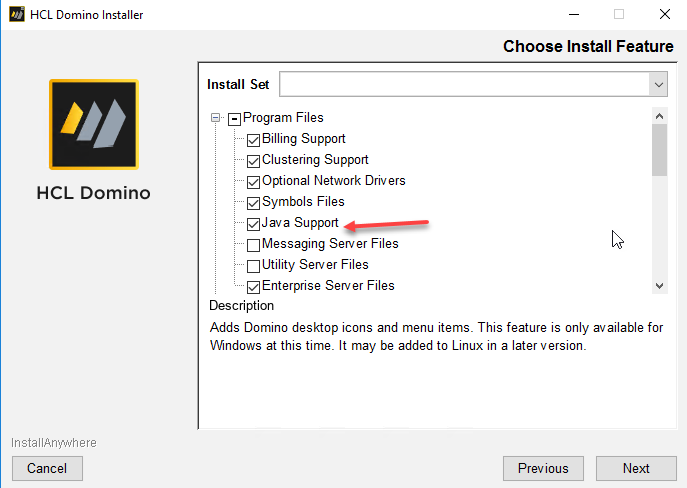
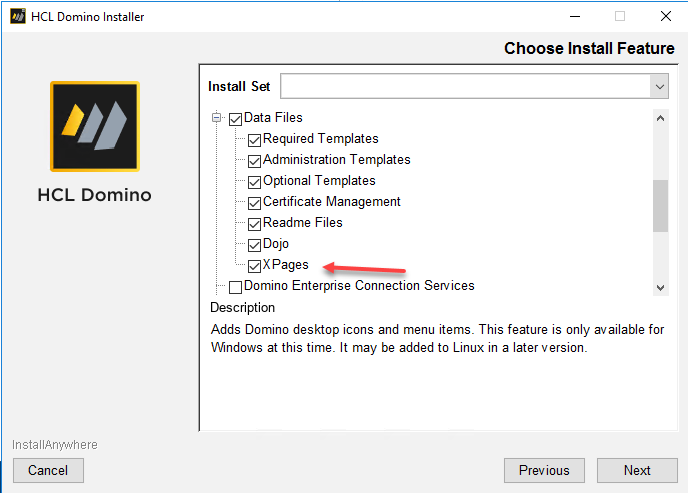
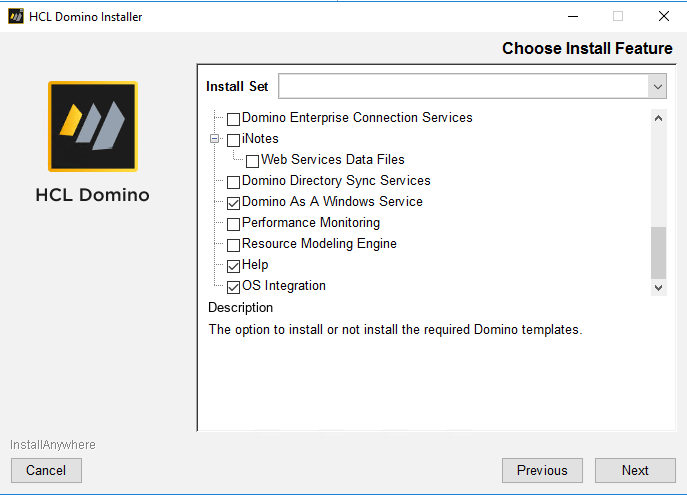
OK, so I think we have figure out what the issue is. As these are POC, Dev and Test servers we do a "Custom" install, not the full "Enterprise" install. It seems that what we normally select in the custom install is causing the issue. What's odd is selecting Java Support and XPages, which we always select, still leaves us without the Theme directory. If I select "Enterprise" Server install the directory gets installed.
Below is our custom install and the Theme directory is not installed... actually removed on the upgrade:
Any ideas?
Scott.
Found it...
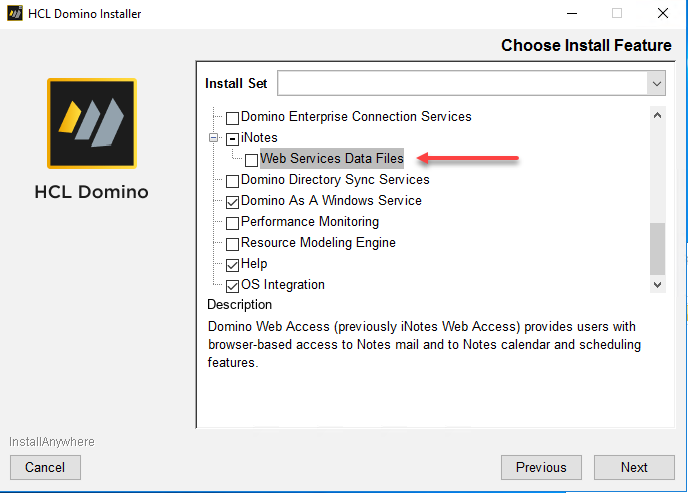
If you don't select the iNotes/Web Services Data Files you will not get the Theme directory. This, in my opinion, is wrong. The Theme directory needs to be installed with XPages.
We found this as we have an XPages application with a Tab Control and it was not rendering correctly after the 12.0.2 upgrade. It, and I'm sure other XPages Controls, relies on the xsp.css stylesheet, which resides in the different theme folders. For us, it was the one in the webstandard folder.
Can someone from HCL comment on when the Theme folder should be installed on a Custom Enterprise installation.
Thanks,
Scott.
Hi Scott,
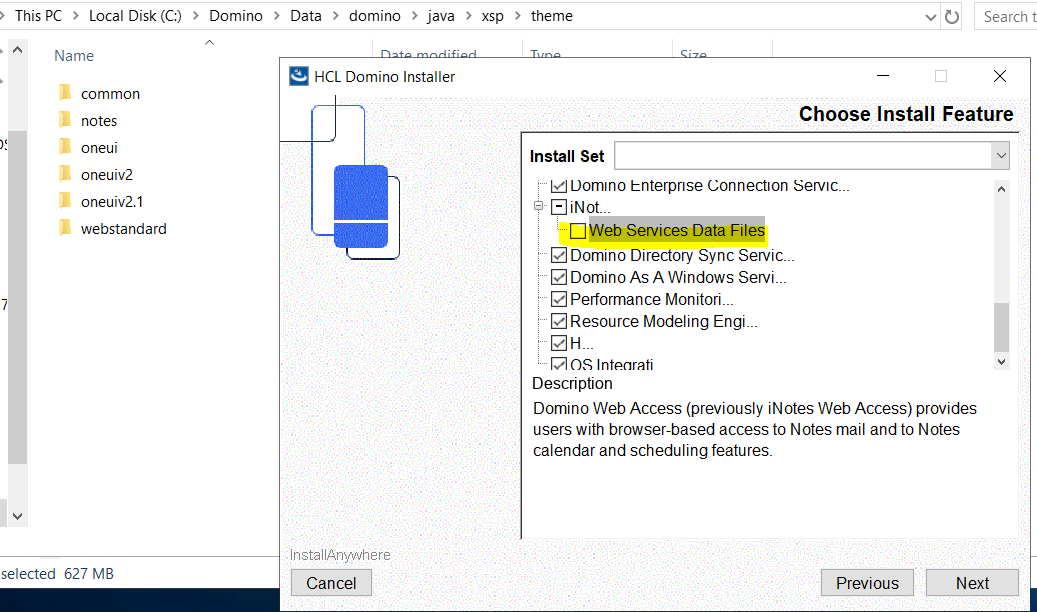
I could reproduce with the steps or option you shown "Web Services Data Files" unselected in the Custom Domino server installation window.
I see this behavior is changed from V11.0.1 Domino and above as shown below.
Before upgrading the Domino server to V11.0.1 from V10.0.1FP5 theme directory and its subfolders are intact.
Unselected "Web Services Data Files" the option under iNotes.
The moment when I click on the Next button in the installation window the theme folder gets removed.
I have attached the upgrade logs for v11.0.1 and V12.0.2.
Install log under Domino\_HCL Domino_installation\Logs shows as follows
DominoCustomCodeAction::removeObsoleteFiles: Directory: C:\Domino\data\domino\java\xsp\theme has been removed.
I would request you to please raise a support case to understand this change in the Domino version 11.0.1 and above.
Thank you for reporting the issue.
Regards
Shrikant J
installlogs.zip
Thanks Shrikant for confirming.
I'll get a ticket into HCL reporting the problem.
EDIT UPDATE: Ticket was created today: CS0361782
Thanks again,
Scott.
Just to close this off, HCL has tested this and see the same issue as was reported here. They will look at fixing the installer in a future release - hopefully 12.0.2 FP1.
Thanks for the help in confirming this bug,
Scott B.
Scott, thank you for posting support case response in this forum community. You can track the Domino fix list when we release 12.0.2FP1.
https://ds_infolib.hcltechsw.com/ldd/fixlist.nsf/Public?OpenView&Start=1&Count=30&Collapse=1.1#1.1
Thank you.
Regards
Shrikant J