I have a form with several text fields, radio buttons and comboboxes. I want to prevent end users from editing these fields after the form is initially submitted. I do have a text area for follow-up comments that I want to allow some users to be able to fill out and save the form again.
I put the following formula into the HTML Attribues (in the Objects section) of the text fields to prevent future editing: @If(!@IsNewDoc; " Readonly ";"")
I put the following formula into the HTML Attribues (in the Objects section) of the radio buttons and comboboxes to prevent future editing: @If(!@IsNewDoc; " Disabled ";"")
When I go back into the form to add the follow-up comment and attempt to save the form, everything works as desired for the text fields that are Readonly. For the other fields that are Disabled, the values in them are deleted when I click save.
Is this working as designed or is there a way around this issue? Not sure if what I'm trying to accomplish is going to be possible.
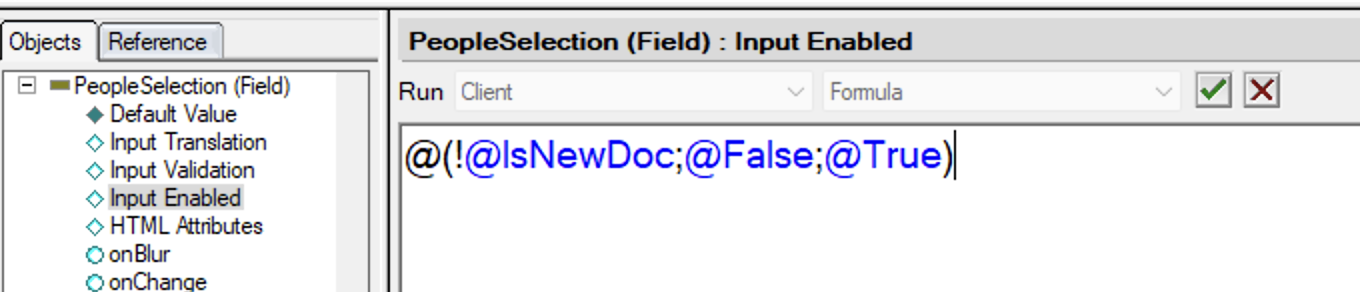
Why you don't just use the event "Input Enabled" in the form, if formula returns @true (or "1"), you can edit, if the formula returns @false (or "0") you cannot.
Thank you for the responses @Jerome Deniau, I applied the first suggestion to a field on the form and I was still able to edit it when I went back into the form. I am using a web form (sorry I forgot to mention that before). Maybe that formula doesn't work on the web. I even tried entering just "@False" into the Input Enabled, but it still did not prevent me from editing the field on the web. I will look into doing your other response as well.
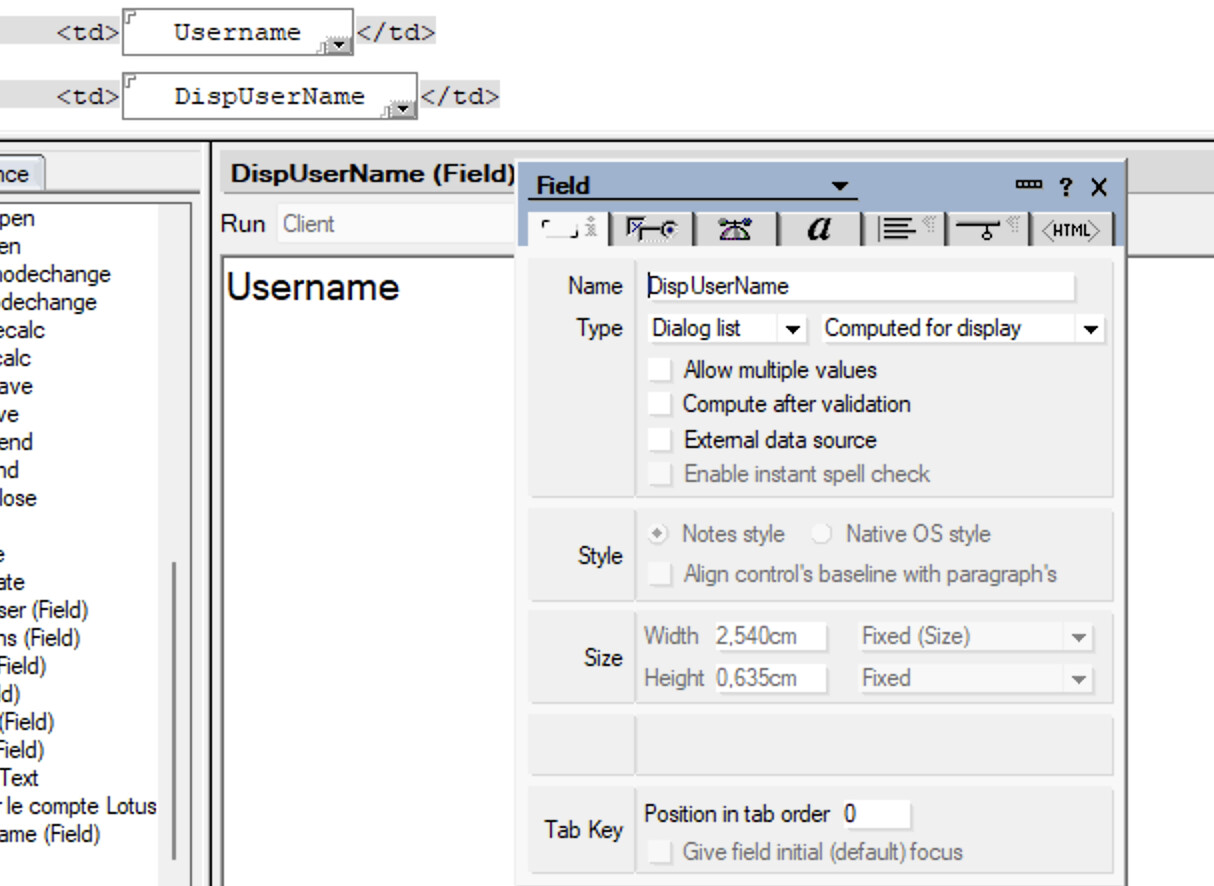
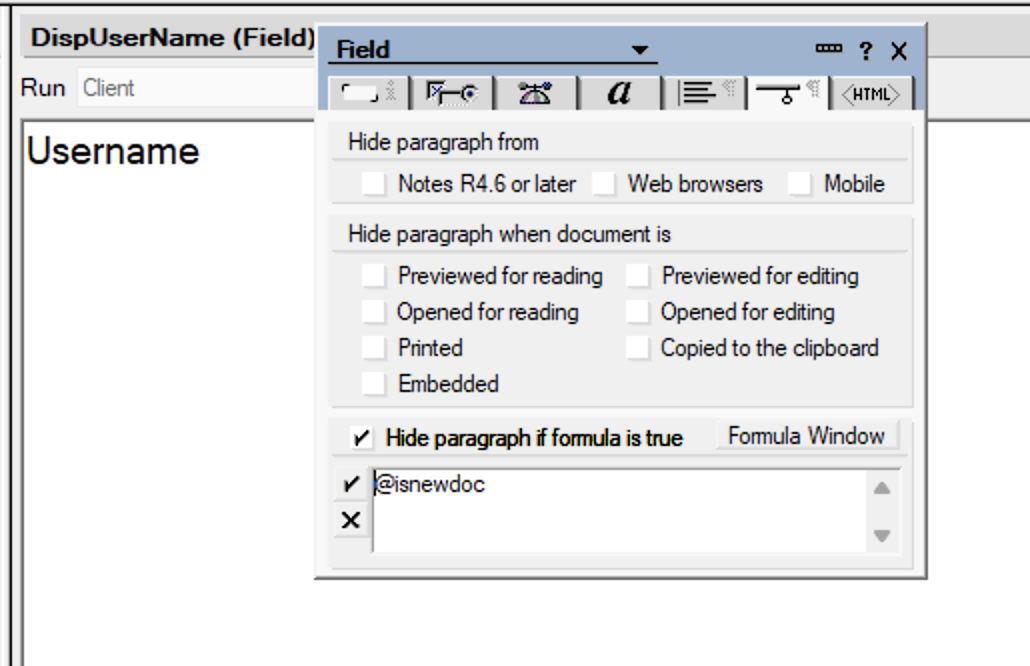
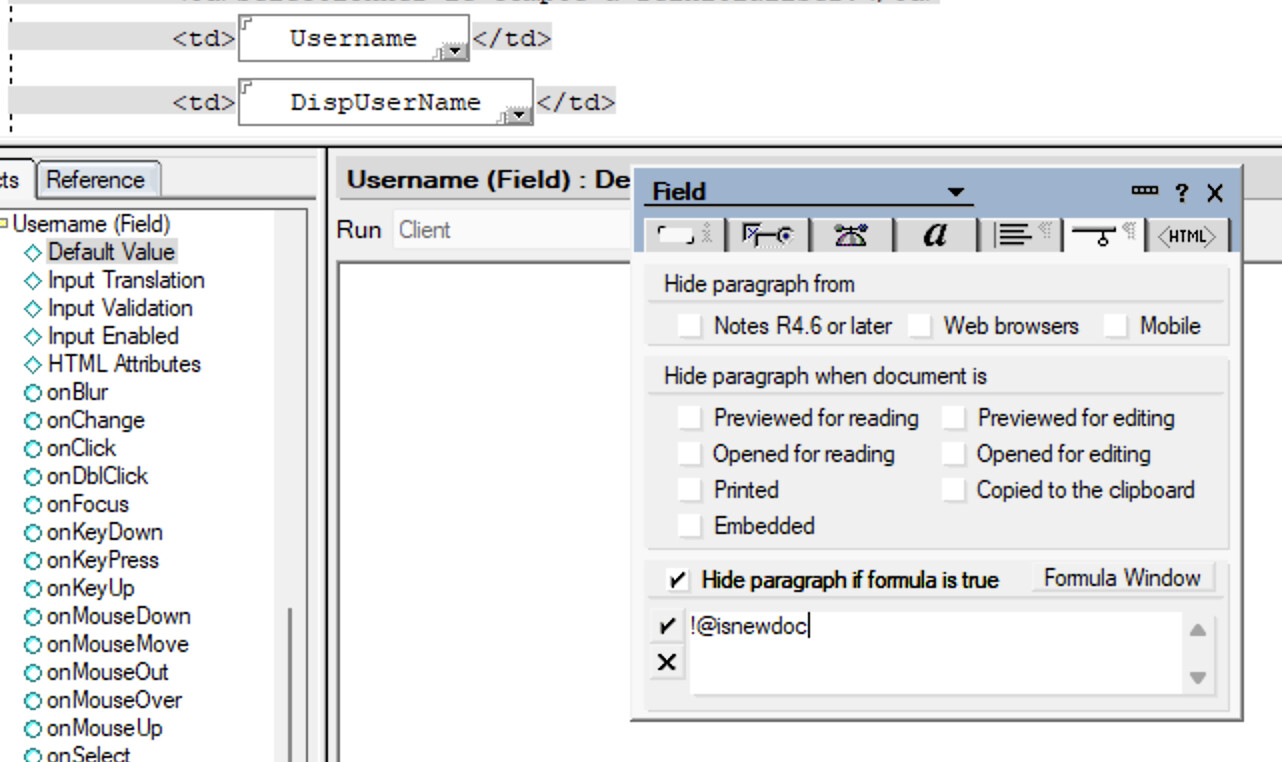
@tabrown , in the past on the same form, designers were using 2 fields, one for editing and another for computed for display (readonly) (or passthrough html with computed text), this method was quite boring when you do need to add other fields..... but it works for instance I have a Username name (editable field) and a DispUsername (computed for display field), the Username item is hidden when is it not a new doc, dispUsername is hidden if it is a new doc.
Yep, that is actually what I had began working on doing. Building two forms may be easier to do but I can't quite wrap my mind around doing it, so creating a read-only computed field is what I'm more comfortable with. Thanks so much for your help!