Hi everyone, I'm trying to display a Segment but I want my elements in this Segment to be displayed horizontally instead of vertically (as Iris put by default). Is there any way I can do it? Maybe I should use some other solution to display a list of elements displayed from left to right? (I'm trying to use a Segment widget as I need to modify its content dinamically).
Thanks
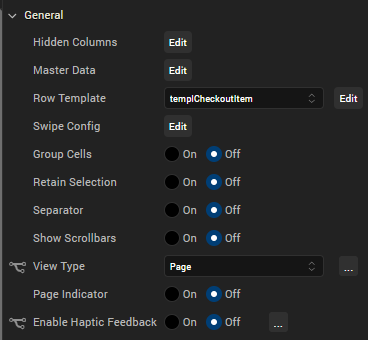
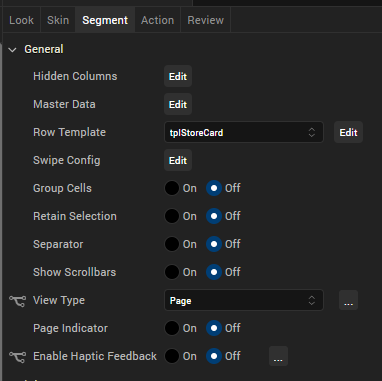
Hi Jonathan, you can set the Segment View Type to "Page", and then optionally use a page indicator or not.
The segment can be placed in a FlexScrollContainer with its Layout Type set to "Flow Horizontal", and Child Widget Align "Left to Right".
Using a template, you can modify widgets dynamically per row via code. Each row will appear in the segment populated left to right, with the scrolling enabled for left and right navigation.
Hello! I'm trying to implement your solution but it is still not working as I would. Did you tried and actually worked?
Thanks
Hi Jonathan, I have both native phone and responsive web examples. The properties I showed above were for the native phone. Desktop web involves less configuration, just set the segment's View Type to "Page". File size limitations prevent me from uploading my project, but here's a summary.
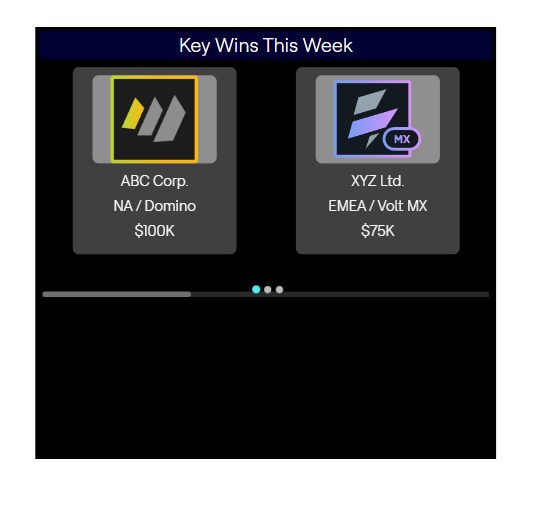
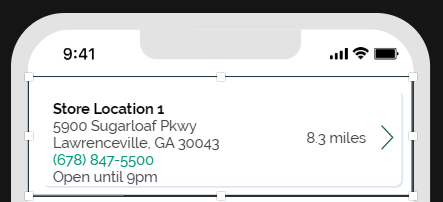
UI resembles:
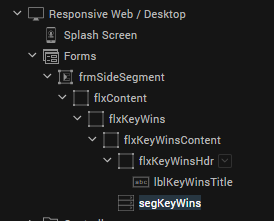
Project widget hierarchy is listed below. Uses standard FlexContainer widgets, one label, and a segment:
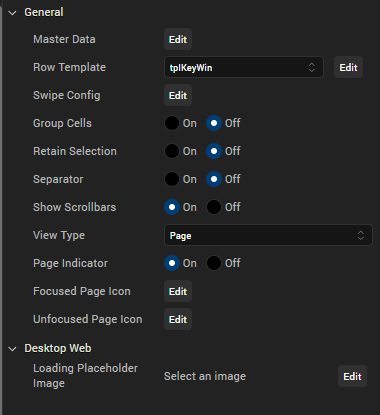
Segment properties, the master data is hard-coded for this example:
Use a template of your own design, and you're good. Here's what I use for the "two-card" layout. flxKeyWin1 and flxKeyWin2 have their respective widths set to 50%.
For my native phone example:
UI layout, in this example I do not use a FlexScrollContainer, I rely on the segment to provide the scrolling behavior.
Segment properties, master data was hard-coded for this example:
Template layout:
Hope this helps.
Hi, I'm looking at this solution that you used. But the problem is: you made you template knowing that you will have 2 pages displayed. I need a solution that can change dinamically based on the pages that I need to display, so this solution would work in my case, right?
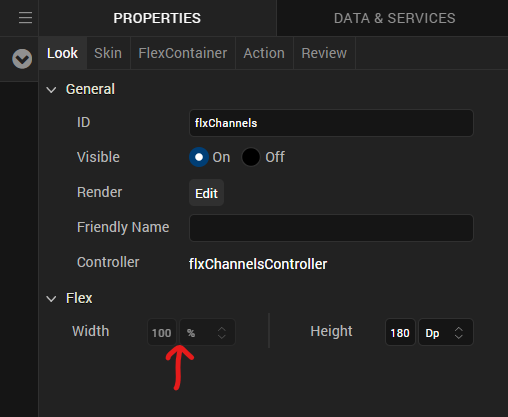
Thank you very much for the answer, I will try this solution as soon as possible. One question tho, in the template of the segment, are you able to change this setting (width)? Why is it disabled?
Hi Jonathan, that specific property is disabled for the template since it is assumed each row is going to occupy the entire width of the segment's viewable area. You can limit the width of the content of the template or the segment width itself if you need to reduce the horizontal space it occupies.