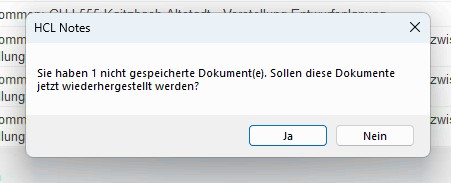
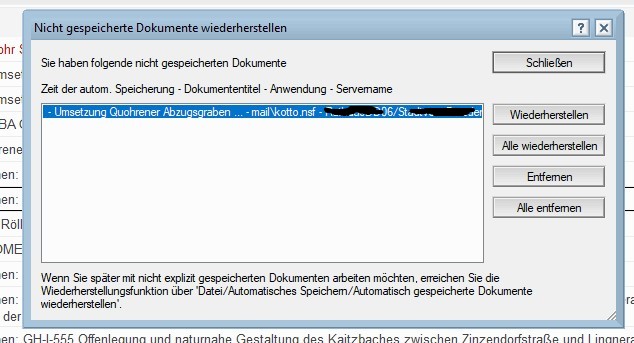
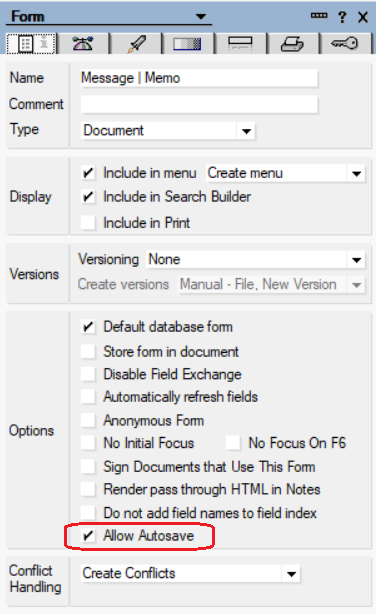
On starting HCL Notes my user sees a message asking if she wants to restore a document which has not been saved.
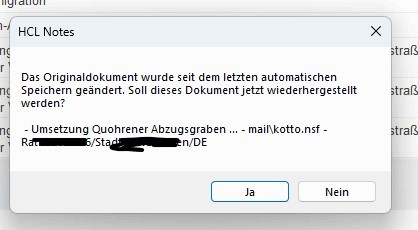
Another message says “The Original document was changed since it was last automatically saved. Should this document now be recreated?” Here she clicks “Yes”. However afterwards she is unable to find the mail in her mail database, also not under “All Documents”.
Why is the recreated mail not available in the “All Documents” view? Where else could it be found?
Also, I had thought that HCL Notes does not have an automatic saving function for Emails?
The screenshots are in german but I hope it is clear what each one refers to.
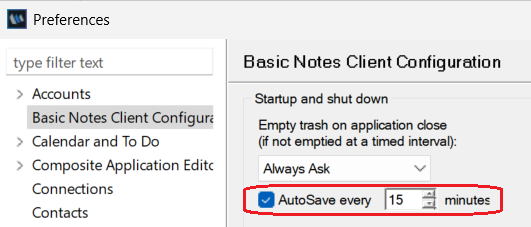
I believe this behavior is due to the AutoSave feature.
When AutoSave is enabled in Notes and also enabled in the form, the document is periodically saved at the interval specified in User Preferences. The saved copy is stored in the file as_FLast.nsf in your local data directory.
Thanks for your reply. Could you please tell me where exactly I get enable AutoSave? I am unable to find this in the user preferences. To enable AutoSave in the Form is a design change required?