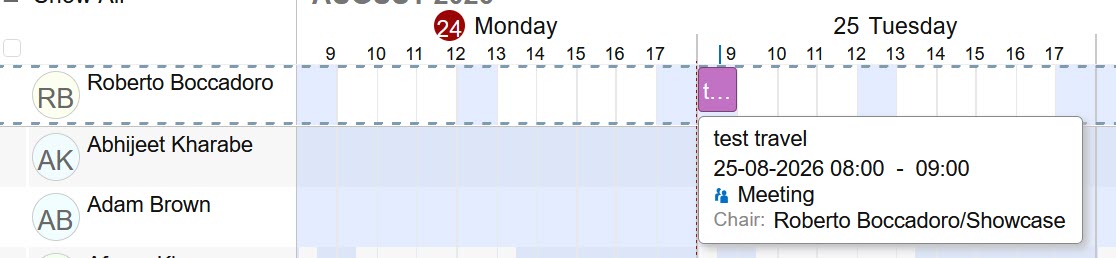
I already raised the time zone issue.
-
In looking at the team calendar, where I see everyone in the Beta, I presume that is what you want, otherwise, maybe not everyone.
-
You have a legend that displays colors for calendar events/items, yet no way to use them. Maybe they are what is coming?
No way to customize the color of the event. -
Save, is unintuitive; I was looking for a button or a button outline or a menu thing for way longer than I should have and almost just clicked X before seeing Save.
Subtlety is nice, but not what people want from business apps they are “tuned” to look/use certain things and just want to do a quick entry. -
No repeater option, so my daily stand up seems to run all day for 2 months.
-
I live in a country that Sunday is a work day and Friday is not, but having a small/thin column for a weekend is not practical, it should be the same size as every day. I see I can select what to see, but it did not include Sunday when I turned off weekends.
Maybe if there are preferences for personal profiles, it would understand when I say Sunday is a workday and include it in the week? While we are a small country and I did not test Bidirectional text yet, it is an important aspect.
EDIT: Everything I wrote was from a different app than verse. I see that if i go to the Verse calendar of course things work. I wrote this based on the quick compose “ribbon” of the calendar from the front page.