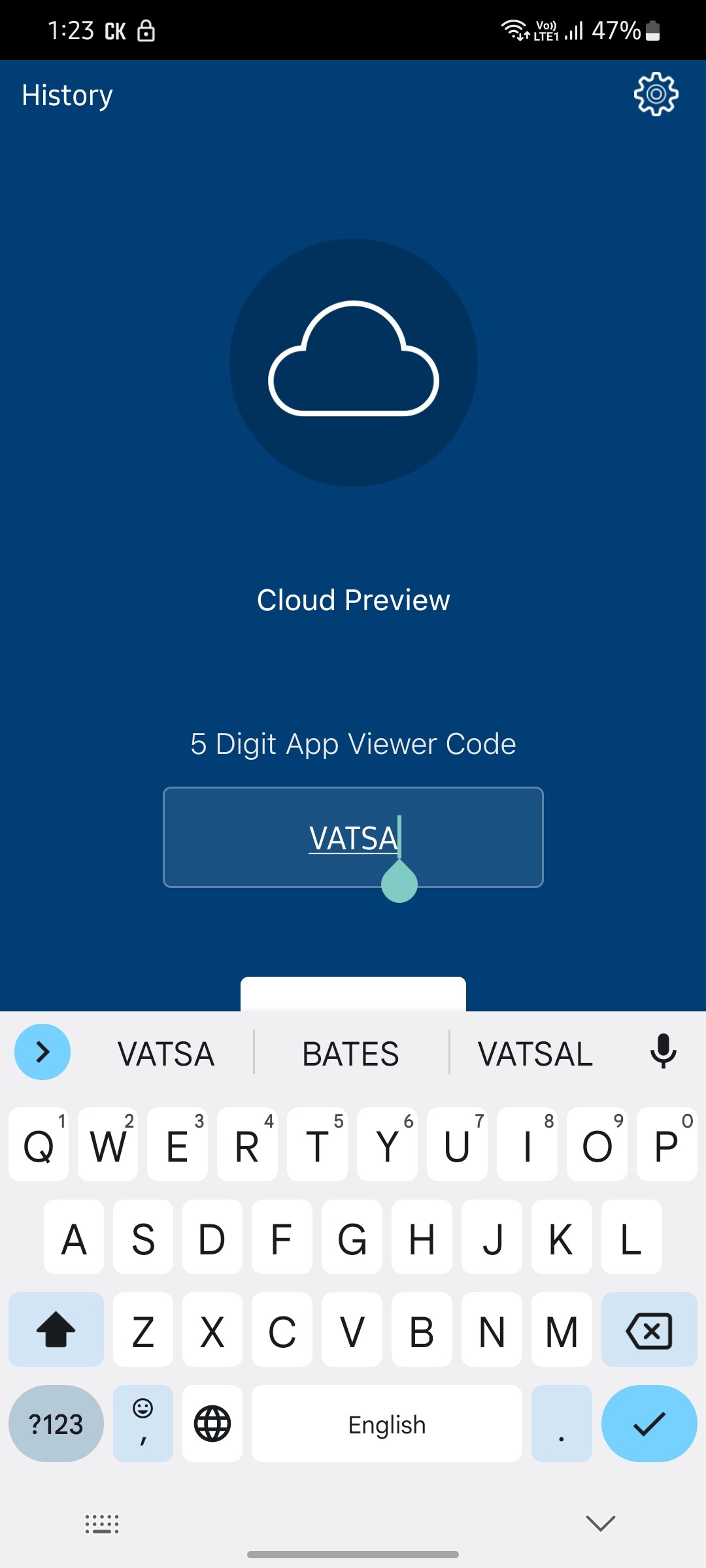
This is the default behaviour of the Volt MX application. When I try to write the 5 digit app access code into the input field, the Android keyboard covers the application and it is presented on top of the app content.
Have a look at a snippet from my application:
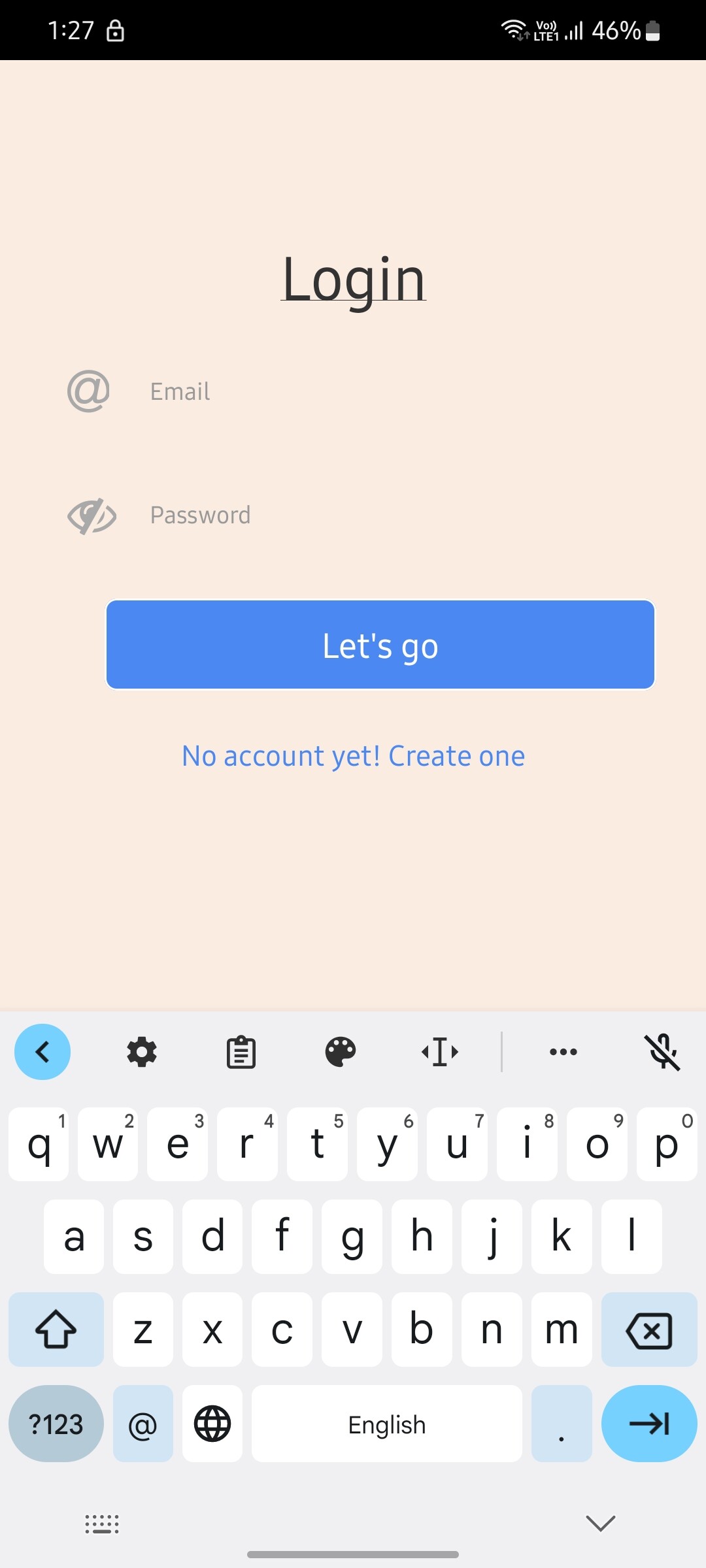
The keyboard is pushing the entire application upside? Why is that happening? It doesn't look good because it's then decreasing my canvas size.
Is there any property in iris panel for textbox fields that will help me in stopping that?