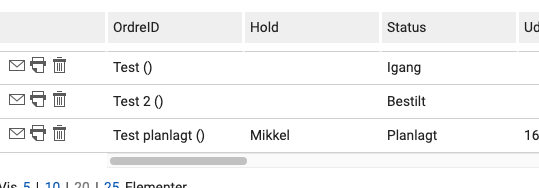
Is there a way to control the order of fields on the list view ("View data")?
We can choose if a field is shown - but cannot find a way to choose the order...
/John
Are you referring to the "View Responses" view of the data or the service call? If it's the View Responses, then the field needs to be set to "sortable" in the properties field and then you can sort in the View Responses:
(this is for v 1.0.2 only)
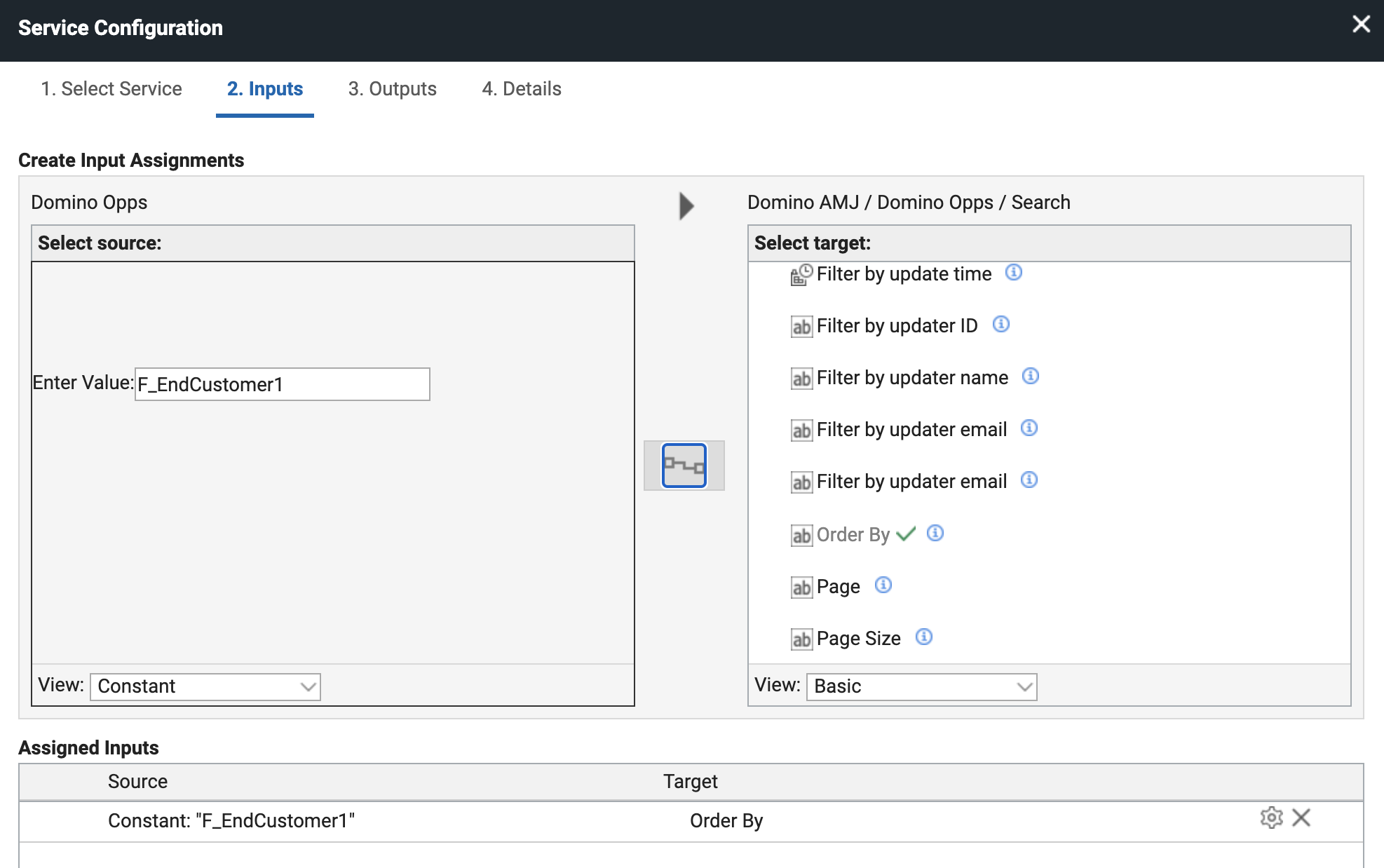
If it's for the service call, there is an attribute in the configuration "Order By" but I don't think it is yet enabled as of 1.0.2 - but you would set up something like below:
I was talking about the "View of the data".
However, I understand the "Sort" option as a way of sorting the documents, i.e. "data".
What I'm looking for is a way to say that if "field4" is selected to be shown under "View data" then I would like to tell Volt that "field4" should be shown as the first column...
Ahh - apologies - misunderstood the request. I don't know of a way to do this. By default, it uses the order of the form in that view where the fields are checked to "Show in View Data" - so you'd have to rearrange your form fields
The only option, that I know of, would be to build a form within that app that is a table view of the results, and then you can view and order as needed. i.e. build a form with a table that has the columns you want and is loaded by the service call to the app to populate the table.
Some of this may be resolved in the next releases with the use of Active Grids for data presentation
Thanks. Do you know when the next release is planned to be available??
We have a planned release for this quarter March timeframe. The Data Grid is planned to cover:
Data Grid