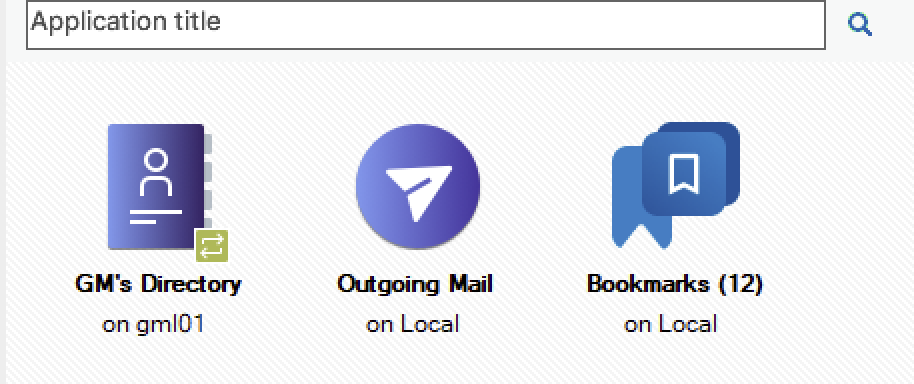
When I install Notes 14.5.1 on Windows the icon style of the applications is the one for the Notes 11 theme, not the Notes 14 one. Changing the themes in the Preferences back and forth does not fix this. Full uninstall (and wipe) and reinstall does not fix this. This is not a problem in the macOS 14.5.1 version.
Anyone else seen this, and know of a fix?
Seen on Windows Notes 14.5.1: is Notes 11 theme icon style, even though Notes 14 theme selected.
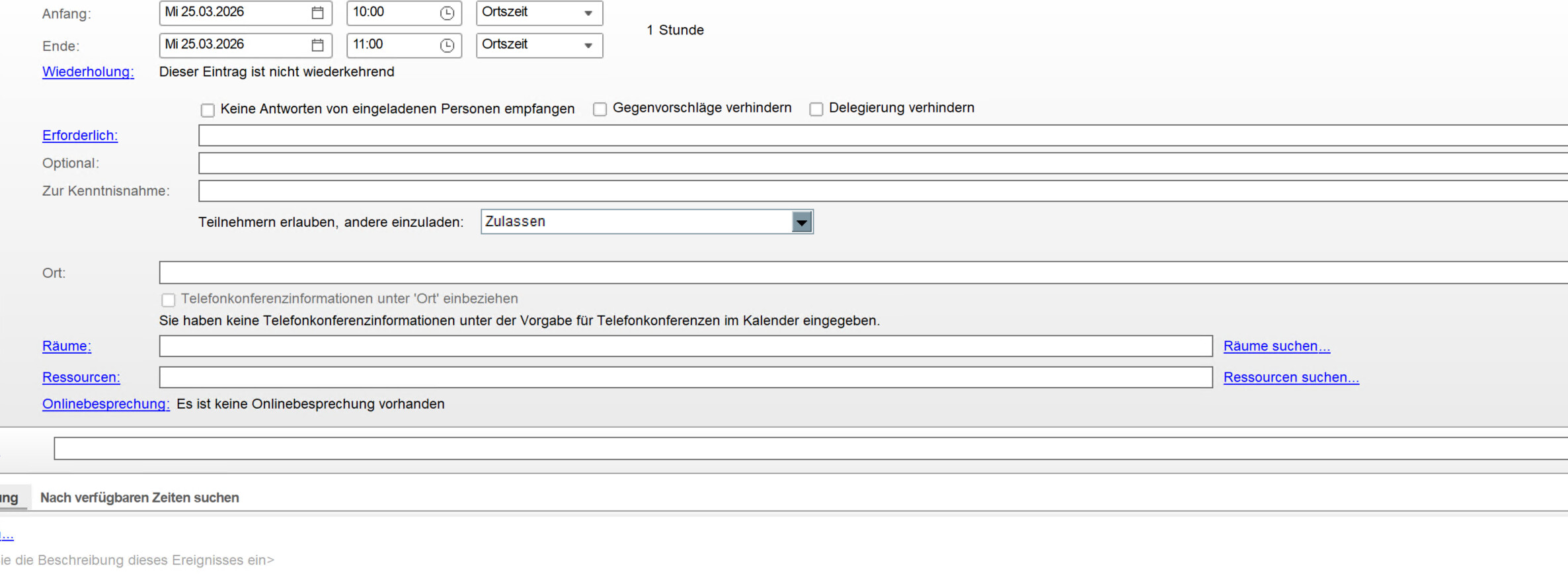
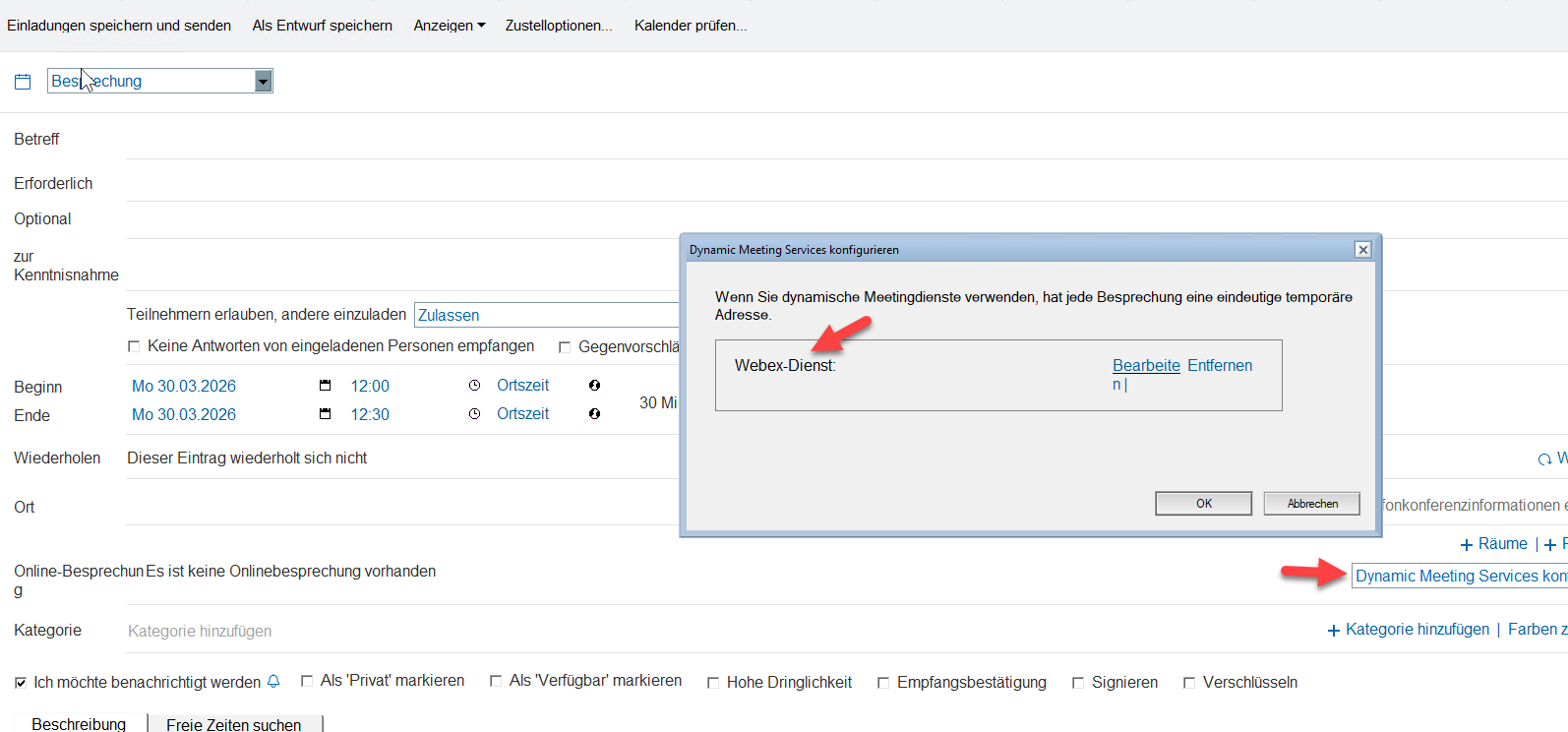
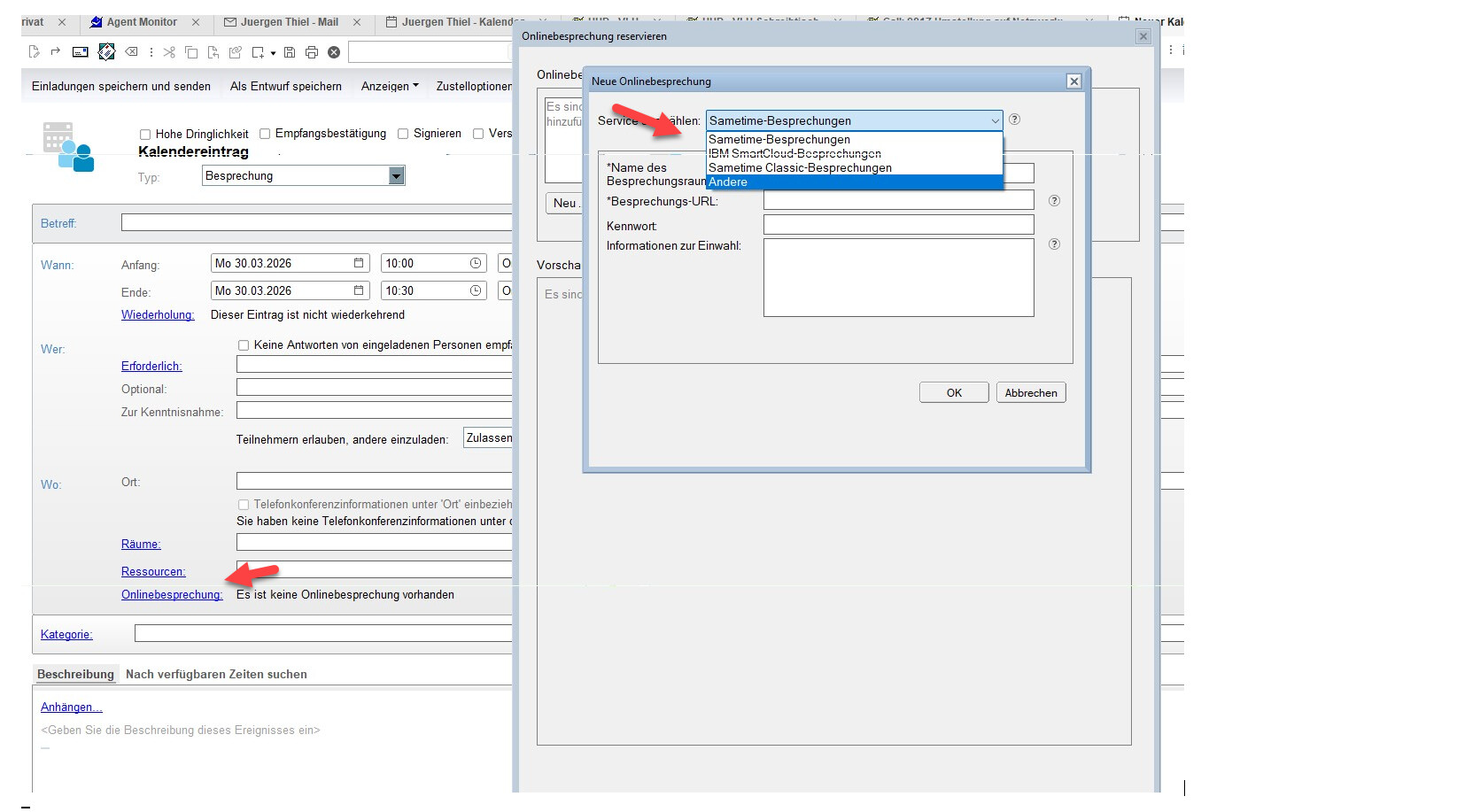
I have a 14.5 Mailtemplate, when I open calendar in Notes 14.5 FP1 I can configure a Webexmeeting , when I open the calendar in same mailfile in 14.5.1 I can’t do this and it looks like Notes 11 Calendar design.
I have worked out what changed: its options “Notes 19 - Do not show borders on Workspace icons” which changes the icon behaviour between the two icon looks and sizes. Then it seems by default now its unticked, so toggle it as desired.