Domino/Notes Version: 14.5 domino - Add-on Product (if appropriate, e.g. Verse / Traveler / Nomad / Domino REST API): Its Version: nomad 1.0.17 Operating System: Windows server 2022 Client (Notes, Nomad Web, Nomad Mobile, Android/iOS, browser version):
Problem/Query: I unzip download to my hcl/domino directory. run the following from server console: set config NOMAD_WEB_HOST=mycertstore.domain.com nothing happens!
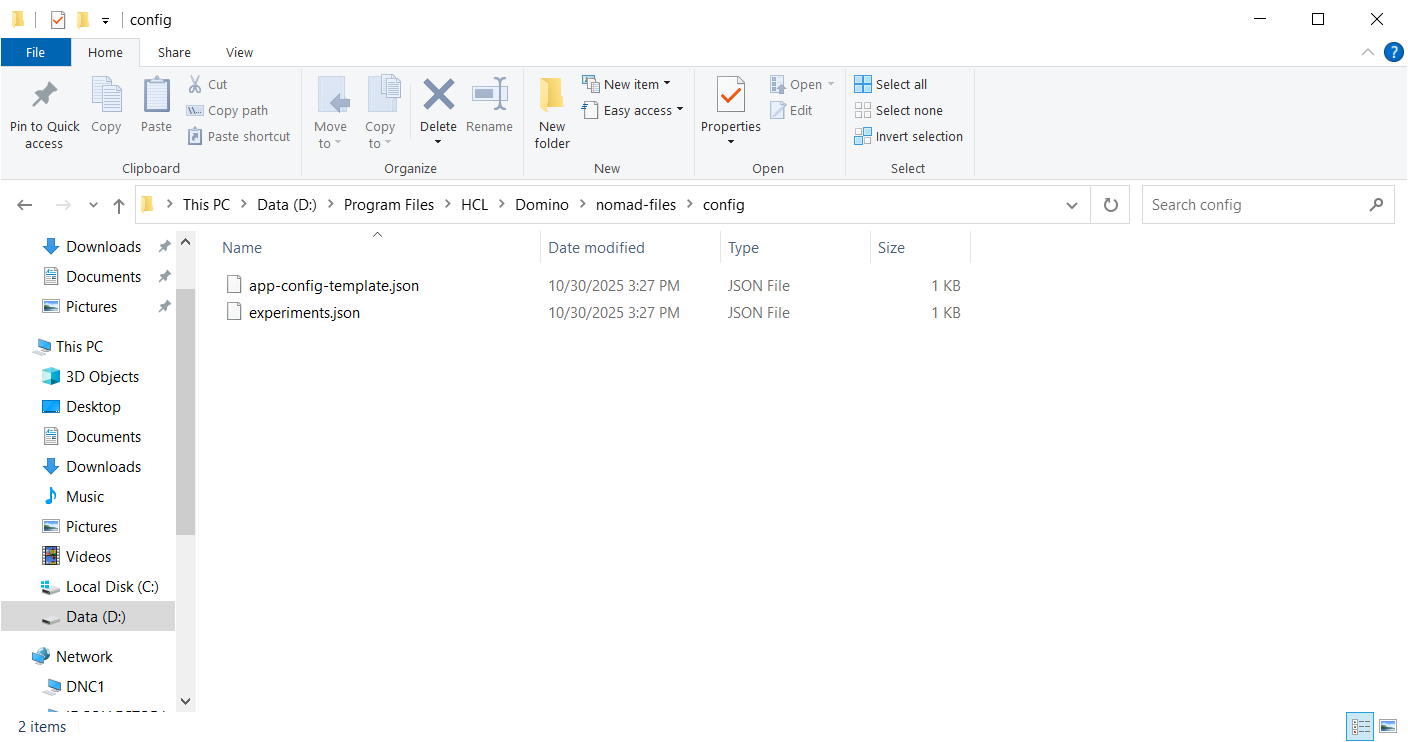
So, after much more digging and getting it to load. My network guy wants me to use port 443 not 9443 for nomad. I have looked through all the technotes. i have disabled tls 9443 on the nomad server. but cannot locate the nomad-config.yml file anywhere on the nomad server? I see a folder named nomad-files and have performed a search but do not find this config file. Any idea?