HCL Digital Experience allows to you to have your business users easily manage websites and content. They can mix and match, configure, target and secure page components in websites, under control of IT. These components may be content and applications developed in many ways. These applications may be created using no-code, low-code solutions like HCL Leap and HCL Volt MX, and you may use JavaScript to build them, using any JavaScript framework of choice.
If your preferred way to build applications is using React, you may want to use HCL Digital Experience Script Applications to turn these into reusable and configurable applications that business users may use in one or more places on your sites, each possibly configured and targeted to specific use and audiences.
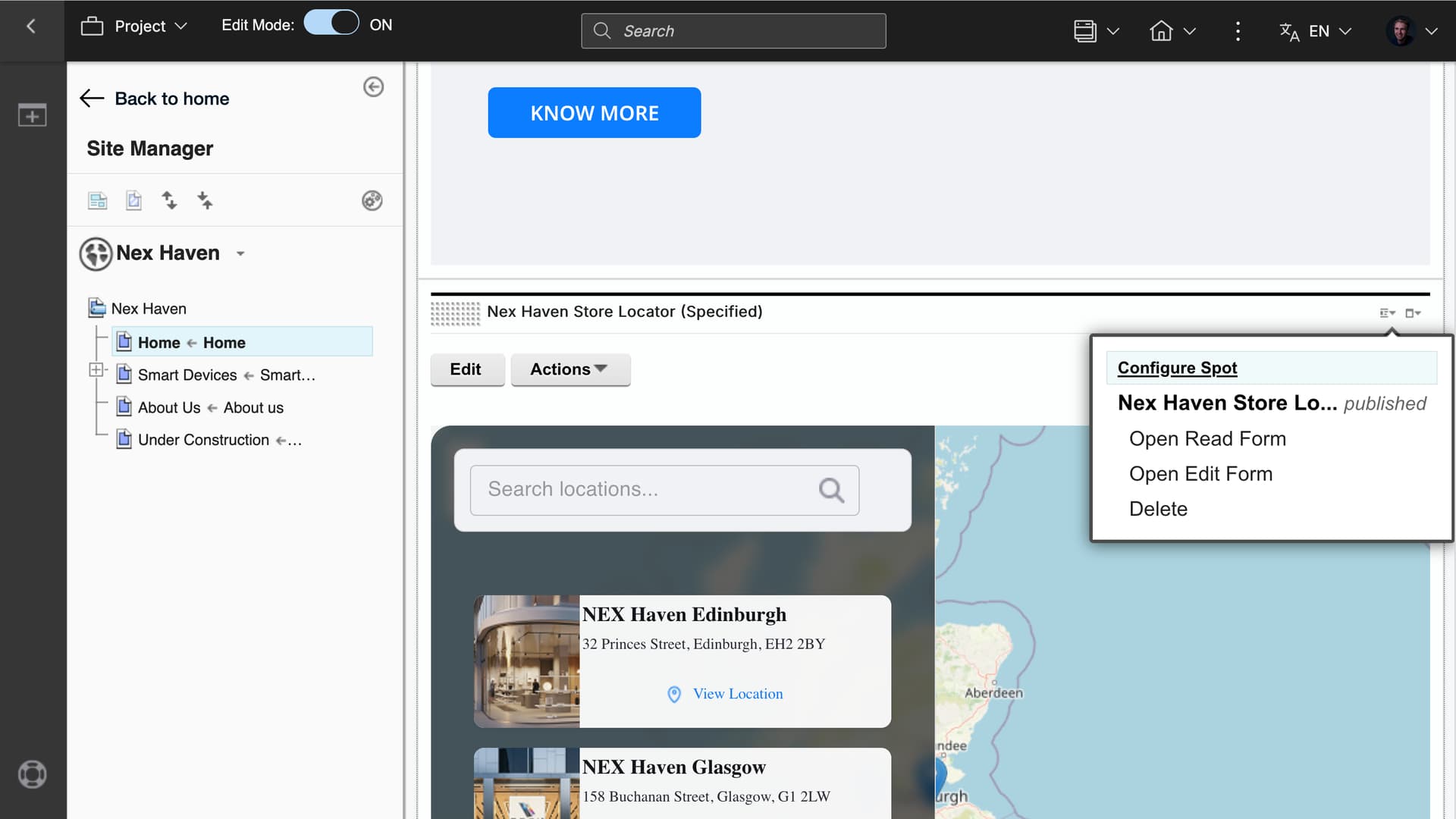
Here you see a DX site with a provided sample React Script Application Store locator that may be configured and targeted to any device, audience or other rule, using the Configure Spot.
You may now use the new modular toolkit for scaffolding modern React applications on HCL Digital Experience using Vite: create-dx-script-app, This tool helps you quickly create production-ready React applications with JavaScript or TypeScript that integrate seamlessly with the HCL Digital Experience platform locally with your favorite IDE. It provides ready-made templates and configurations to accelerate your development workflow.
It offers the following key features to streamline your Script Application development and deployment:
-
Ready-made React templates built using JavaScript and TypeScript for optimal configuration
-
Preconfigured ECMAScript Linter (ESLint), Vite, and Hot Module Replacement (HMR) for rapid development and improved developer experience
-
Built-in deployment scripts and HCL DX-specific configurations for seamless integration
-
Flexible configuration to support different deployment environments
-
Modular architecture that separates core logic from templates for easy maintenance
To build any new React Script Application, use any of the following commands
# Using npx (requires npm 5.2+ to be installed)
npx @hcl-software/create-dx-script-app

# Using npm init
npm init @hcl-software/dx-script-app

# Using yarn create
yarn create @hcl-software/dx-script-app
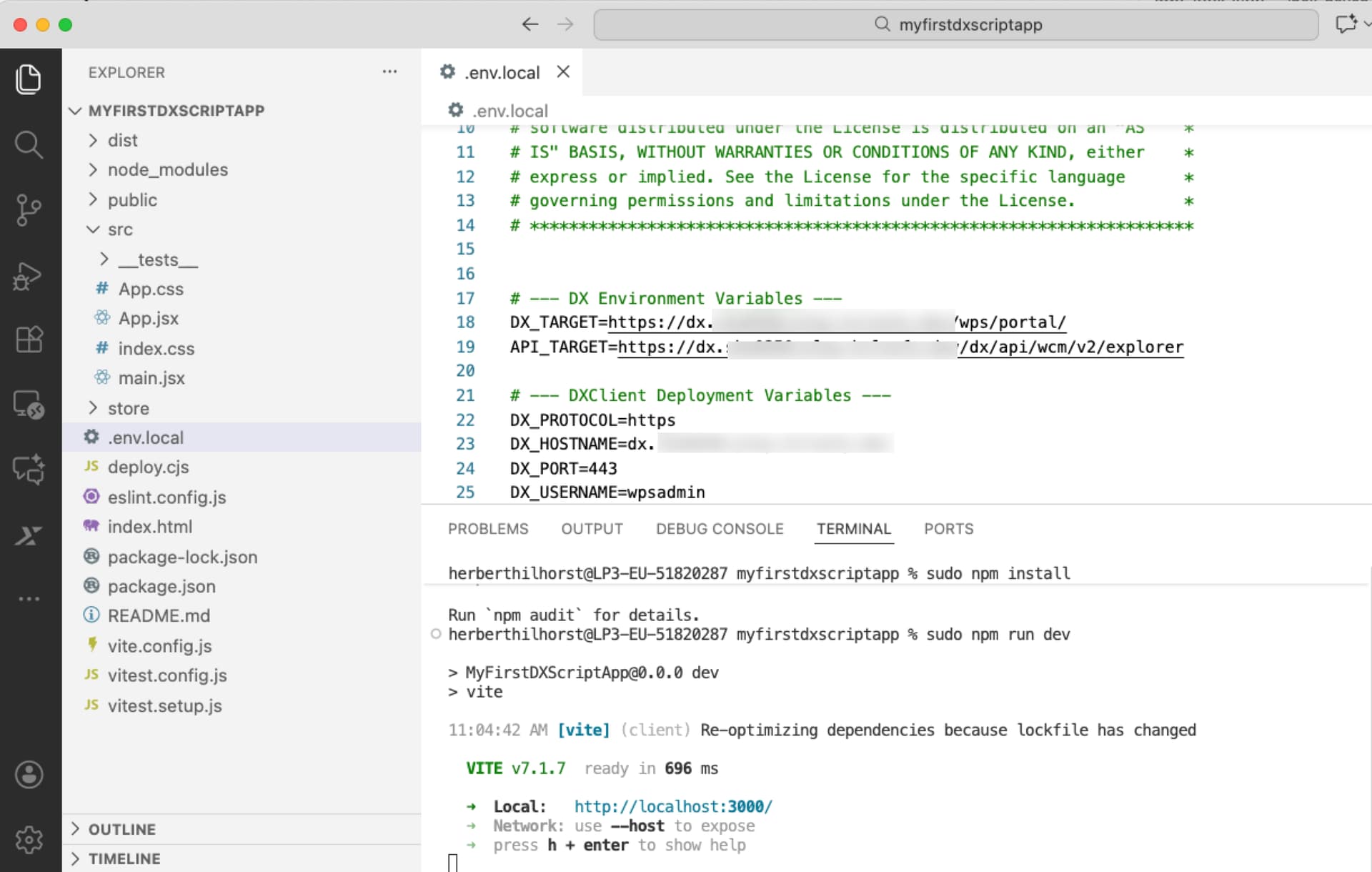
This launches an interactive wizard that guides you through project creation where you provide the project or application name, template to use (React JavaScript or TypeScript) and optional additional features. And then you are ready to install and run and test your new application locally.
Here you see an example of a new Script Application created in seconds and ready to be tested locally.
Test it locally first:
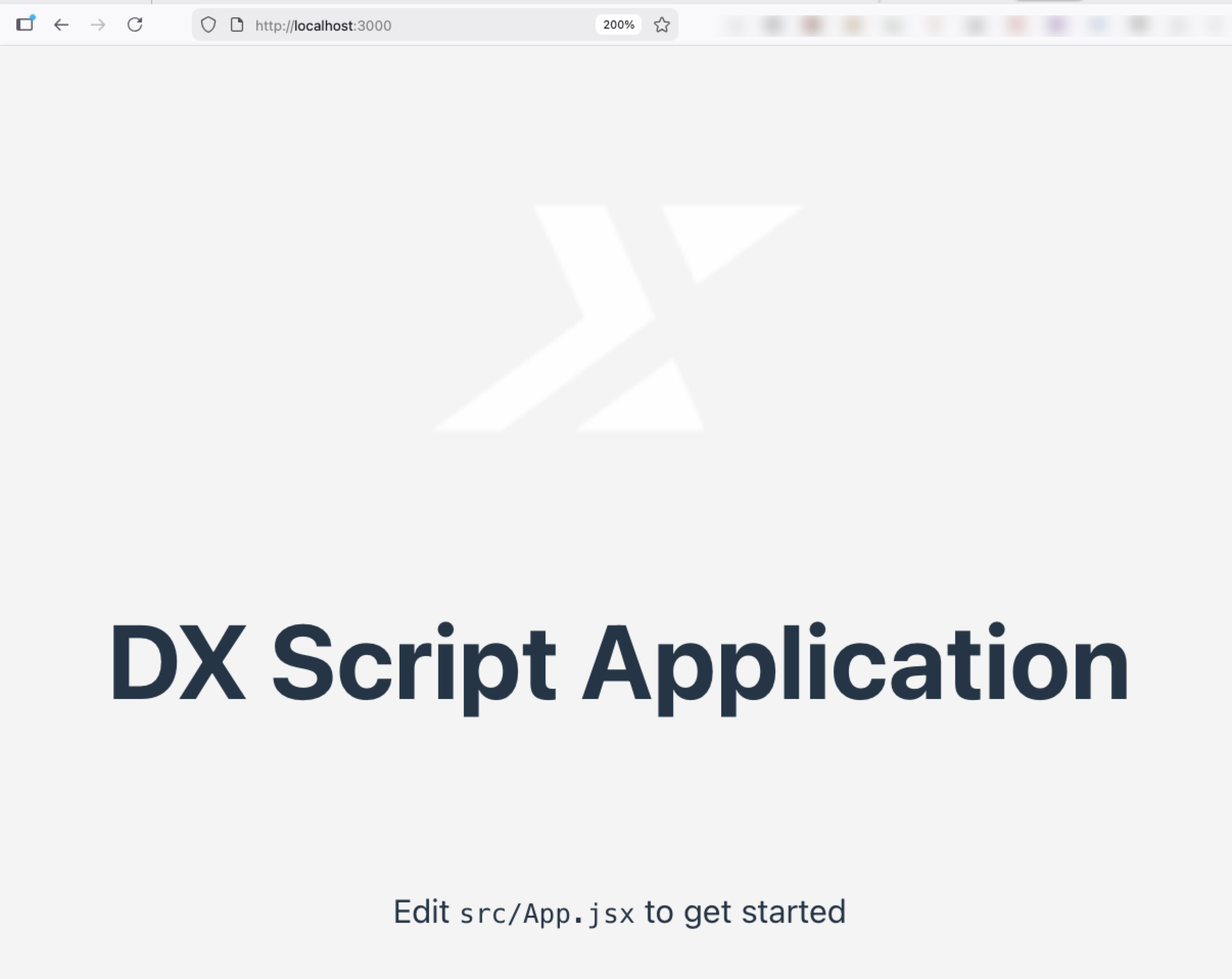
And then adapt it to your needs, for example using vibe coding.
Then build it and use a simple configuration to indicate to what HCL Digital Experience server to deploy it, and you and your business users may start using it in their websites.
The above store locator is provided as a sample to demonstrate best practices for DX script applications and includes the following features:
-
Material UI components
-
OpenStreetMap integration
-
Interactive store search functionality
-
Responsive layout design
-
TypeScript and Vite integration
Try it out now.
More details in the Help Center and on Github.
You may get started on Script Applications using the HCLSoftware U lessons.