Hi Katrine,
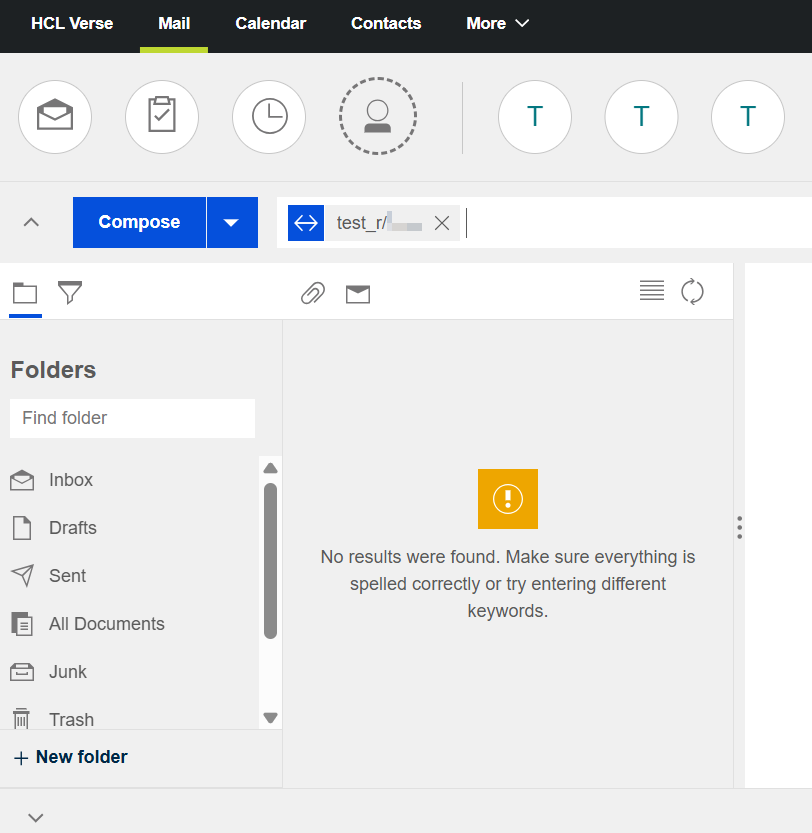
It seems this is an issue on the Full-Text Index (FTI). This is not a bug in Verse but a common issue on the Domino server side.
If this Full-Text Index is missing, corrupted, or not being updated, search queries will fail. This applies to all databases, including mail-in databases.
Here is a breakdown of the problem and the steps to solve it:
Why This Happens
Missing Index: The mail-in database likely does not have a Full-Text Index created. This happens if the database was created without the indexing option enabled.
Outdated Index: The index exists but has not been updated. The server’s indexing task (updall or update) might not be running or is not configured to include the mail-in database. As a result, new emails are not being indexed and cannot be found in search results.
Corrupted Index: The index may have become corrupted due to a server crash, disk error, or other unexpected issue.
Solution
The most effective solution is to manually rebuild the Full-Text Index for the mail-in database. This is a task that must be performed on the Domino server console by an administrator.
Rebuild the Full-Text Index by following the steps below:
Identify the Mail-in Database Path: First, find the exact path to the mail-in database file on the Domino server (e.g., mail\mailin.nsf).
Run the Updall Command: Open the Domino Admin client and go to Server Console and execute the updall command with the -R option. The -R option forces a rebuild of the index, which will both create it if it’s missing and fix it if it’s corrupted.
load updall mail\mail1.nsf -R
Replace mail\mailin.nsf with the actual path of your mail-in database.
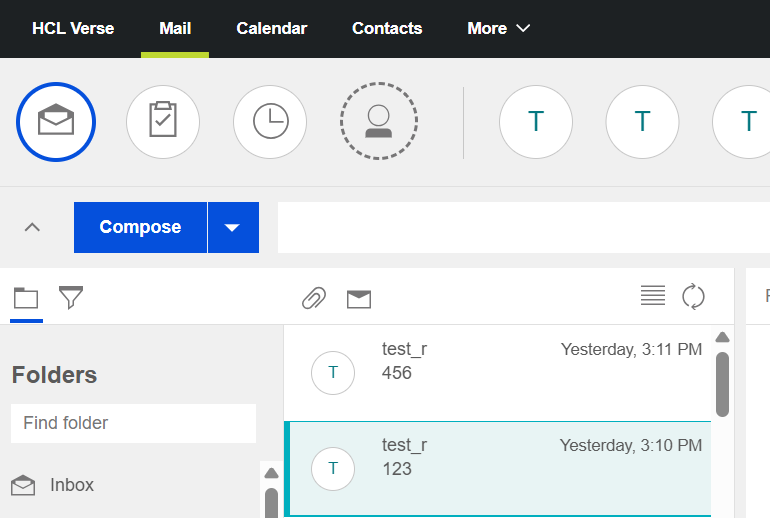
Once the index is rebuilt, users should be able to search the mail-in database in Verse without any issues.
If the issue still persists, you can open a case for further troubleshooting.
I hope this helps solve the problem. Please let us know if you have any other questions.
Best regards,
John Vincent Dela Cruz