**Domino/Notes Version: 14.5
**Add-on Product (if appropriate, e.g. Verse / Traveler / Nomad / Domino REST API): Domino REST API
**Its Version: 1.1.4
**Operating System: Windows Server 2025
**Client (Notes, Nomad Web, Nomad Mobile, Android/iOS, browser version): NA
Problem/Query:
Hi Team,
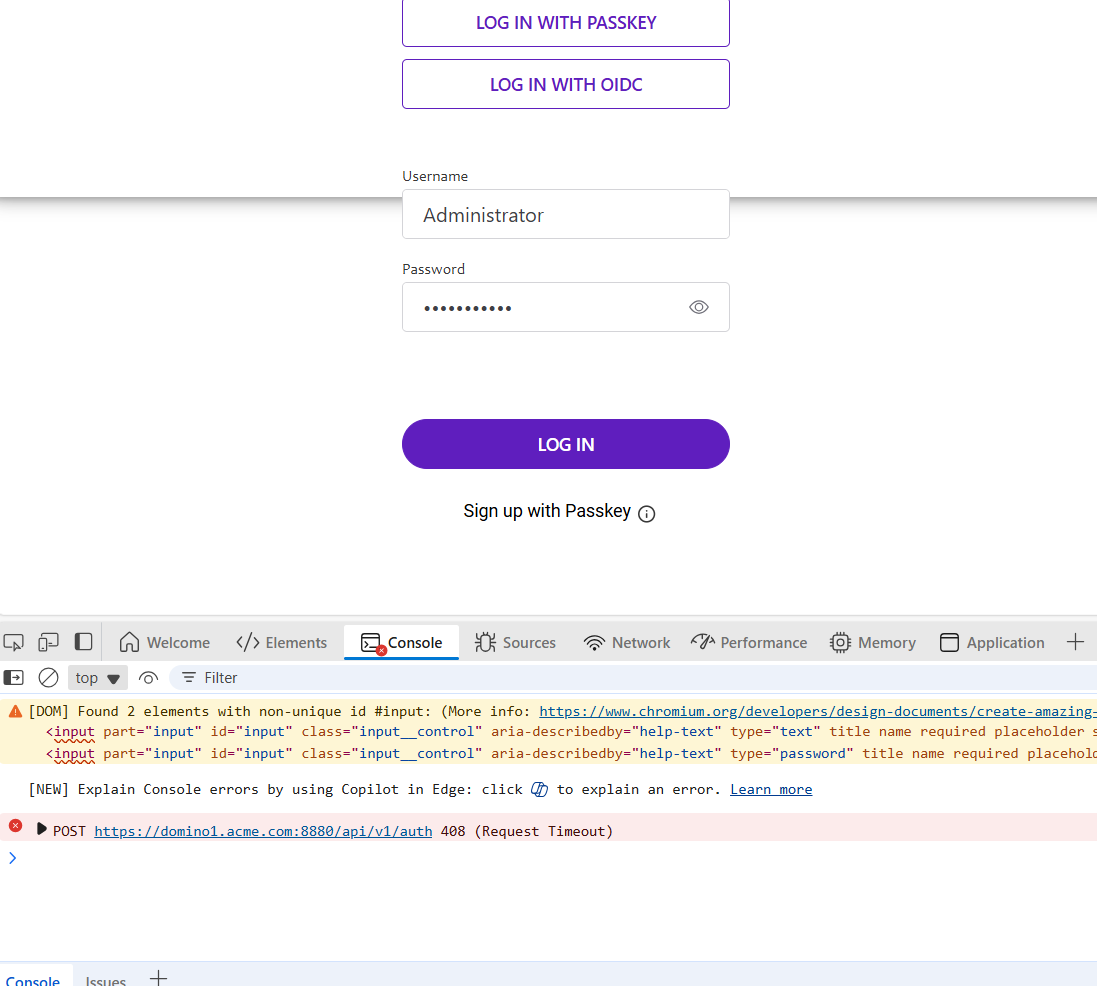
I’m getting request timeout while trying to login into Domino REST API Admin UI, screenshot below for reference purpose.
Can anyone help me to identify the issue.
Thank You.
Hi Gourav
Please check Firewall settings.
Regards
Sudhakar
@SudhakarReddy : Port 8880 inbound is enabled.
@gourav.aggarwal Can you please check to see if the system’s Temp directory contains many files with the filename starting with “keyutil”.
-
Windows:
- if Domino is running as a Service, that would be
C:\Windows\Temp
- If running as console locally or the Service is running as a specific user, then it would be that user’s Temp directory, such as
C:\Users\Domino\AppData\Local\Temp where “Domino” would be the user Domino is running as
-
Linux:
- Should be the
/tmp directory
If there are a lot of these files, please stop the restapi addin tell restapi quit, delete the “keyutil” files and restart restapi load restapi.
Please let me know if this resolves the issue.
Thanks,
Ron
Do you have a Notes client install on the same machine as the server. As far as I know REST API doesn’t like that. Yo can only have a server installed.
Which version? For 1.1.4, try putting cors settings as per documentation
Hi Arun,
I’m using version 1.1.4 and I have already added CORS settings as per documentation.
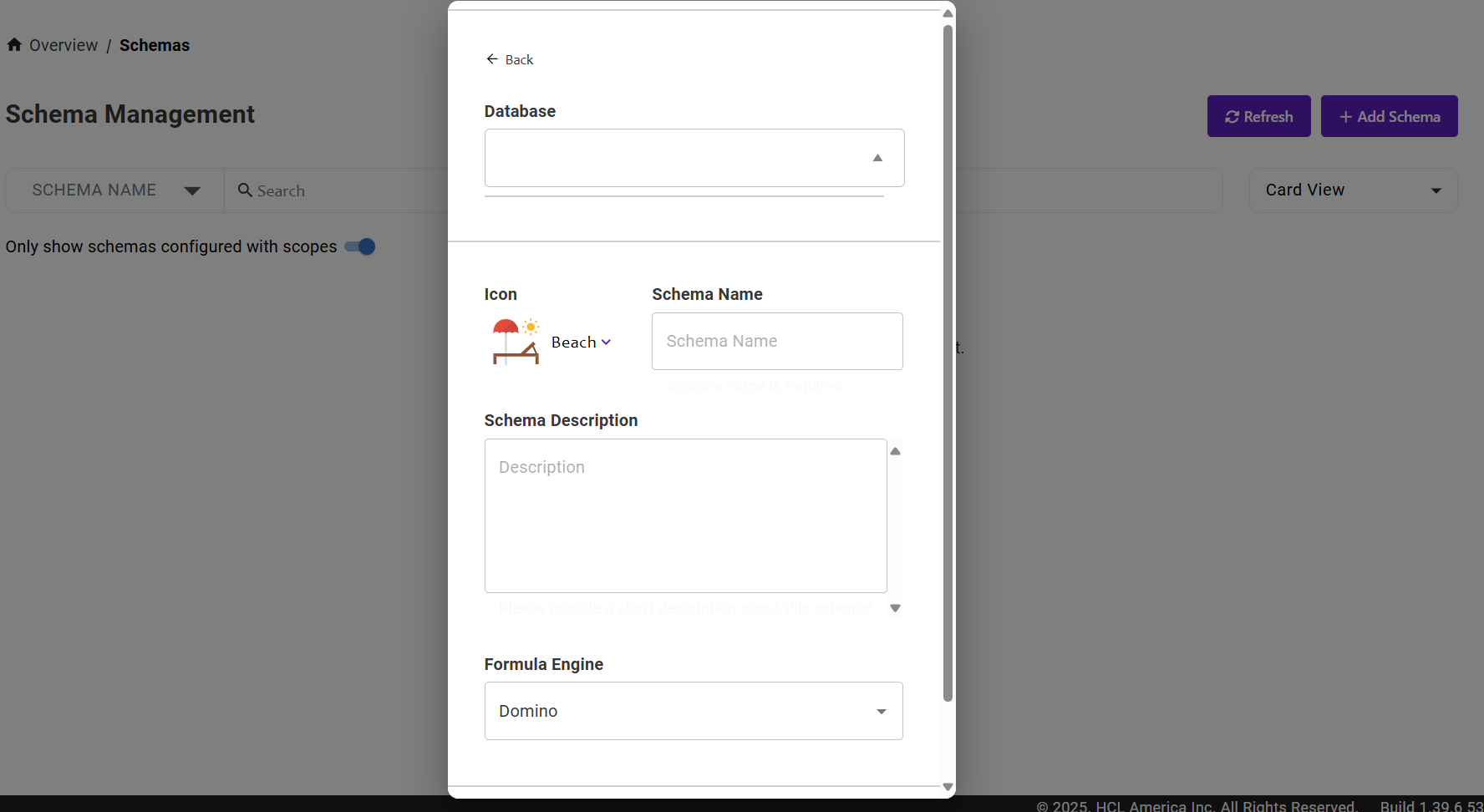
I’m now able to login into Admin UI, but on Schema management page when I click on Add Schema → New Schema Database drop-down field is blank.
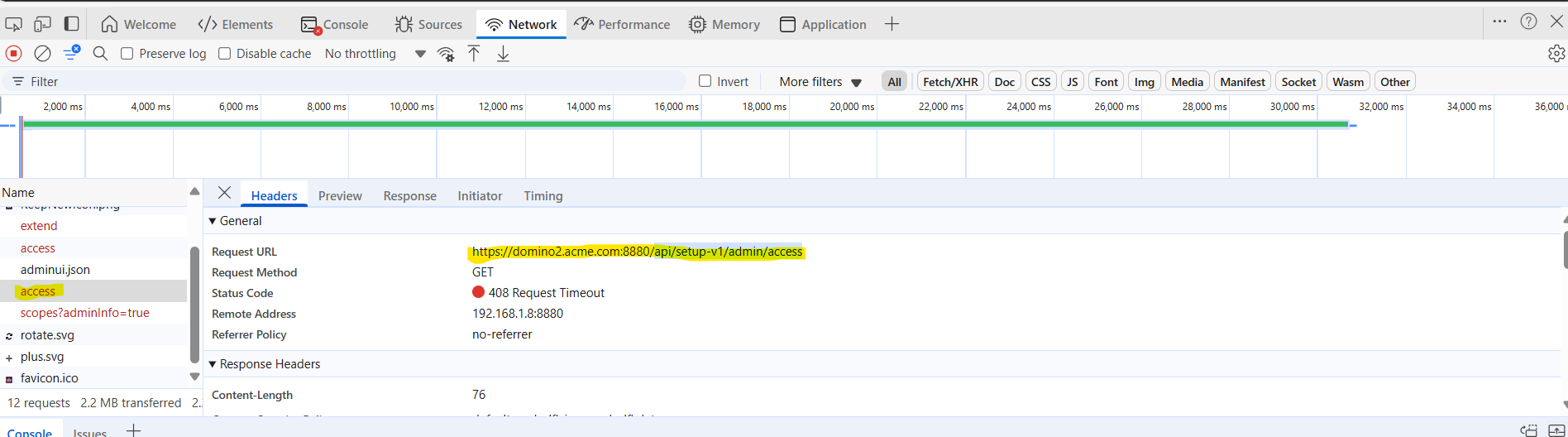
I’m getting request timeout error as shown in above screenshot.
Thank You,
Gourav Aggarwal.
thanks @AlejandroAhumada
I know that. I have only domino server installed.
@rwilkins: There are no files starting with “keyutil” in the path you mentioned. After CORS settings I am able to login into Admin UI but now the issue is on Schema management page when I click on Add Schema → New Schema Database drop-down field is blank.
I’m getting request timeout error as shown in above screenshot.
Thank You,
Gourav Aggarwal.
@gourav.aggarwal
Unfortunately you’re hitting an error that some customers have been hitting with v1.1.4. Please downgrade to v1.1.3.1 and that should resolve the problem until we release v1.1.5 in the next few weeks.
You can downgrade the same way you upgrade (with the -u option), it will remove the currently installed files and lay down the files from the installer.
Thank you,
Ron
I downgraded to v1.1.3.1 and it resolved the problem.
Thanks @rwilkins