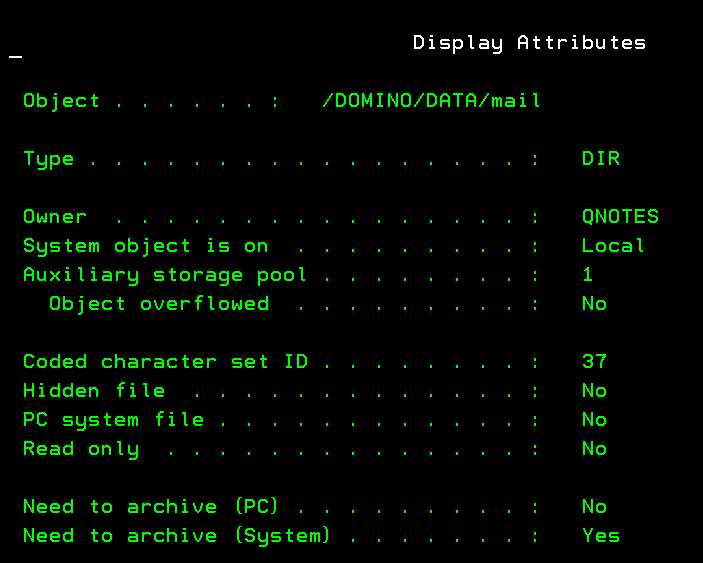
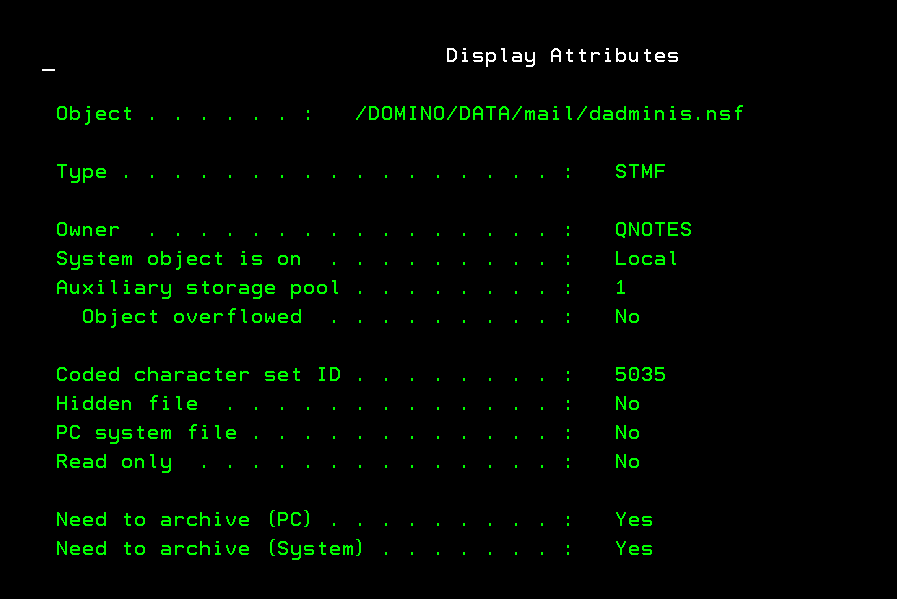
I recently 'moved' my Domino server from one iSeries to another, and moved from V8.01 to V12.01 in the process. I copied all of the files from the Data folder to the new server but found that my iNotes website no longer starts as well as my Traveler connections. I am noticing errors on the Domino console when persons try to login to iNotes: "Cannot write or create file (file or disk is read-only) [/mail/johndoe.nsf?OpenDatabase] CN:John Doe/O=Domain". The browser accepts the user's name and password then returns an "Error 500 - Cannot write or create file (file or disk is read-only)".
I verified the permissions (authority) from the linked level within the IBM i OS (Option 12 on the WRKDOMSVR menu) as well as via the IBM System i Navigator IFS screen. I also went further and created a File Share to view the properties at the Windows level, and removed the Read-only flag from the Mail directory.
After restarting the HTTP task on the Domino server, I received the same error.
More than likely Jessie's suggestion is the correct solution to my issue. I did find a few files and folders that were owned by QSECOFR since that was the profile used to perform the initial copy operation. Although I changed the ownership to QNOTES, I suspect there may have been a few that was missed.
Unfortunately, I contacted HCL Support, who suggested I try the installation again, which led to another string of issues. We've since deleted all of the folders and started over again.