Hello Team,
I am using HCL Volt MX Iris 9.5.7, I sometimes keep getting "Saving project" or "Loading" prompts in Iris continuously and it will not allow me to continue using Iris unless I restart Iris. If you face this user experience, here is a small workaround, so that you need not have to restart Iris instead you can continue using Iris.
Iris version:

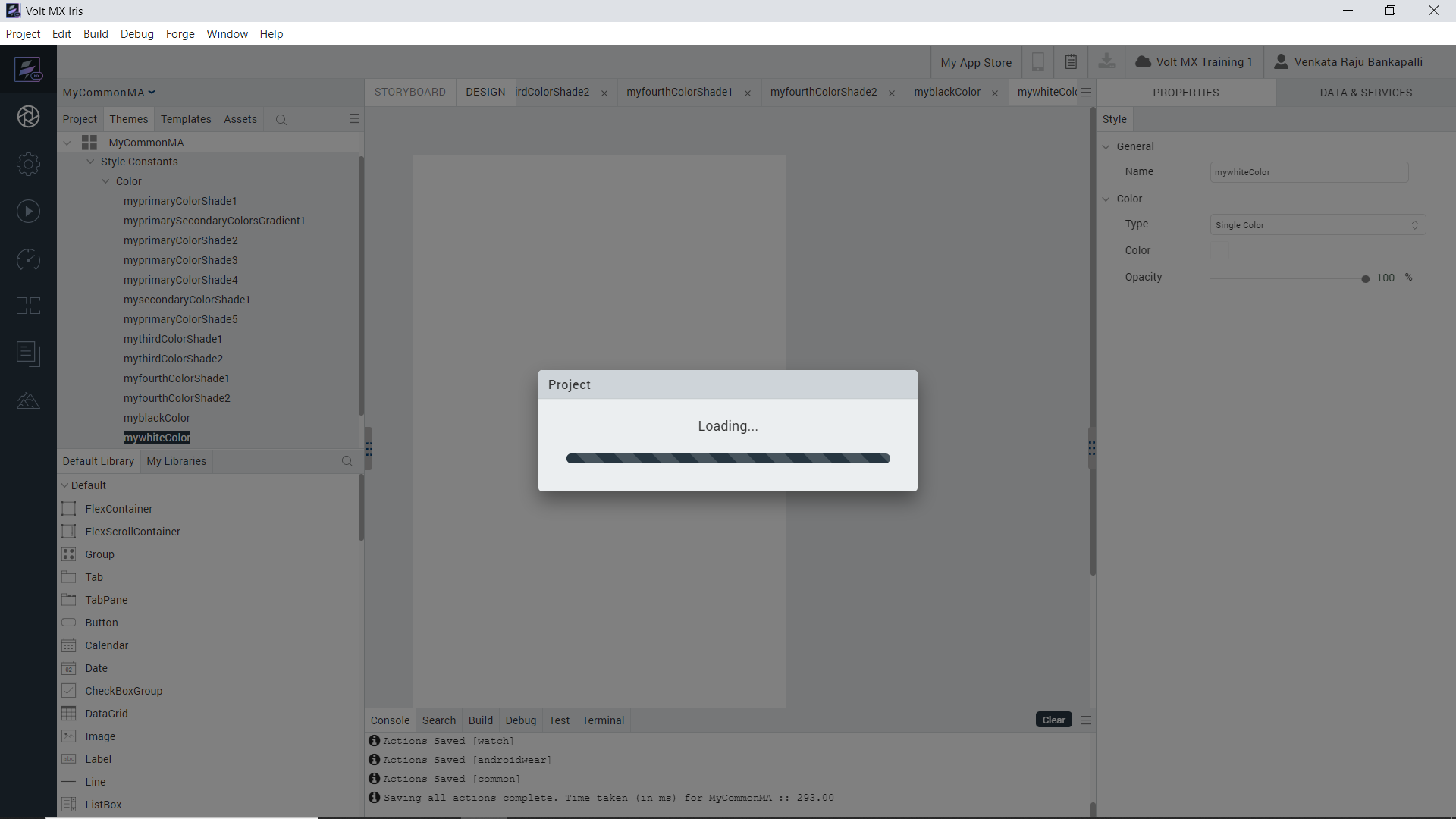
Continuous "Saving project" (when using Save-All option) or "Loading" prompts:
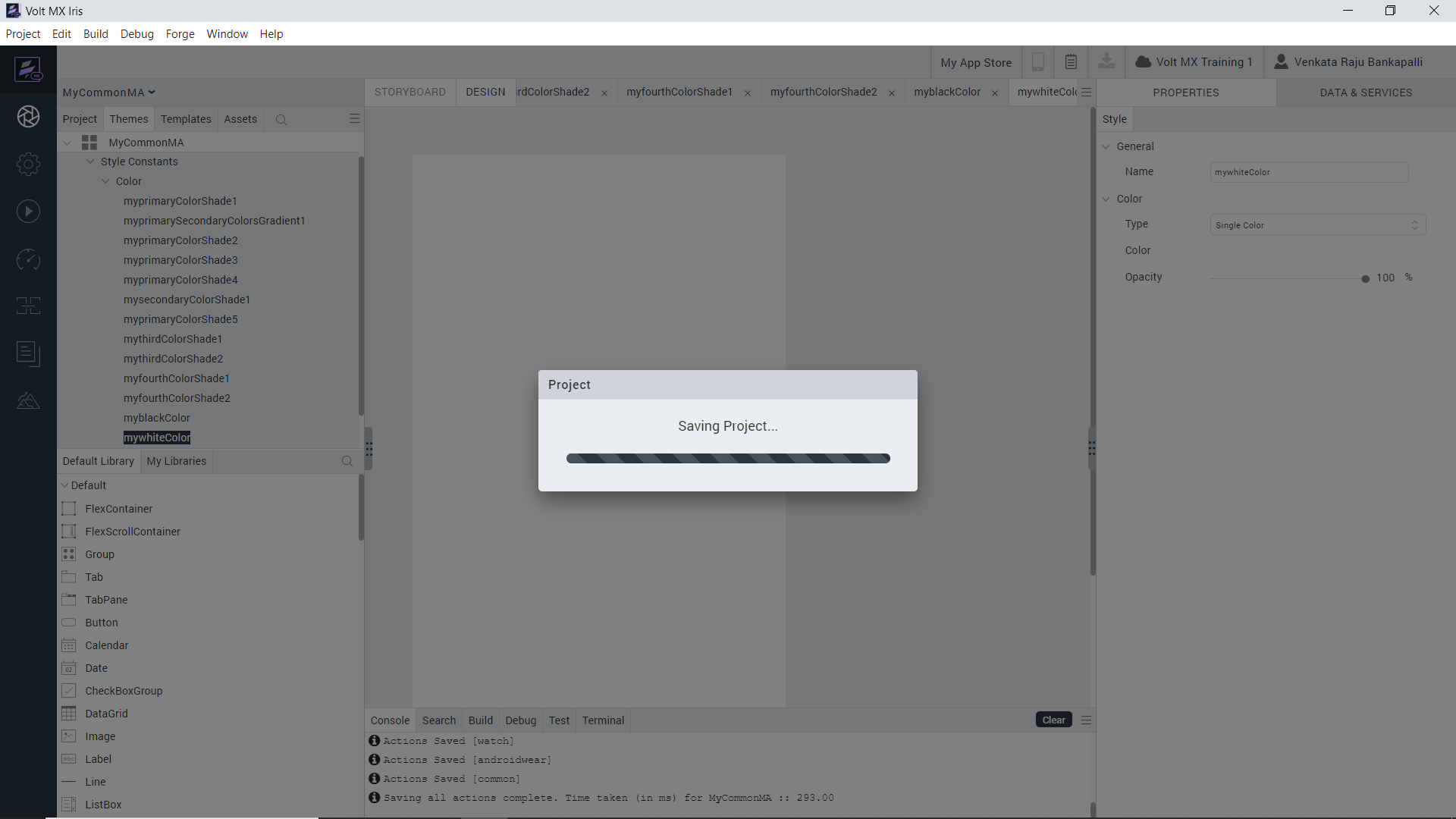
Workaround to come out this continuous "Saving project" or "Loading" prompts instead of restarting Iris:
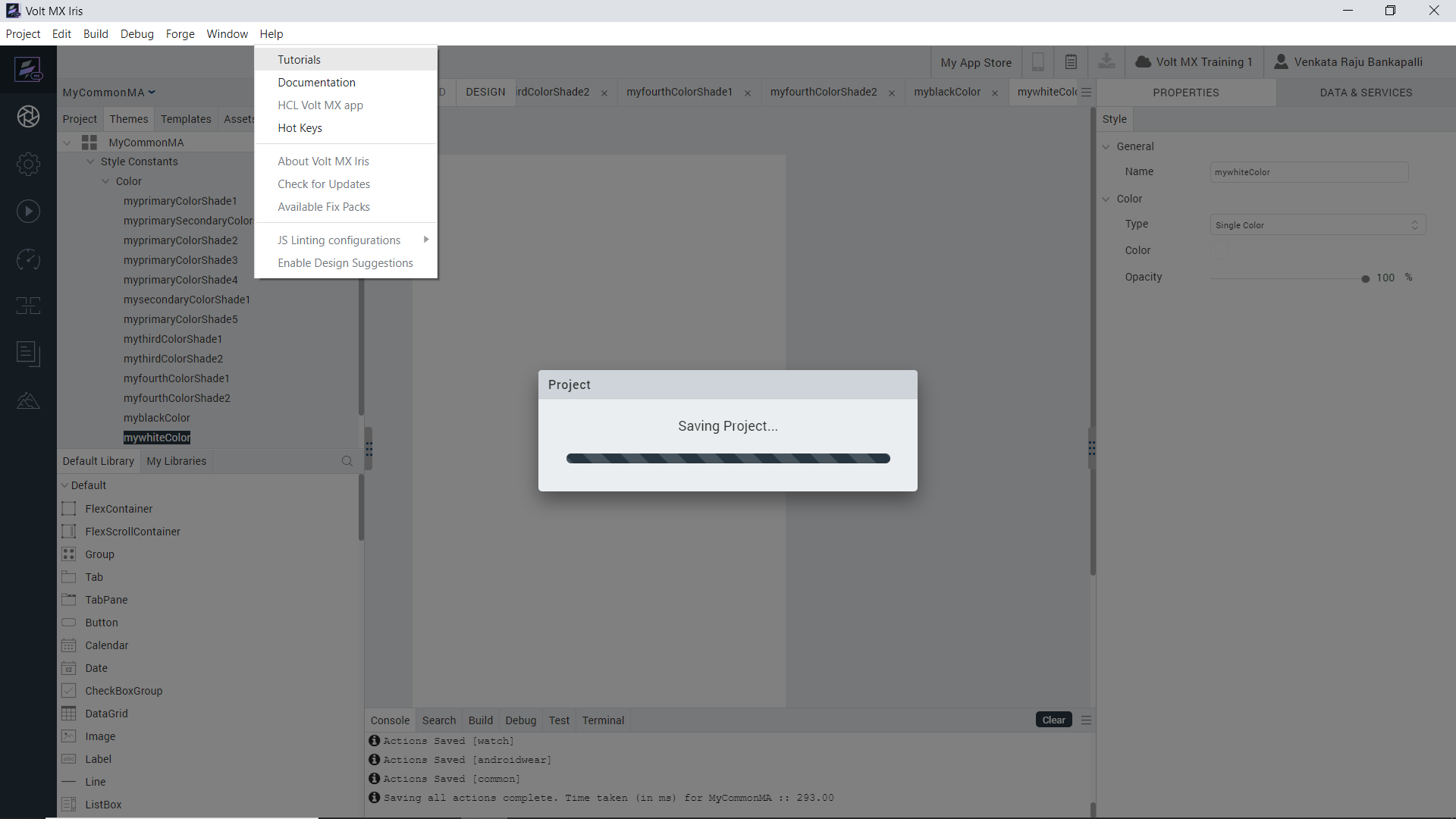
Click on "Help - Tutorials", this will load the tutorials in Iris. Then you can close the tutorials and continue to use Iris without a need for restarting Iris.
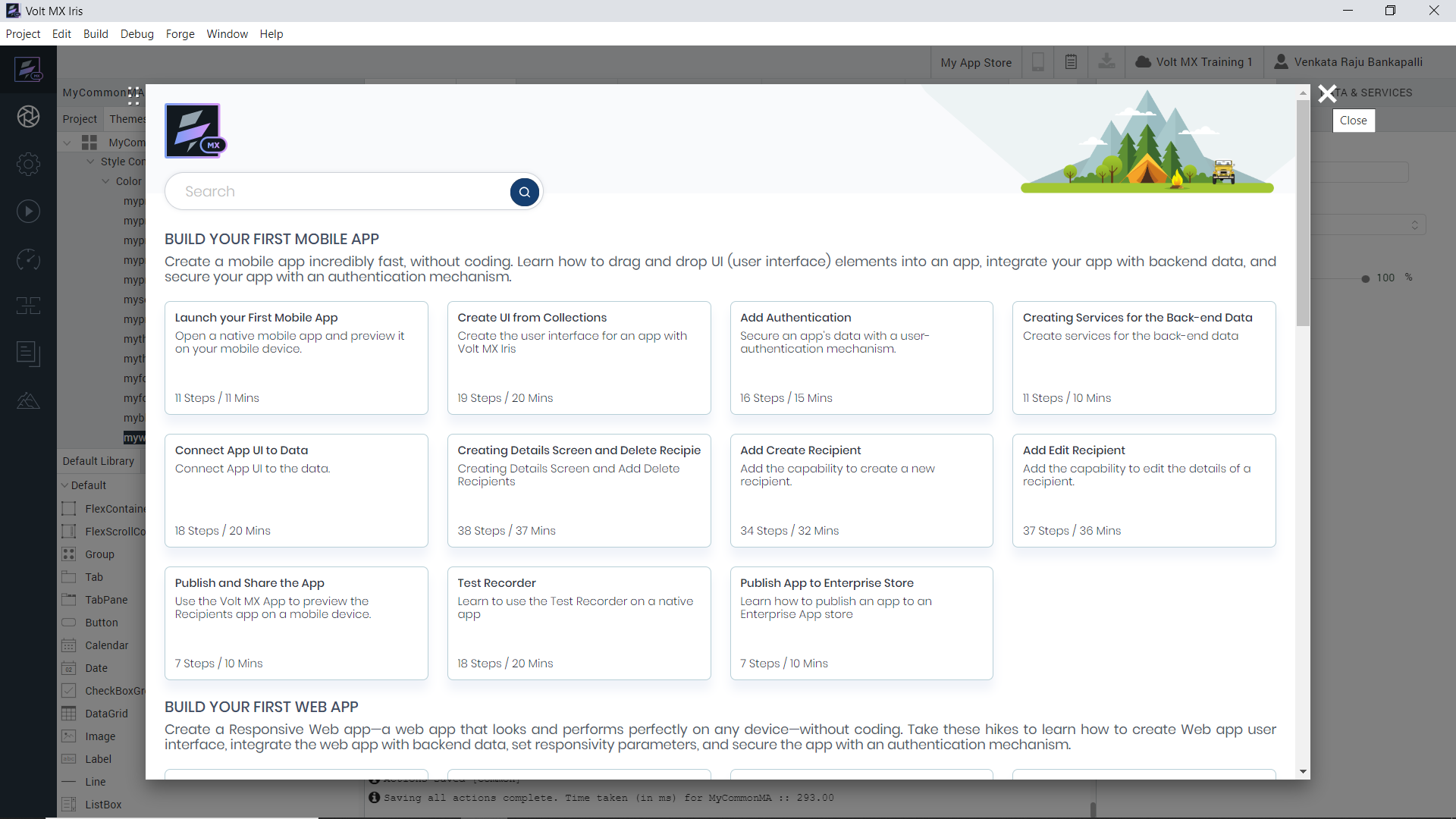
Close the tutorials and then you can continue to use Iris without restarting it.
Thanks and Regards,
Venkata Raju Bankapalli