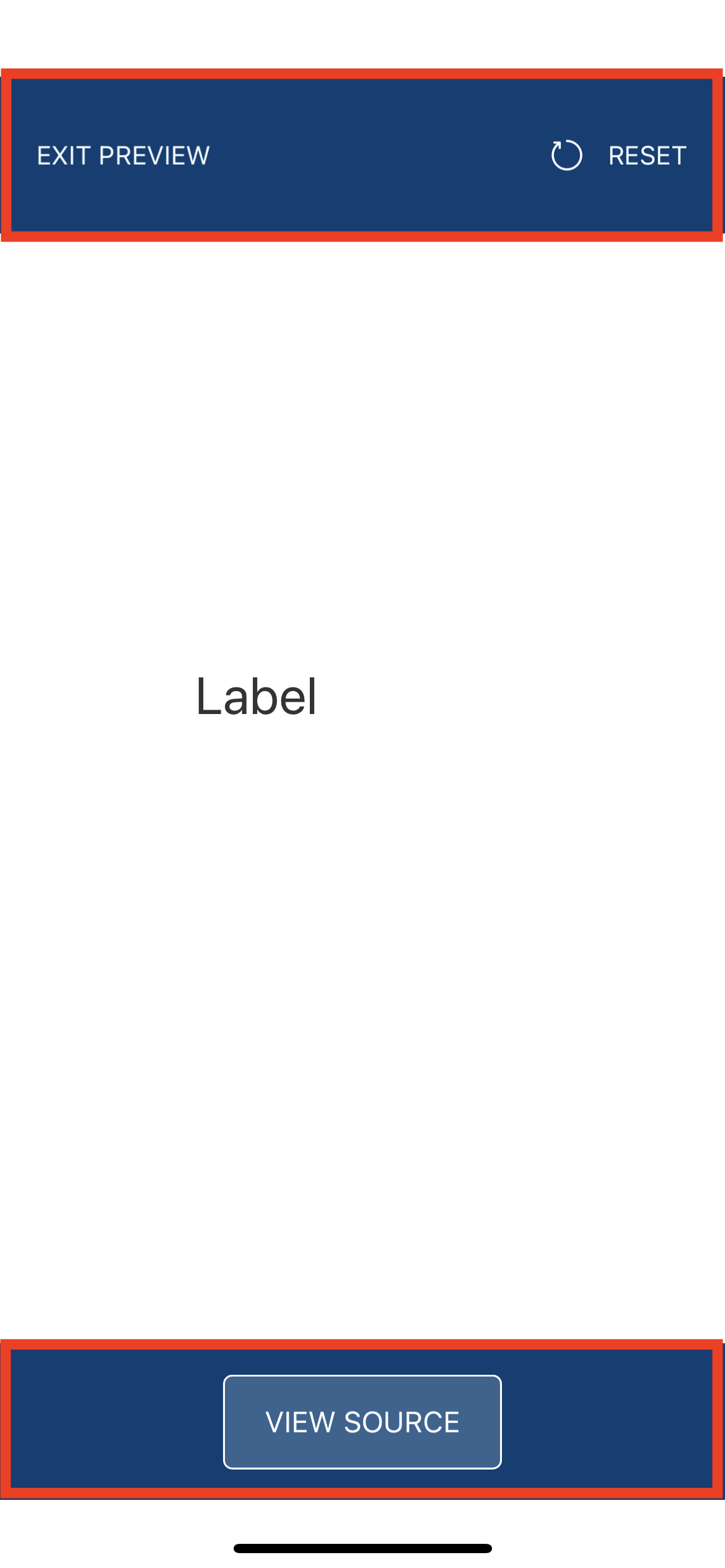
Hi Miho, unfortunately we cannot remove those from the Preview app. Apple places restrictions on apps that dynamically download code and in order to satisfy their App Store requirements we have to put those there. You can drag them up and down to move them out of the way, but the only workaround for completely removing them is to do a full native build for iPhone/iPad.
Adding to what Gunndarr said above, you have to touch and drag them on the screen (similar to click and drag if you were using a mouse) to be able to see whatever portion of UI you want to see. You can even move them one on top of the other while dragging them to see even more content. Reiterating, this is an apple restriction, Android playstore doesn't have the same restriction, so we don't add these header/footer in android version of preview app.