How to hide a widget when printing a form?
Hi Rubens, not sure what you mean when you ask about "printing" a form, but you can show/hide widgets in the Iris designer via the Visible property and the Render property. Visible will show or hide the widget in the designer but still generate the widget code at build time. Future visibility in the app can be controlled at runtime via the isVisible property and the setVisibility() method of the widget. The setVisibility() method allows for adding animation to the effect.

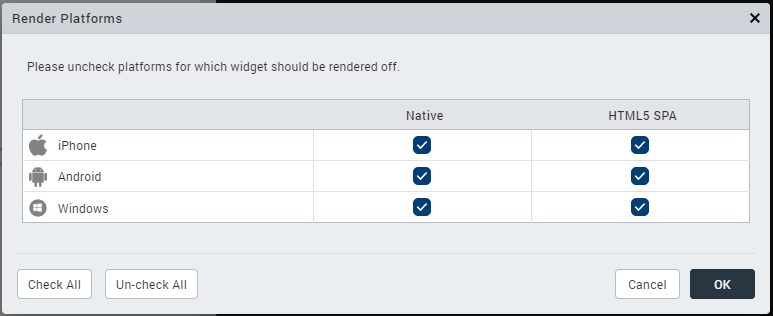
The Render property will tell Iris to not generate the code for the widget based upon the output you select. The widget will not be available in the particular output and any attempt to reference it in code at runtime will give an exception.