Hi All,
I recently switched from Quantum Visualizer to VoltMX Iris. I've noticed that Iris displays an error if a line length is greater than 80 characters. The error message is "This line has a length of xx. Maximum allowed is 80." I've attached a screenshot.
I can still build and run my apps, but I find this error message to be annoying. Additionally, I'm concerned that I might miss actual errors because of it.
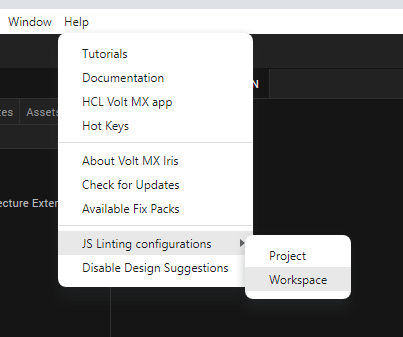
Is there a way to disable this error message? I don't want to disable all error messages, just the line length error. Alternatively, is it possible to downgrade the line length error to a warning?
I am using Iris Version 9 Service Pack 5 Fix Pack 6
Thanks,
Kishore