Ignore this post user error on my part, not sure if I should delete as there are responses, if someone advises I will delete, sorry.
Hi, I am probably missing something obvious but how do I add an image to a signature in VOP 2.2
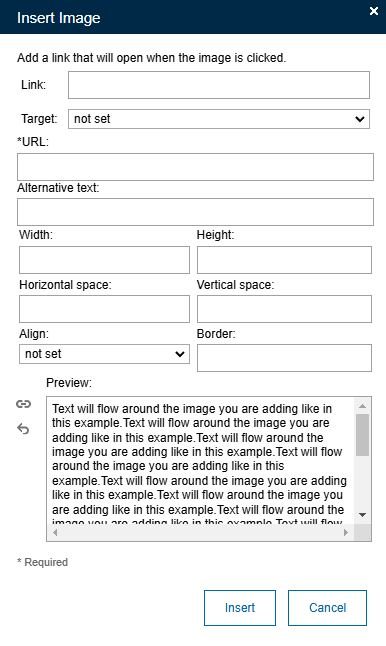
The only option, rather than from a file as in this forum, is to add a URL but it doesn't seem to work, ie nothing happens when I add a URL in here and click Insert
The product documentation doesn't illustrate it.
https://help.hcl-software.com/verse_onprem/2.2.0/user/faq_signature.html
Thanks for any help.
Hi Mark,
You can simply copy paste the image in signature.
I tried it in Verse and it works. I tested this in Verse 3.2.3 and I had no problems for adding images in signature.
You are probably using a very old version 2.2 and you can just try with the new version and it may work fine for you.
Thank you.
Sandeep
Many thanks Sandeep, I can't do that without getting the servers upgraded which is not an option at the moment. I'm sure it should work without having to upgrade.
Thanks for your help though.
I now have it working, it was a stupid error on my part in relation to the URL.
Sorry for wasting your time.