How to add a vertical scroll bar in a dialog box?

Hi Community,

I'm encountering an issue in the design limitation.

We are using dialox box in order to display some key information to the user.

The problem is the content to display is evolving and is now reaching the limit of the dialog box.

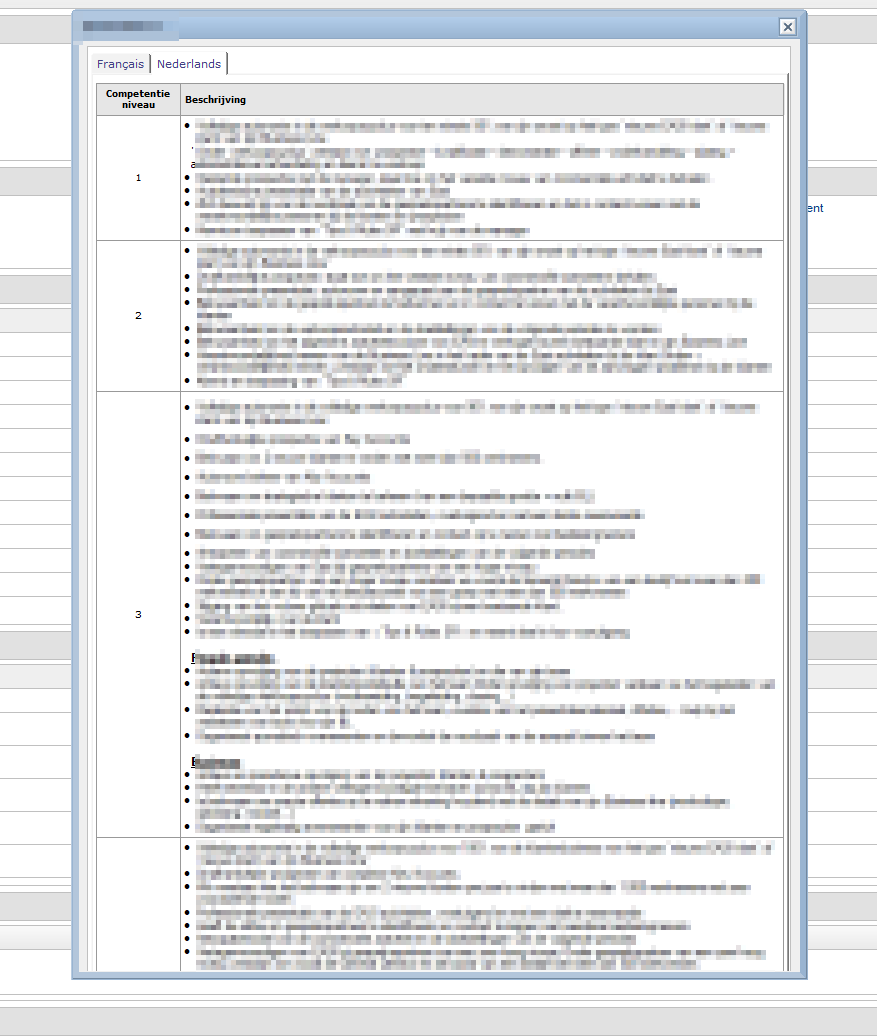
Meaning that the text to display is cut halfway through. (See image - competency 4 is not displayed entirely)

Since we standardized what we have developed, we have to stick as much as possible with it. (keeping the dialog box, the font and size of the text,..).

The objective is to get a vertical scroll bar in my dialog box, so that the text is scrollable and so, readable.

Does anyone have a methodology adding a scroll bar to a dialog fix to share ?
Hi Yannick,

You can't have a dialog box natively have a scroll bar for content that exceeds the size of the dialog.

The only way I have ever created scrollable content in a dialog box was to put the content in a field and set a Fixed height on that field.

But looking at your example I don't think that approach would work for you? Perhaps an embedded view? Wouldn't give you the same result but might get you close.

Hello Yannick,

it is possible to make dialog boxes scrollable. Here's an example where I did it.
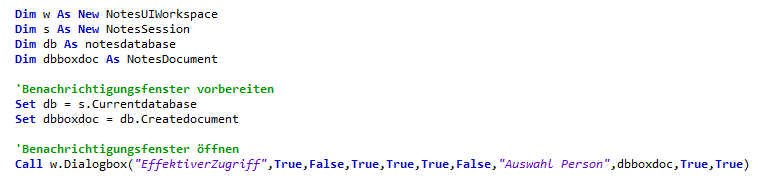
The dialog box is called using LotusScript, the dialogbox method. Please note how the parameters are set, especially the Auto... and SizetoTable.