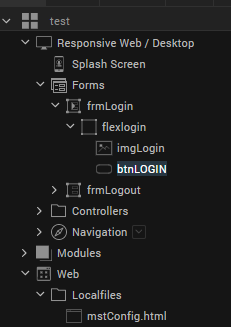
I have created a html page that I need for my app. mHow can I access that file in my published web app? What's the URL?
Hi Bernd Gewehr
Thanks for posting the question in the forum. Please check below article where you can preview the html content which is added to the project
https://opensource.hcltechsw.com/volt-mx-docs/docs/documentation/Iris/iris_user_guide/Content/AddLocalHTMLContent.html#preview.md-content
Hi Bernd,
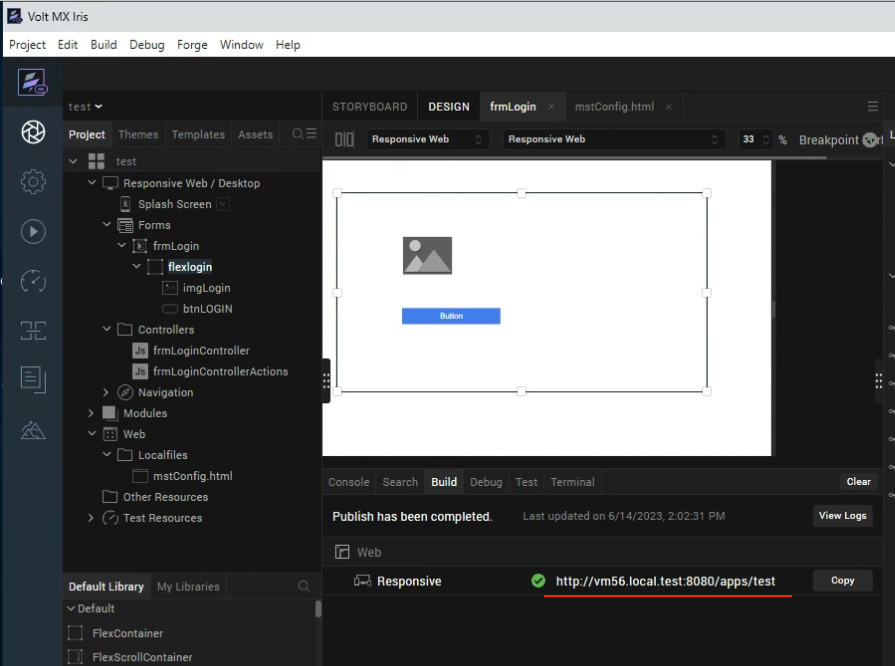
If you published a web app, you could see the URL in Build tab on Iris.
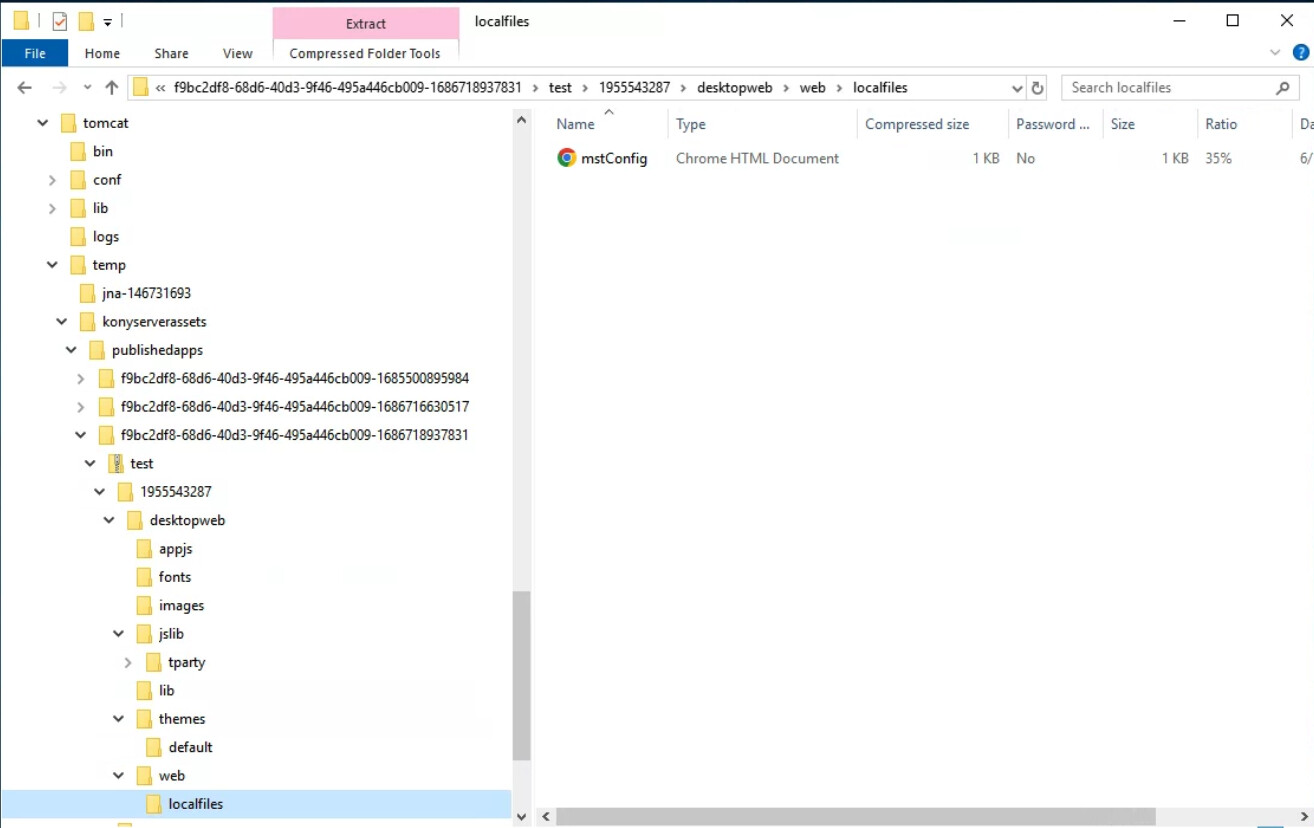
I found the files test.zip / mstConfig.html on Foundry in
C:\VoltMXFoundryInstaller-GA-9.5.3.1\tomcat\temp\konyserverassets\publishedapps\f9bc2df8-68d6-40d3-9f46-495a446cb009-1686718937831\test.zip
The files are managed by Foundry, so we might not touch the files.
I hope this helps.
I learned that a localfile ressource can not be served as a page of the app directly, you have to use the local resource as the data of a browser widget in a form.