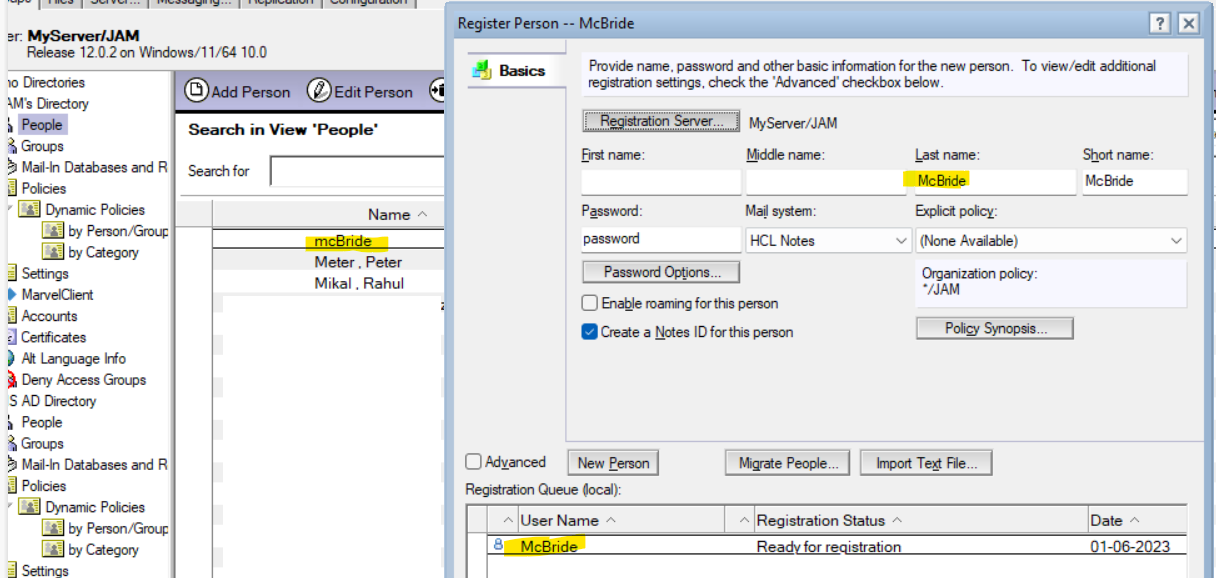
>> A user was created with the name mcBride when it should have been McBride. How do I fix this? Rename requires actually changing the spelling of the name.
Response: If you say the user was registered sometime ago and the user is using the Notes client and his mail file also has emails and calendar entries in it, in this case, RENAME is the best option, as it takes care of updating most of the stuff, like the ID file, mail file owner, ACL, calendar entries, etc., through the administration process.
>> Can I fix this by creating the user again and just letting it update the person doc? Will this also update the Notes ID file? I have to get this right the first time. It's the CFO.
Response: If this is a newly registered user and the user has not yet configured the Notes client, then you can follow the below methods.
1) Delete the user mcBride and re-register the user with proper name as McBride.
OR
2) You may update the existing person document with the below steps.
2.1) If the user ID file is in ID vault database, you can delete the vault document in the vault database. If the user is not vaulted then continue the step 2.2)
2.2) In the administrator client click on Register, select the certified ID and provide the password.
2.3) Provide the correct name of the user "McBride" in the registration form.
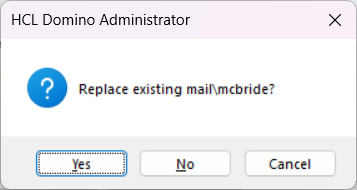
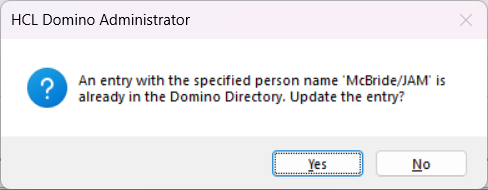
2.4) Click on Register, it should prompt below messages say Yes to it.
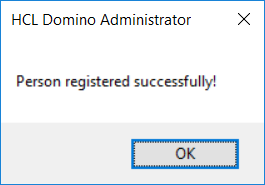
Successful message shows as below.
This should update the existing person document to as below.
Thank you
Regards
Shrikant J