sorry, i am not good at english ,but I would like to know how to customize the skin of the checkbox, I would like make the margin in the checkbox.
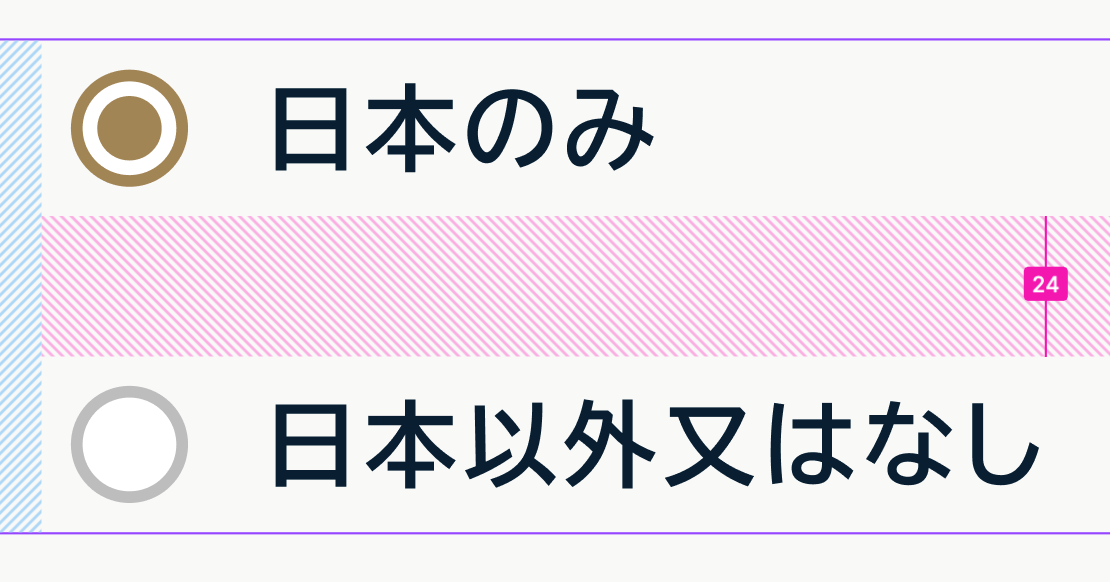
- I would like to add the margin between the box and the text (about 8px).
- each selection of the checkbox add the margin 24px in. Like the picture
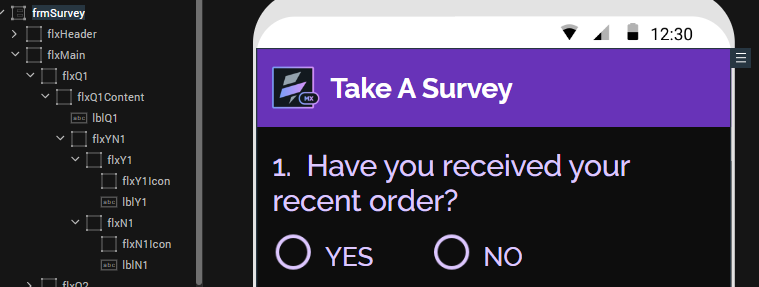
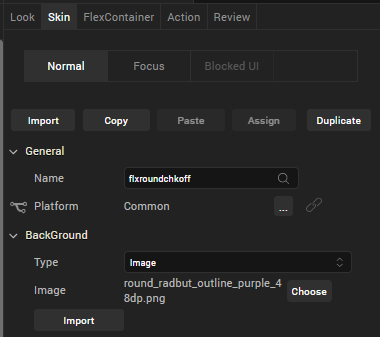
Hi, unfortunately the native checkbox widgets are not that customizable when it comes to making detailed layout and look and feel changes. I would suggest using a combination of flex containers and labels to create the look you need. The FlexContainer for the "button" can either use an image skin or use an image widget inside the FlexContainer. I have one example here using image skins for the "flxY1Icon" and "flxN1Icon" containers.
You can use the onClick event for each FlexContainer to change the skin to toggle the "on/off" appearance of the container.
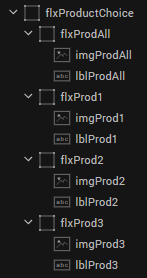
An alternate approach would be to use images instead of an image skin. Here's another example:

The example above uses the onClick event for each of the "flxProdN" FlexContainers to change the src property of the image widget to use either the "check" or the "unchecked" image when the particular one is selected.
This functionality can also be created into a component to save future coding and dev effort.