Hi
Trying to understand how to work with events, I wrote the below to see if I can catch a mode change event.
I see no reaction when switching to edit mode.
===========
Sub Querymodechange(Source As Notesuidocument, Continue As Variant)
Messagebox "moving to edit mode"
End Sub
I have some documents created in one of my application.
I put your code in FORM(responsible for creating document) from designer. I edit already saved document.
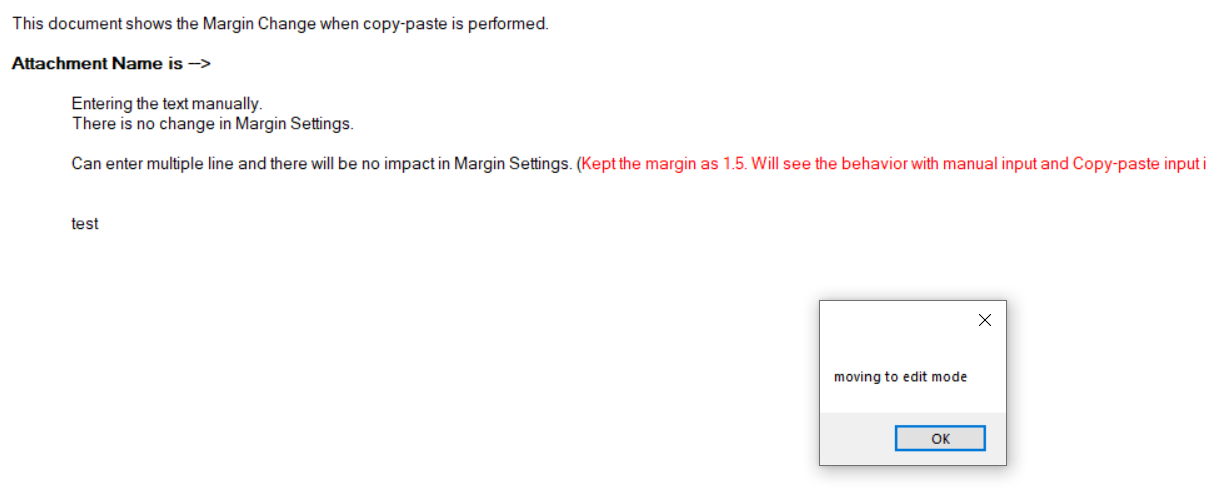
I got the messagebox.
Are you performing something else?
Regards,
Amit Sharma
After this message prompt, document went to edit mode once i click "OK".
Hi Amit,
Thanks for the input but I don't quite understand...
where did you put the code?
What do you mean by "I put your code in FORM"?
I used the global object section of the form like this:
Amit,
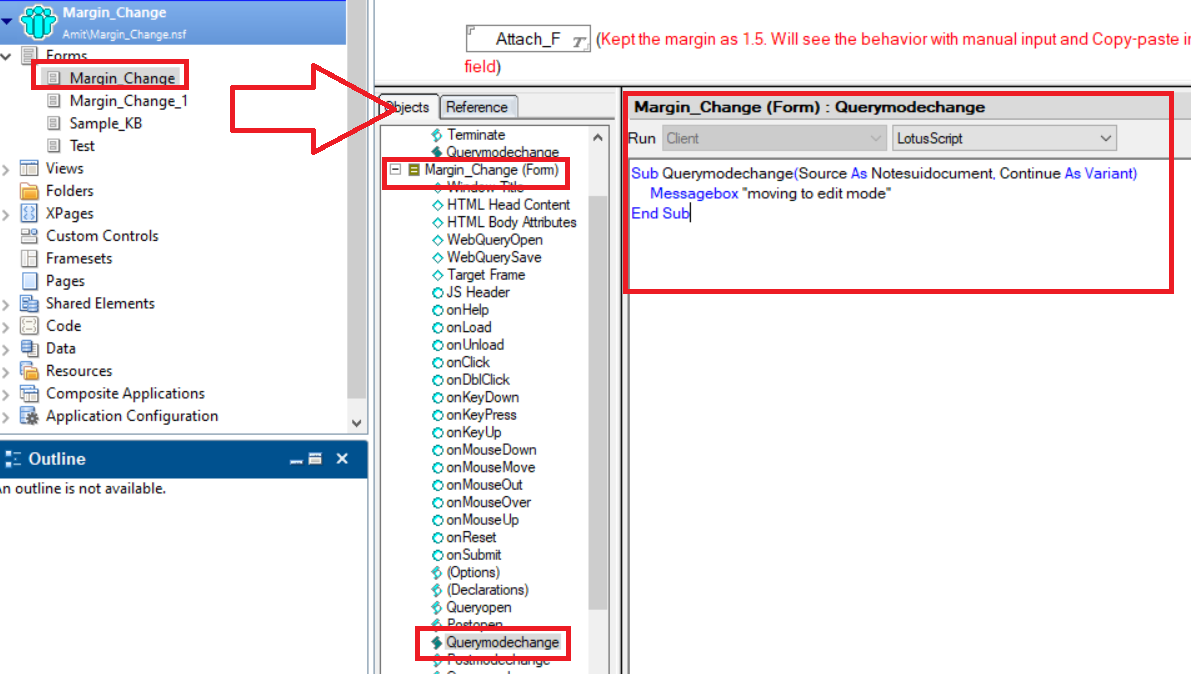
Use "Querymodechange" event of FORM present in Designer. I am putting code there.
Check my screenshot for reference.
The FORM name at my end is "Margin_Change".
I put line --> Messagebox "moving to edit mode" in the already existing "Querymodechange" event.
There is no need to create this in GLOBAL.
Regards,
Amit Sharma