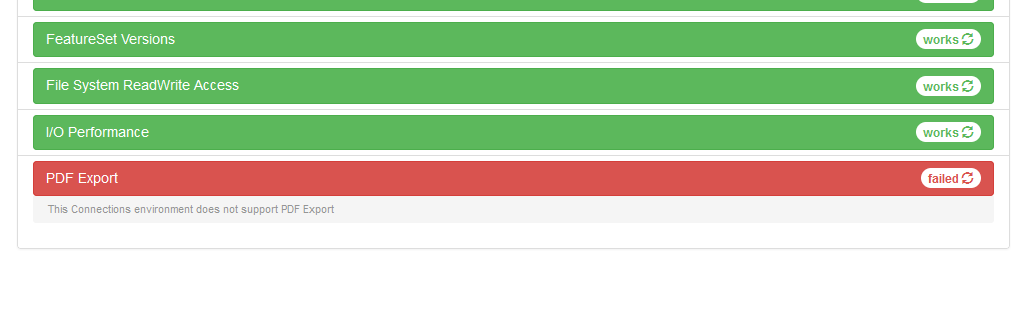
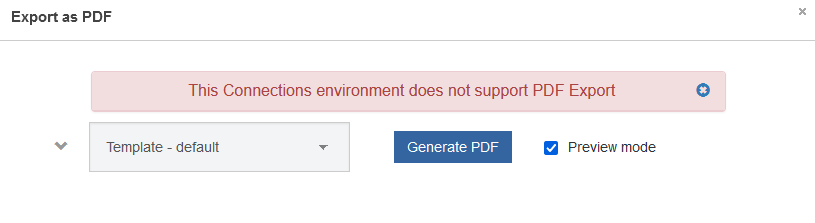
I have this longstanding ticket with HCL support on a not-working PDF export and it keeps on going in circles, but is not getting solved.
Since not that long, RHEL 8 is officially supported for Connections 7. Apart from myself I know one other person with a Connections 7.0 installation on RHEL 8. For both of us, PDF export is not working. I therefore suspect that this is a problem in the ic360 code, and that there haven't been enough customer calls about this yet as hardly anyone runs Connections on RHEL 8 already. But of course, I could be wrong.
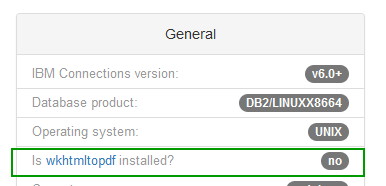
Therefore if you're running Connections 7 (CFix status and WAS versions don't matter) on RHEL 8, can you please put in a comment whether PDF export is working for you? The simplest way is to go to https://<your connections url>/ic360/ui/selftest.html and look at the bottom. This is mine:
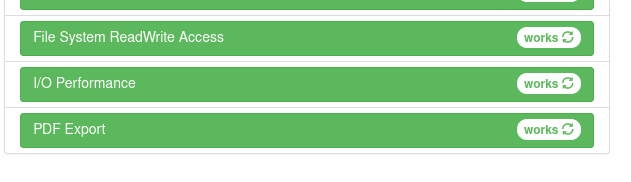
Thanks for your input Christoph. My installation is running on CentOS 8 Stream, but that shouldn't really make a difference compared to Rocky Linux.
I have just the installation from the Connections 7 package. Everything installed default out of the box. A large part with the Ansible scripts. So no icxt full version. Nevertheless, the selftest page of icxt has always worked here.
Which versions of fontconfig and freetype do you have in your environment? I have 2.13.1 and 2.9.1 here. Also, did you install any i686 packages to get pdf export working?
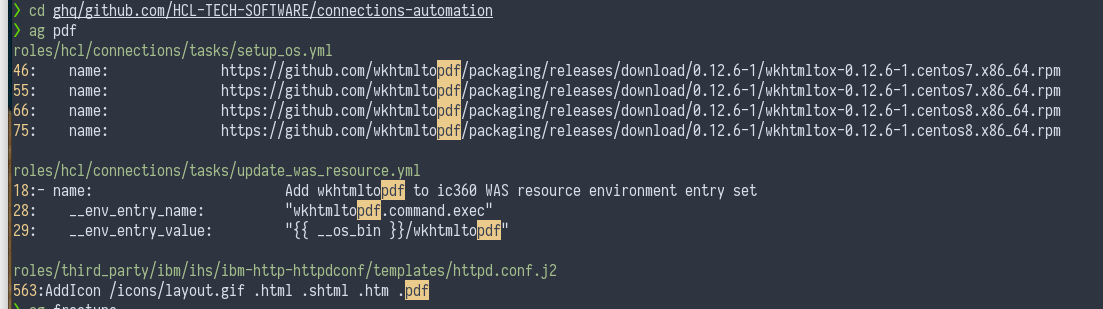
Centos Stream is the upstream for RHEL. So nearly all packages and kernels are newer. Rocky and Alma are compiled from RedHat Sources and so called binary compatible. Like the old CentOS versions. Fontconfig and freetype are the same version. I installed with the official Ansible roles and worked directly. You need i686 and x86_64 afaik. Where does it fail? Pdf icon visible in Blogs and Wikis? Does the page open? Any log messages? Trace?
[12/07/22 22:10:37:874 CEST] 000002e8 PageNotFound W org.springframework.web.servlet.mvc.support.DefaultHandlerExceptionResolver handleHttpRequestMethodNotSupported Request method 'GET' not supported
That's the only indication that something went wrong.
I ran the scripts that are mentioned in the url you provided. That's an interesting URL btw. It differs from the regular one and I hadn't seen this one before.
It sure did something, but on the selftest page it still shows:
[wasusr@hestia ~]$ wkhtmltopdf https://<my-connections-url> test2.pdf Loading pages (1/6) Warning: A finished ResourceObject received a loading finished signal. This might be an indication of an iframe taking too long to load. Warning: A finished ResourceObject received a loading progress signal. This might be an indication of an iframe taking too long to load. Counting pages (2/6) Resolving links (4/6) Loading headers and footers (5/6) Printing pages (6/6) Done
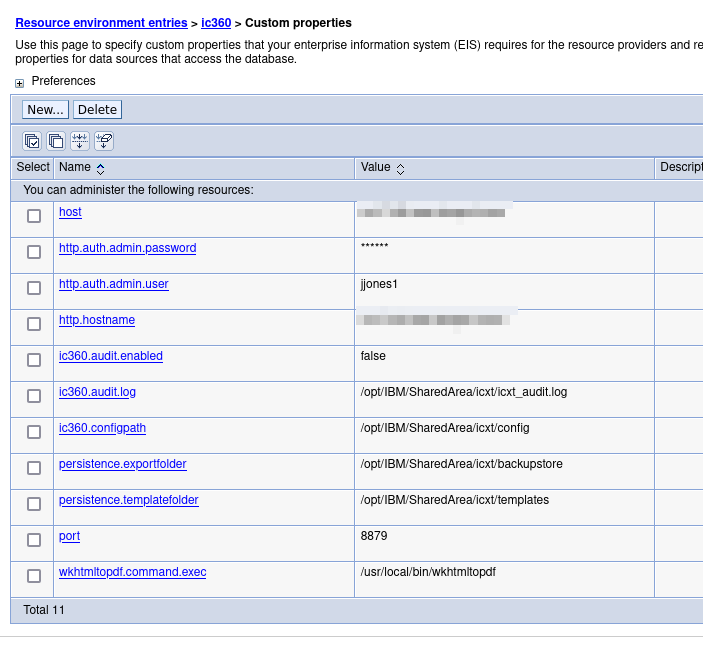
There doesn't seem to be a problem with the wkhtmltopdf installation. So it has to be something wiith the IC360 installation. Btw, I'm running Connections as non-root. I don't know if that makes a difference.