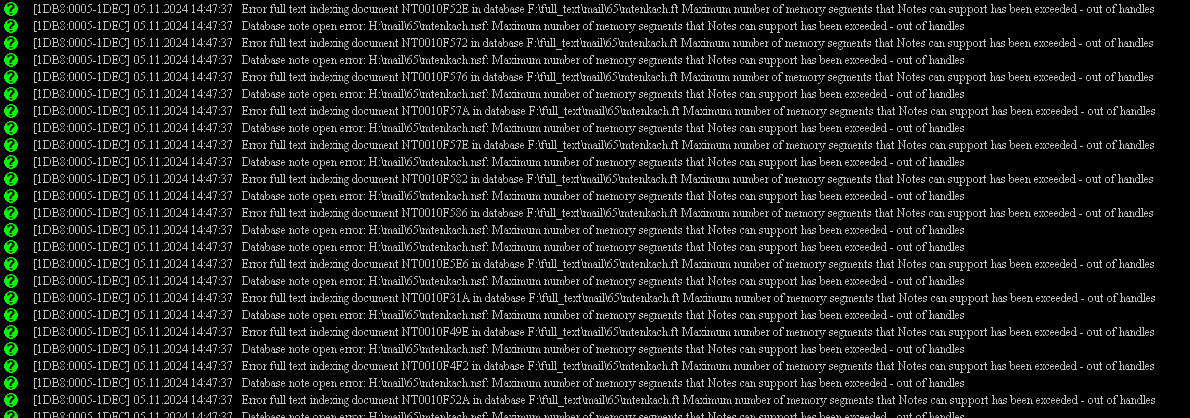
The error "Error full text indexing document" was recorded together with the error "Database note open error. Maximum number of memory segments that Notes can support has been exceeded - out of handles" on more than one database.
According to the knowledge article, you have already added the recommended parameters to the Domino server and restarted it. The error message is no longer appearing.
The parameter `UPDATE_FULLTEXT_THREAD=1` enables the use of a separate thread for full-text indexing. This prevents lengthy full-text indexing operations from delaying view updates. By default, both view updates and full-text index updates are processed by the same thread; however, view updating will continue to function during an "updall" operation.
The parameter `FTG_USE_SYS_MEMORY=1` instructs the full-text engine to use direct memory allocation from the operating system for large allocations, instead of relying on the Notes Memory Manager.
Additionally, please check the database size reporting error message, and if possible, re-create a fresh full-text index for the mentioned database once. Then, verify if the issue persists.