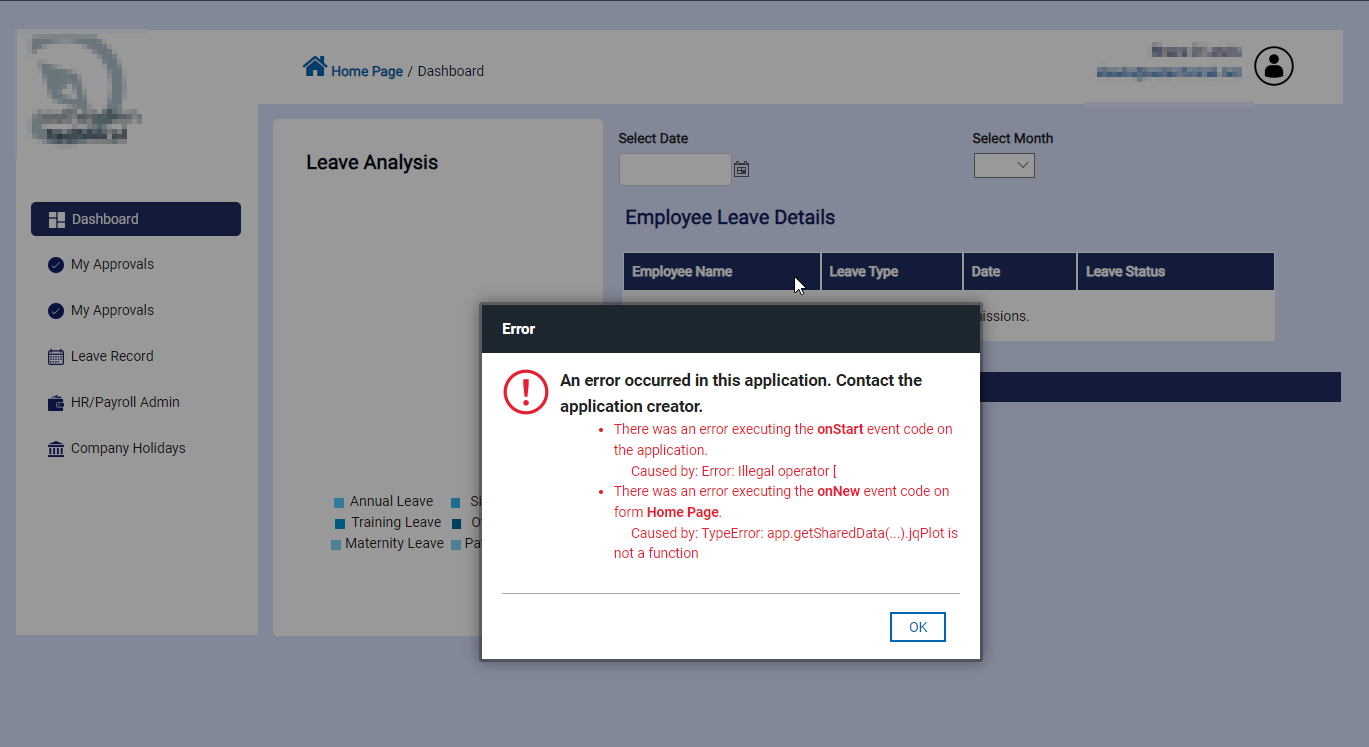
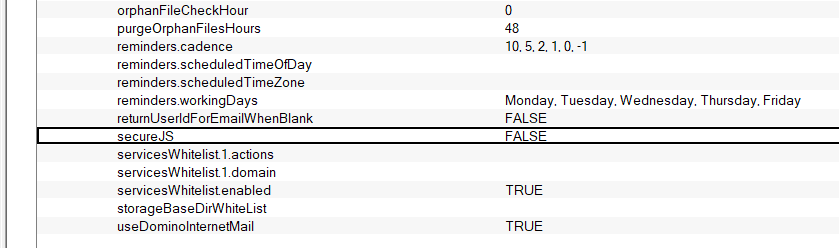
Disabling JavaScript™ Security Under some circumstances, the limitations imposed by the dojox.secure library might be too restrictive. Therefore, the dojox.secure library can be disabled server-wide by modifying the configuration in VoltConfig.nsf. Use the Notes client to set the value of the secureJS setting to false. Also, be sure to enable the setting. Once the configuration is changed, the HCL Domino Volt server should be restarted to ensure that the configuration takes effect.
Changing this configuration setting should only be done if all the Domino Volt users on the server are known trusted users. Disabling JavaScript™ Security on a deployment of the Domino Volt that allows anonymous users to create applications could pose a serious security risk.
It should be noted that this configuration only applies to applications that are deployed after making this configuration change. Applications that are deployed before this configuration change must be redeployed for the configuration to take effect.
Apologies, I went back in to review the steps, and you not only have to set the field to FALSE, but you must also enable the setting... that was missed. I'll test again now.
Hi Shane, good to know that it is working now. Yes, it is already mentioned in the article. Check the yellow highlighted text below. Please mark the answer as correct, so that it will help others.