Close all Tabs at once in HCL Notes client

Please complete the details below then remove this line:


Domino/Notes Version: 12 FP5
Add-on Product (if appropriate, e.g. Verse / Traveler / Nomad / Domino REST API):
Its Version:
Operating System:
Client (Notes, Nomad Web, Nomad Mobile, Android/iOS, browser version):


Problem/Query:

Is it possible to close all open tabs at once in the HCL Notes client? Or must all open tabs be individually closed?

Hi Andrew

Please disable the below setting

File –> Preferences –> Windows

On Restart, reopen any tabs that were open when I closed the client.

Hi Andrew,

The Notes Standard edition provides the [File] - [Close All] option. However, there is a limitation — using it also closes the Workspace or Home page.
You can vote for the enhancement requests below:

Regards,

3 Likes

Hi.

Not the most elegant option, but you could use Switch ID, and that will close all open tabs. It’s standard, simple, and won’t require any plugin.

Best,

Elvis

Thanks, this is exactly what I was looking for.

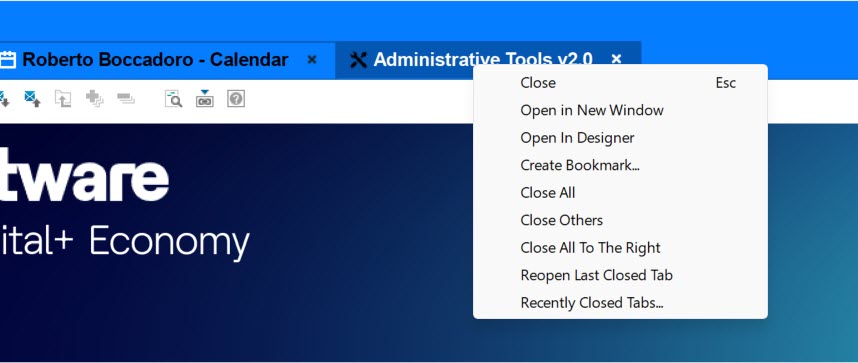
Disclaimer. I am not a Panagenda employee and I don’t want to do any advertising. Having said that, they have a free plugin for the Notes client, Tabzilla, that does exactly what you want, and more.
3 Likes