Hello there
I am new to this forum and hope that someone can point me to the right direction.
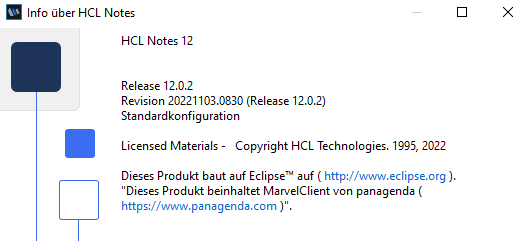
I am using HCL Notes 12 since a few weeks.
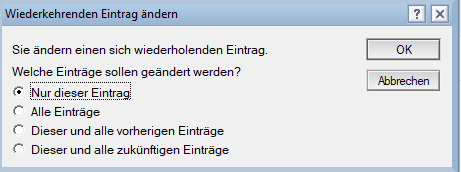
In the past when I wanted to change the time of an recurring event by Drag'n'Drop using my mouse I was asked the following:
You are changing a recurring event. What type should be changed?
- Only THIS event
- ALL events
- This and all FORMER events
- This and all FUTURE events
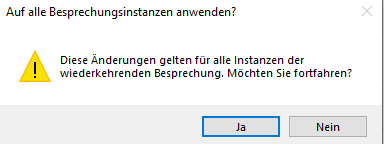
Since I have updated to Notes 12 and I change the time of an event using Drag'N'Drop in the calendar view I get this warning that ALL events will be changed.
The upper dialogue where I have the mentioned 4 options only appears if I OPEN the event of today and change the time by entering another time/day. Drag'N'Drop always changes the time/date of the whole event series.
Is there a way to force the dialogue open when using Drag'N'Drop in the calendar view?

