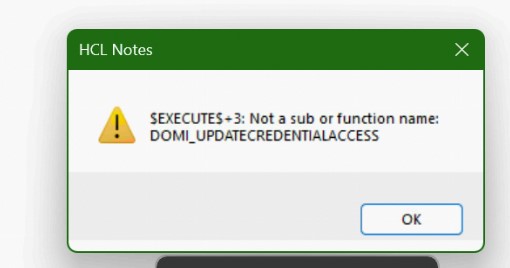
A user has created a HCL Notes mail archive in an .nsf file which is stored on a network drive. It is now not possible to open the .nsf file. Instead the message $EXECUTES+3:Not a sub function or function name: DOMI_UPDATECREDENTIALACCESS.
Has anyone any suggestion on how the database could be opened?
Hello,
This seems to be a design level problem. Please try to replace the design of the database by right clicking on the Workspace icon and then select Application > Replace Design.
That shall ideally fix the design level errors.
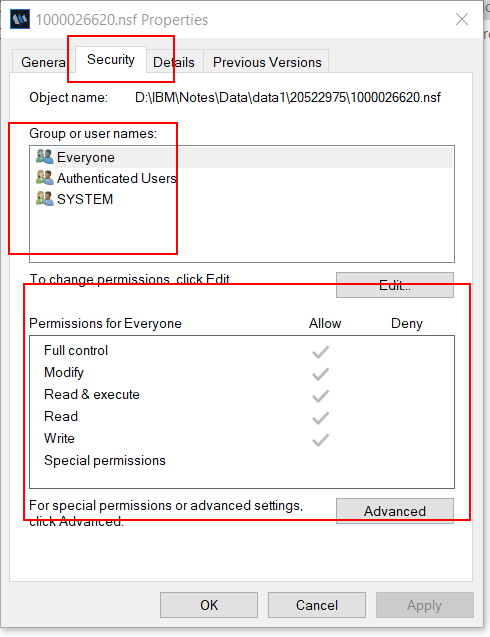
Just doubleclick the database in your windows explorer: A workspace icon will automatically be created even if opening of the database fails. Then you can perform the design update on this icon and fix the design. If replacing the design is unsuccessful then the database probably has write protection on file system level. Then this might also be the reason for your LotusScript error message.
nsf files need to be writable in order to create temporary stuff like view index and others even if ACL only allows reader access.
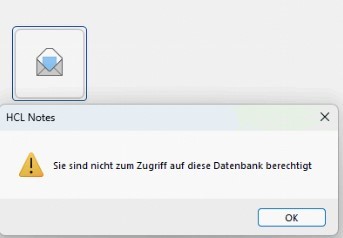
Thanks. I tried your suggestion but it is not possible to either update or replace the database design. I receive the message that I do not have sufficent rights.
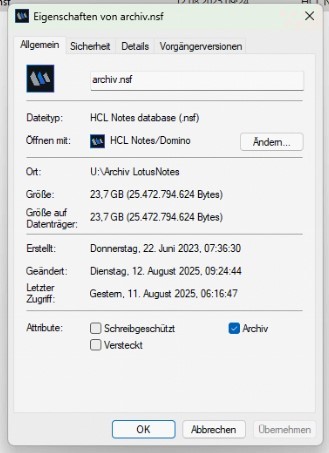
The messages are in German but should be pretty clear. The archive.nsf is neither read nor write protected. The error message is “You do not have the rights to access this database.”