Hi,
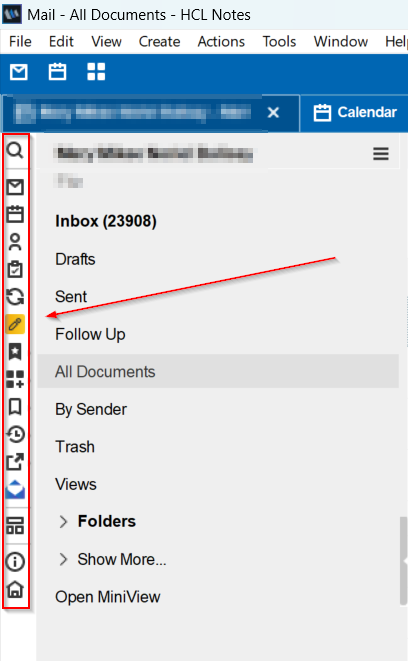
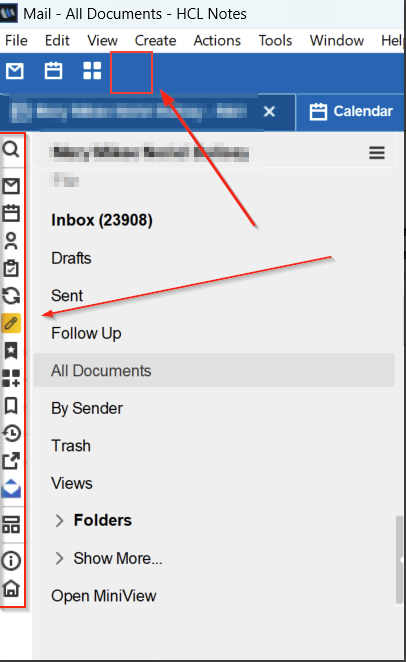
I have a simple Widget which opens a Webpage. I’d like to put a icon to execute the Widget in the Shortcut area next to the Open list.
Is that possible, and if so, how do I go about it?
Good day! Are you pertaining to the Open Dock list on the left side panel? If so, kindly ensure the widget is installed and available in your “My Widgets” sidebar panel. Then, you can either drag the widget icon directly from the sidebar to the Open dock, or use the “Dock the Open List” option after right-clicking on the widget’s tab.
I have seen it done with an earlier version on OnTime (when it was still stand-alone), so I was wondering whether it was possible with any widget to add it as a shortcut.