Im not that experianced in codding. I´m trying to find a way to add a created static Link to an existing activity.
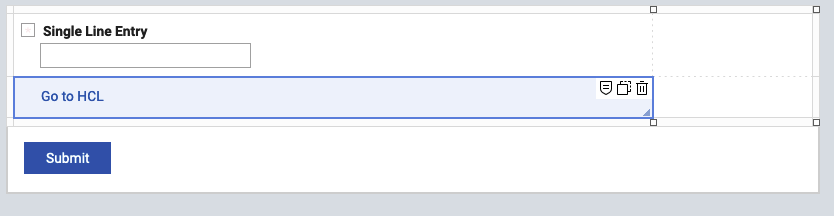
I have a form that is used to register a user with name, surename, shortname and other entries and I use the value in shortname to add this to the url by using F_StaticWebLink.setLinkValue(). This works.
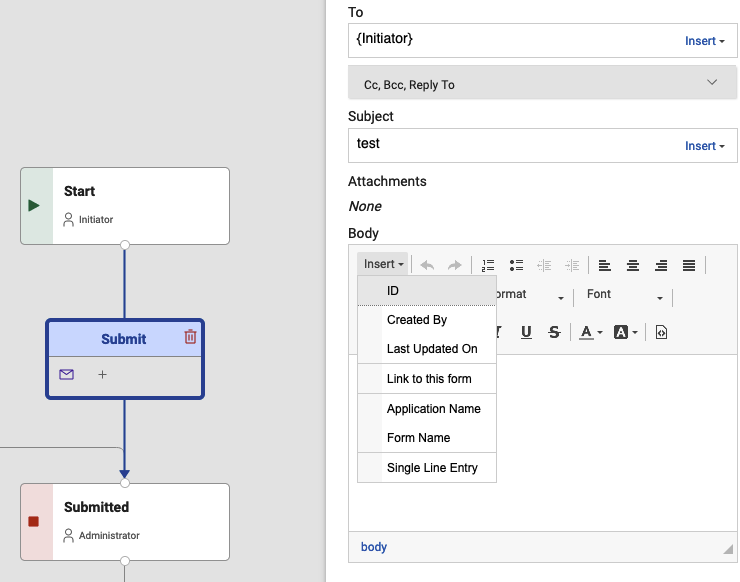
My intention was that I can now go on and select this value on activity (send message)by using the insert option, but I can´t select the field F_StaticWeblink on the activity.
Is there an other way how I can achive that, to have the link in the email that will be sent using activities?
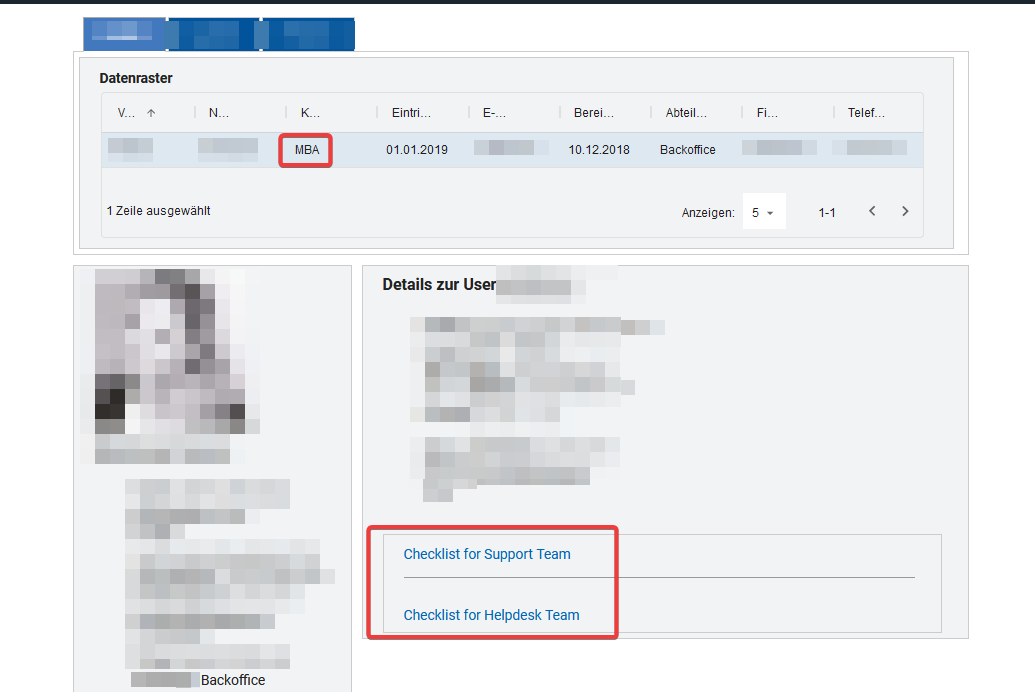
Exactly, I have now done a workaround by creating a dashboard (new form). The User can now search by Keyword (shortname) and the link will be created and displayed at the end.
My firts intention was adding the short name to the base url so the IT Teams have only a link to the prefilled form (Checklist) and do not need to navigate to a dashboard.
Hmm, a weblink object can not be inserted into an e-mail activity. @Christopher Dawes is it intentional, please? I understand that weblink is an Action object, not Entry object... However, it is a valid use case to insert weblinks into e-mail notifications.
@Christopher Dawes Is there a workaround for including a non-static link in the email content; I have a form value that needs to be inserted into the email body?
For me, it works by computing the link into a (hidden) Single Line Entry field on the form beforehand, then selecting this field in the “Insert” dropdown of the Email body at the appropriate place.
If it is a fully qualified link (with protocol “https://” or “notes://” at the beginning), usually all receiving mail clients convert this text into a real clickable link…